

Your stack looks fine until you ask one uncomfortable question: what have you not seen yet? Firewalls still matter, but they don't tell you that an internal package is outdated, a VM template shipped with a weak service exposed, or a new web deploy introduced an exploitable flaw. That's why vulnerability scanning tools became a foundational security practice. They automate detection across networks, applications, and cloud systems, compare configurations and software versions against continuously updated databases such as CISA's Known Exploited Vulnerabilities catalog, and help teams prioritize fixes with severity scoring such as CVSS.
The practical shift in 2026 is operational, not conceptual. Buyers no longer want a scanner that runs once a month and dumps out a PDF. They want broad coverage, automated scanning, remediation reporting, and visibility into systems behind the firewall because internal assets fail just as often as internet-facing ones. They tell you where your exposed weaknesses are.
In a managed hosting environment, the right answer depends on where the assets live and how you remediate. A scanner on a single VPS is one problem. Scanning hybrid fleets, customer web stacks, containers, private cloud tenants, and short-lived workloads is another. The tools below aren't equal, and the trade-offs matter.
1. Tenable Nessus (Professional and Expert)
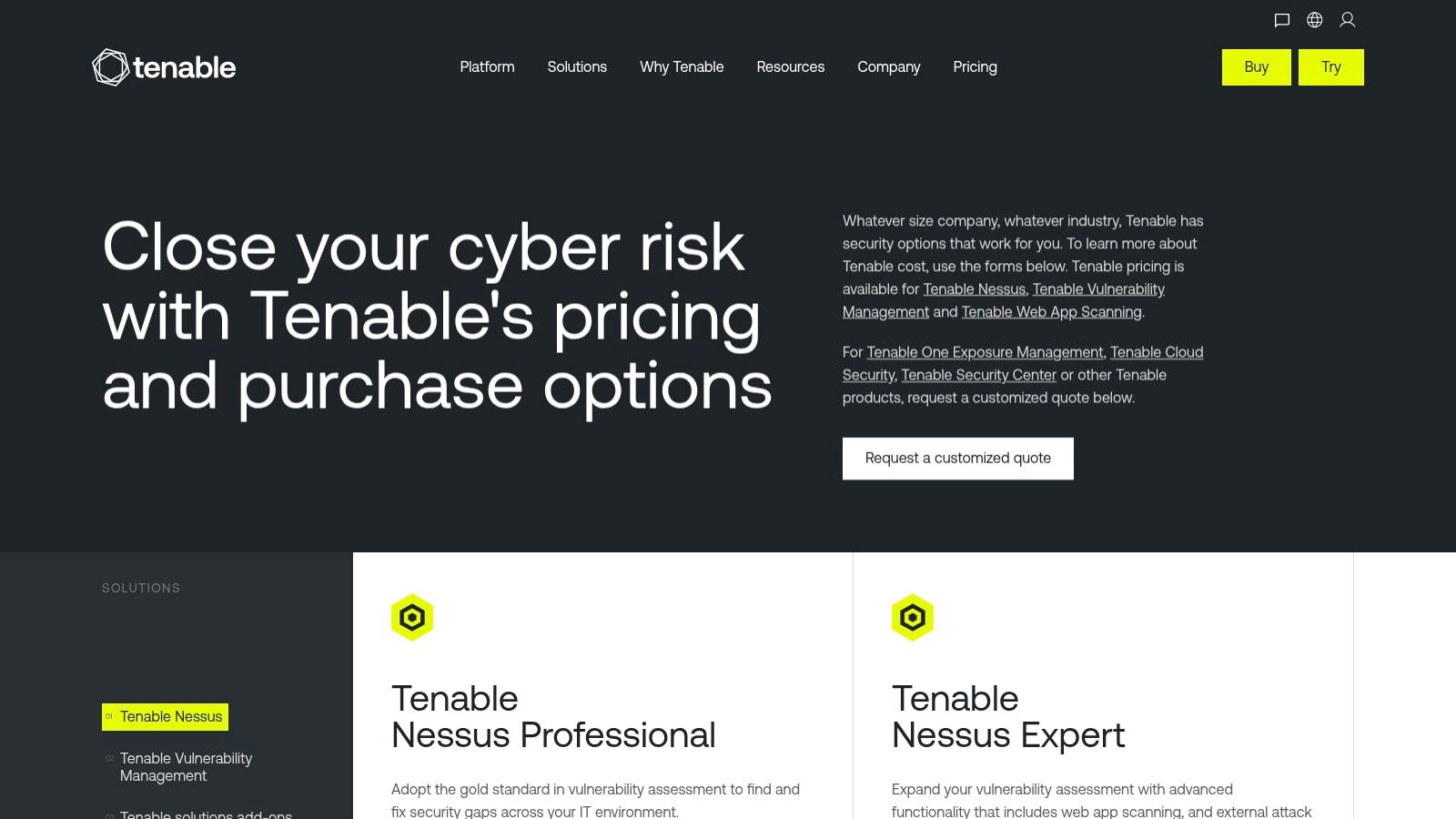
Nessus is still the tool many admins reach for first when they need dependable host and network scanning. That's not hype. It's mostly because it's easy to operationalize, the scan policies are mature, and authenticated scanning works well when you provide it valid credentials instead of treating it like a perimeter-only probe.
Professional fits consultants, internal IT teams, and smaller MSP workflows. Expert makes more sense if you also need web app scanning and external attack surface discovery for public-facing assets.
Where Nessus fits well
Nessus works best when your immediate problem is classic infrastructure visibility. Think Linux servers, Windows servers, appliances, exposed services, and common configuration issues. In an ARPHost deployment, that usually means placing the scanner on an internal VPS, a dedicated bare metal node, or a management segment inside a Proxmox private cloud so it can reach private RFC1918 ranges cleanly.
A practical deployment pattern looks like this:
- Use authenticated scans first: Give Nessus SSH or WinRM access where possible. You'll get much better package and configuration visibility than you will from banner grabbing alone.
- Separate scan zones: Put one scanner close to internal workloads and another process for external validation. That avoids false confidence from seeing only edge-facing services.
- Map findings to hardening tasks: Scan output is useful only if it feeds patching and baseline review. This lines up well with a server hardening mindset for production systems.
Practical rule: Nessus is strongest when you know your assets and want reliable scanning discipline. It's weaker when you expect the scanner itself to become your full remediation program.
The trade-off is clear. Nessus is excellent at finding issues. It's less opinionated about fixing them across a broad enterprise workflow unless you add other products and processes around it.
2. Rapid7 InsightVM
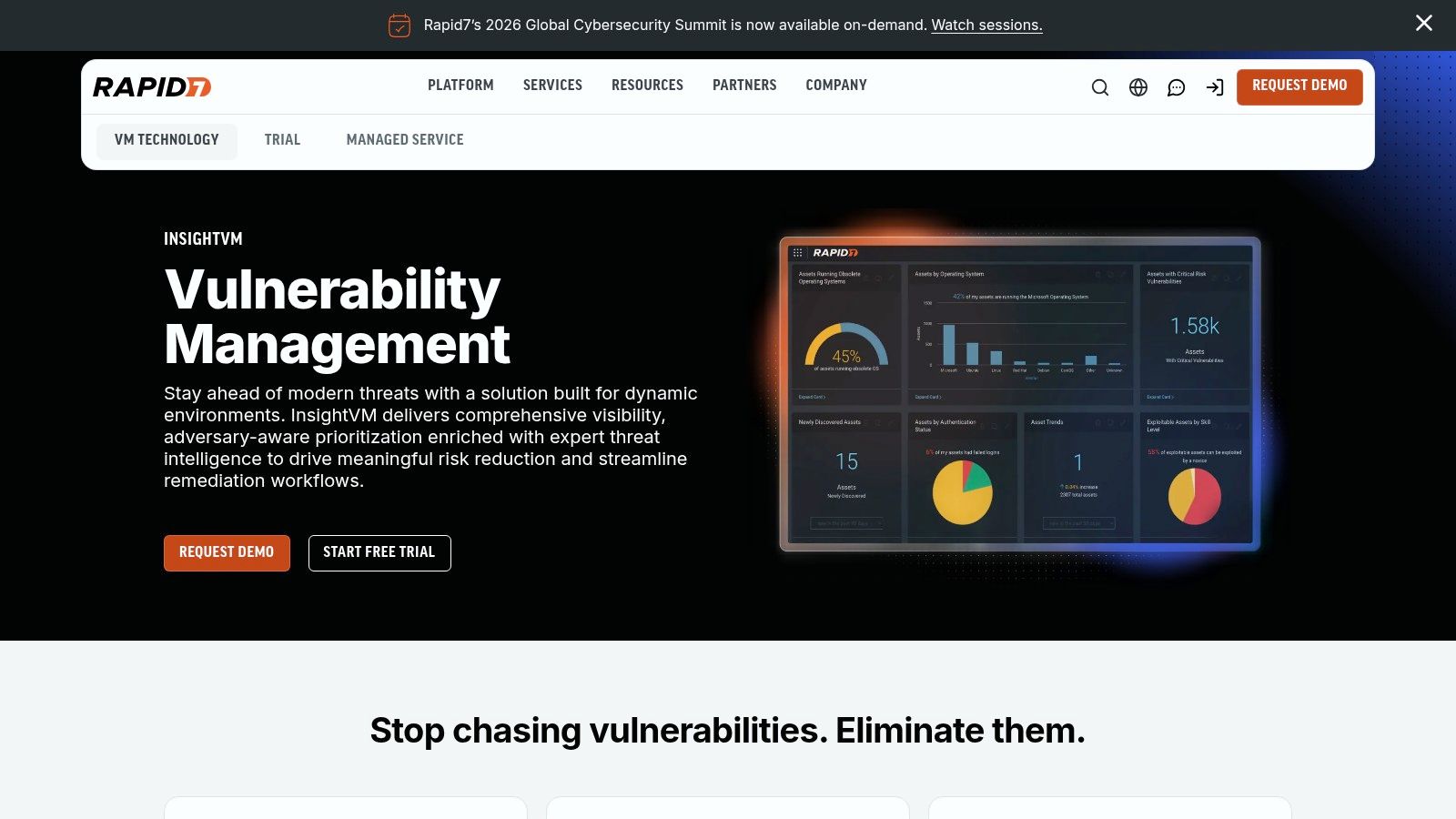
InsightVM is what I'd choose when the problem isn't just detection. It's handoff. Security teams find the issue, operations teams own the patch, and both sides need one system to track what's open, what's aging, and what's stuck.
That's where Rapid7 tends to justify itself. The platform combines scanners, agents, prioritization, remediation projects, and broad integrations. In real environments, that matters more than a slightly prettier dashboard.
The operational advantage
If you're running a managed hosting environment, InsightVM gives you structure. You can organize remediation around business services, support SLAs, and push findings into ticketing and workflow tools instead of emailing spreadsheets around. That's useful in MSP-style operations where accountability matters as much as raw detection.
A practical use case inside ARPHost-hosted infrastructure would be:
- Deploy scan engines near segmented networks: Keep east-west traffic local inside a private cloud or customer VLAN.
- Use agents for remote or unstable endpoints: This helps when devices aren't always reachable from a centralized scanner.
- Tie remediation to existing ops processes: Findings should open or enrich the same patching and hardening work items your team already uses. A good companion discipline is a formal server hardening checklist for production operations.
Rapid7 is a good fit when vulnerability management is already a cross-team process. If you just need a straightforward scanner for a handful of systems, it can feel heavier than necessary. If you need SecOps and IT to work from the same queue, that extra weight is usually worth it.
3. Qualys VMDR (Vulnerability Management, Detection & Response)
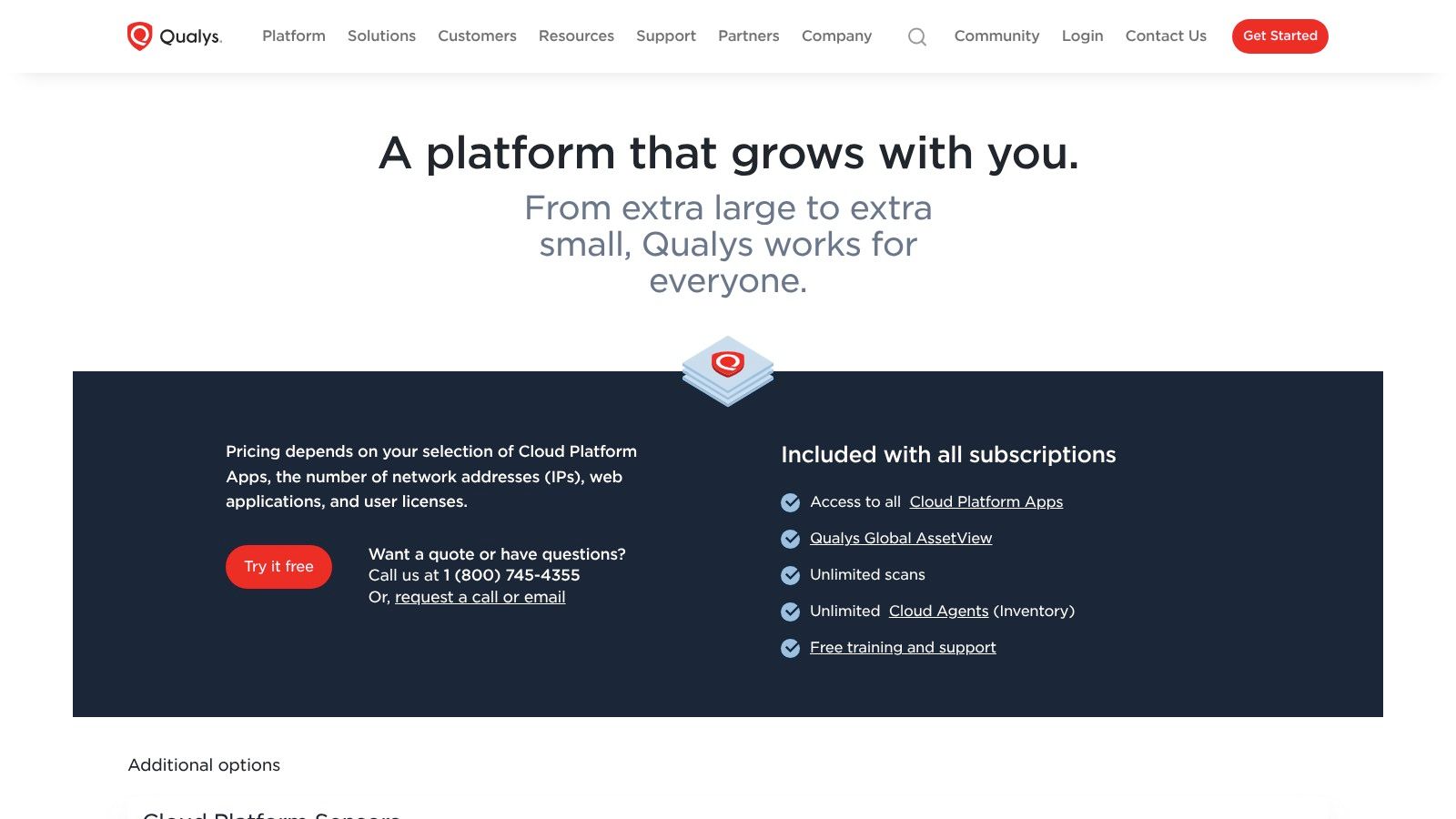
A common Qualys deployment starts when a team already has assets spread across hosted servers, remote endpoints, and cloud workloads, but reporting still lives in separate tools. Qualys VMDR fits that problem well because it brings asset inventory, vulnerability detection, and policy reporting into one service with a mature agent model.
That matters in regulated environments. Security teams usually need more than a list of CVEs. They need asset context, recurring evidence, and reporting that stands up during audits.
Best use inside managed infrastructure
Inside an ARPHost-managed environment, Qualys is usually a better fit for broad coverage and long-term operational discipline than for quick one-off scans. On a VPS fleet, the lightweight agent is often the practical choice because it keeps visibility even when hosts are not exposed to a central scanner full time. On bare metal, authenticated network scans still add value for validating services, local configuration drift, and exposure that an agent alone may not present cleanly. In a Proxmox private cloud, the usual pattern is to place scanner capacity close to the guest network and use tags to separate tenants, business units, or compliance boundaries.
The platform works best when asset ownership is already defined.
If naming, tagging, and lifecycle rules are inconsistent, Qualys can become an inventory cleanup exercise before it becomes a useful vulnerability program. That is a trade-off. The technology is strong, but dynamic infrastructure can create licensing friction and duplicate asset records if teams do not retire old instances cleanly or keep cloud metadata aligned with operational ownership.
A practical rollout usually looks like this:
- Use agents for persistent coverage across VPS and roaming systems: This reduces blind spots between scheduled network scans.
- Keep authenticated scanning for server validation: Agents are useful, but credentialed checks still catch service-level and configuration issues from a different angle.
- Define tags before full deployment: Group assets by customer, environment, sensitivity, and patching owner from the start.
- Set remediation rules around operations, not just severity: A medium finding on an internet-facing control panel may deserve faster handling than a higher-score issue on an isolated internal host.
- Review asset lifecycle monthly: Remove stale systems and merge duplicates before reports turn noisy.
Qualys is a strong choice when vulnerability management needs to run as an ongoing service across mixed infrastructure, not just as a periodic scan task. If you want a scanner that drops neatly into a professionally managed hosting model with clear reporting lines, it does that well. If your environment changes daily and no one owns asset hygiene, fix that first or the platform will reflect the disorder back at you.
4. Greenbone / OpenVAS (Community and Enterprise)
OpenVAS is still relevant because budget pressure is real, and not every team needs an enterprise platform on day one. Greenbone's commercial layers add support and easier lifecycle management, but the open-source route remains useful for internal labs, smaller environments, and teams that would rather invest time than licensing budget.
I wouldn't call it the easiest scanner to live with. I would call it a viable one if your team is comfortable owning the platform.
Where OpenVAS earns its keep
Open-source-first teams often deploy OpenVAS on a Linux VM and use it to scan internal ranges, management interfaces, and server inventories on a schedule. In ARPHost terms, that can be a low-cost VPS for small estates or a dedicated scanner VM inside a Proxmox private cloud for east-west visibility.
A simple starting pattern:
- Install the scanner on an isolated management subnet: Keep scan traffic away from customer-facing services when possible.
- Start with internal authenticated scans: OpenVAS becomes much more useful when it can inspect beyond open ports.
- Use it for recurring hygiene checks: It's good for catching the obvious things teams miss, including outdated packages and exposed services.
OpenVAS is often the right first scanner for teams that need coverage more than polish.
The downside is maintenance overhead. Feed handling, updates, tuning, and troubleshooting take time. If you're an MSP or hosting provider managing multiple tenants, that time cost adds up quickly. That's usually the point where Greenbone commercial support, or a managed service around the scanner, starts to make more sense than “free.”
5. ManageEngine Vulnerability Manager Plus
ManageEngine Vulnerability Manager Plus is less about broad attack-surface theory and more about practical endpoint operations. If you want vulnerability assessment tied closely to patching and configuration control, it's a sensible option.
That makes it attractive for SMBs, internal IT departments, and MSPs that need one console for endpoint-focused hygiene without buying a more sprawling platform.
Good fit for IT-driven remediation
This tool is strongest when the same team owns endpoint management and vulnerability remediation. You scan, prioritize, push patches, validate, and move on. That workflow is cleaner than handing findings between separate security and operations platforms.
In hosted environments, I'd use it for managed server estates where the biggest risks are:
- missing OS updates
- weak configuration baselines
- stale third-party software
- inconsistent remediation follow-through
It's less compelling if your priority is deep network exposure analysis or web application testing. You'll still need other tools for those use cases.
A lot of buyers are moving toward scalable delivery models for scanning. In 2024, the AI vulnerability scanning market's software segment held more than 67% of total share and the cloud deployment segment held more than 55%, according to Market.us research on AI vulnerability scanning. The practical point is straightforward. Teams prefer platforms they can deploy and operate continuously, not scanners that demand a lot of local infrastructure.
If your business runs managed Windows and Linux servers on ARPHost VPS or dedicated infrastructure, a tool like this can slot neatly into routine patch and compliance work. If you need broader discovery across cloud, apps, and containers, it won't be enough on its own.
6. Amazon Inspector (AWS)
A common pattern looks like this. The team has good visibility into EC2 and ECR inside AWS, then loses consistency the moment the environment extends to hosted VMs, private cloud, or a few legacy servers outside Amazon. Amazon Inspector solves the AWS part of that problem well, but it does not replace a broader scanning program.
Inspector works best where AWS metadata matters as much as the finding itself. It can tie issues to EC2 instances, container images in ECR, Lambda packages, and the tags and accounts your operations team already uses for ownership and remediation. That cuts a lot of manual correlation work.
For AWS-native operations, that is a real advantage.
The practical trade-off is scope. Inspector is designed for assets that live inside AWS and inherit AWS context. If you run a mixed estate on ARPHost VPS, dedicated servers, or a Proxmox cluster alongside AWS, you should treat Inspector as one sensor in the stack. It gives strong cloud-native coverage, but it will not give you the same view of external network exposure, internal east-west risk, or custom web application flaws across the whole environment.
Use it when you need:
- continuous visibility into EC2 package and software issues
- container image scanning tied directly to ECR workflows
- Lambda package findings without deploying another scanner stack
- account and tag-based triage for large AWS estates
In managed hosting practice, the deployment question is simple. If the workload is fully AWS-based, Inspector is usually the lowest-friction way to get started. If the client estate spans Amazon and non-Amazon infrastructure, we pair it with tools that can assess the rest of the fleet from a central operations model. That matters because cloud computing vulnerabilities rarely stay confined to one provider or one asset type.
The operational mistake is assuming native equals complete. Native usually means faster rollout and better context inside that platform. Complete coverage still takes process, ownership, and another layer for anything outside AWS.
7. Microsoft Defender Vulnerability Management (MDVM)
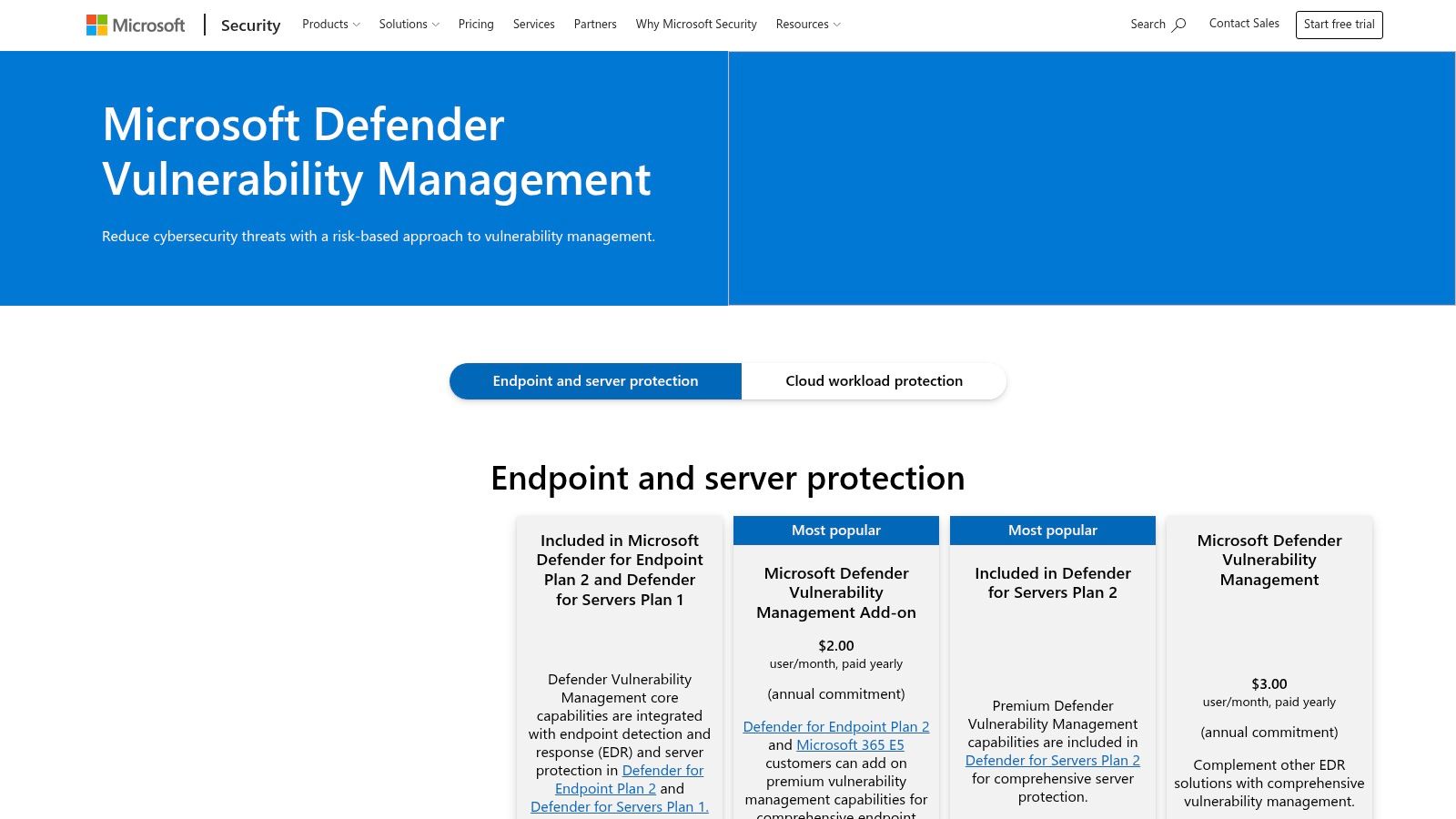
MDVM is one of those products that becomes very attractive if you've already standardized on Microsoft Defender. Reusing the existing agent and management plane cuts rollout friction. For Windows-heavy estates, that's often the deciding factor.
The value is less about having the most specialized scanner and more about reducing operational sprawl.
Where it works best
If your fleet already lives inside Microsoft security tooling, MDVM gives you asset inventory, prioritized recommendations, and exposure visibility without introducing another major agent stack. That's useful for mixed desktop, server, and hybrid work environments where endpoint teams already trust Defender.
For cloud and hybrid operators, the catch is obvious. It's strongest when your environment leans Microsoft. In more heterogeneous fleets, especially those mixing Linux-heavy hosting platforms, appliances, and custom web stacks, MDVM often becomes one component instead of the central scanner.
Operational note: Don't force a Microsoft-native exposure model onto assets that are better represented by network, web, or cloud-specific scanners.
That matters in hosting and virtualization environments because cloud risk isn't just endpoint risk. Ephemeral assets, layered tenants, and infrastructure drift need broader context, especially when you're dealing with the usual vulnerabilities of cloud computing in production environments. MDVM can absolutely help. It just works best as part of a Microsoft-centered program, not as a universal replacement for every other scanner category.
8. CrowdStrike Falcon Spotlight
Falcon Spotlight is the endpoint-focused answer for organizations that already trust CrowdStrike Falcon. If the agent is already deployed everywhere, adding vulnerability visibility without another endpoint tool is an easy sell.
That's the appeal. Fast time to value, real-time software inventory, and vulnerability context alongside EDR signals.
Strong when endpoint context matters most
Spotlight shines in managed workstation and server fleets where the question is, “Which vulnerable software is installed right now on the devices we already monitor?” That's very different from “What does the network expose?” or “What can my web application scanner reach?”
In practical operations, Falcon Spotlight works well for:
- Managed desktops and laptops
- General server fleets where Falcon is standard
- Prioritization tied to active endpoint telemetry
- Security teams that want one console for detection and exposure review
It's not the tool I'd choose as a primary scanner for customer web applications, segmented infrastructure networks, or private cloud tenant discovery. It doesn't try to be that. It's an endpoint visibility layer, and it's a useful one.
Modern environments increasingly include containers, Kubernetes, serverless workloads, and short-lived VMs that can appear and disappear between scans. Spotlight covers one lane well. You still need the rest of the road mapped.
9. Burp Suite Enterprise Edition (PortSwigger)
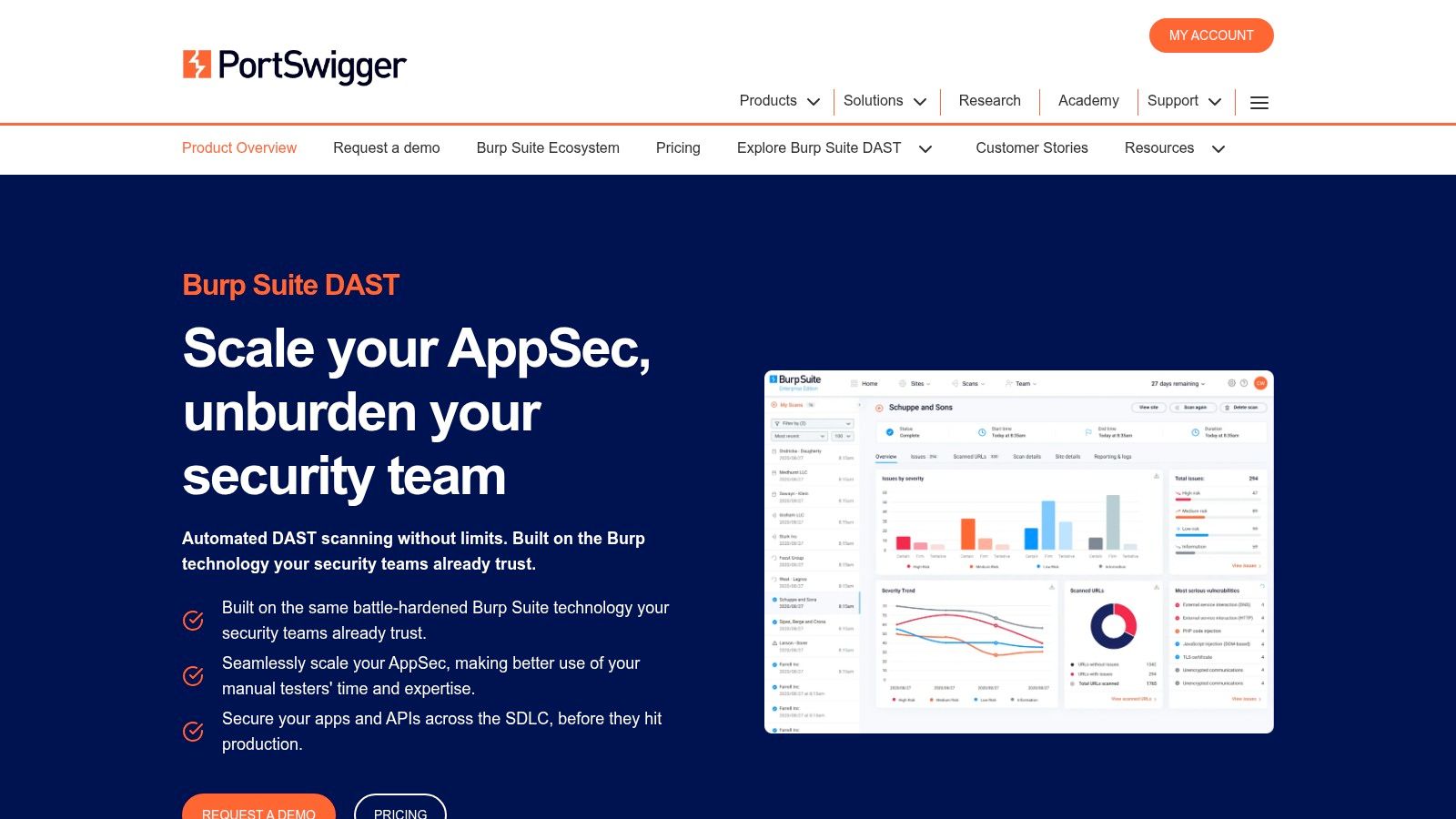
Burp Suite Enterprise Edition is for teams that know web apps are their primary exposure and want continuous DAST, not occasional pentest leftovers. PortSwigger's scanning engine is well regarded because it understands web behavior in a way general infrastructure scanners often don't.
That's the difference. Nessus might tell you the server has issues. Burp tells you the application logic and request handling deserve closer attention.
Best for web-heavy stacks
If you host customer portals, APIs, admin panels, ecommerce fronts, or SaaS apps, Burp Enterprise belongs in the conversation. It's designed for scheduled scanning, CI/CD integration, and ongoing assessment of web properties that change frequently.
In managed hosting terms, this is a strong fit for:
- Secure web hosting bundles running customer applications
- Dev and staging environments on VPS
- Production web apps on dedicated servers
- Private cloud deployments where multiple internal apps need recurring DAST
A good operating pattern is to scan lower environments automatically with every meaningful release, then schedule authenticated production-safe scans against known routes and test accounts. The hard part isn't launching the scan. It's controlling scope so your DAST process doesn't flood developers with duplicate or non-actionable findings.
Burp is specialized, and that's a strength. Just don't mistake application security coverage for complete vulnerability management. You still need infrastructure, endpoint, and cloud visibility elsewhere.
10. Invicti (formerly Acunetix / Netsparker)
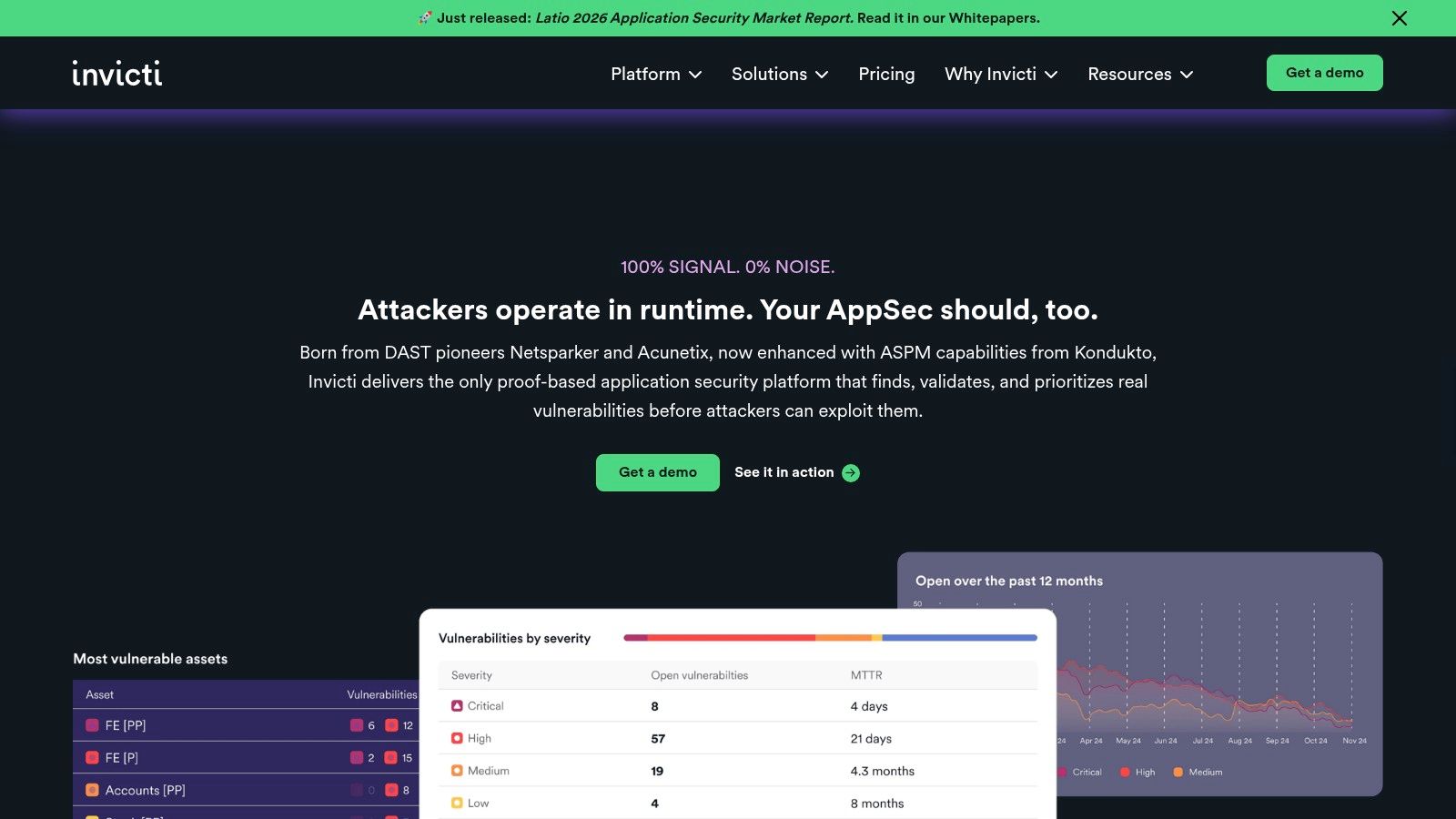
Invicti is a strong candidate when false-positive fatigue has become a real operational problem. Security teams can live with a lot. What they won't tolerate for long is a scanner that creates noise faster than the dev team can triage it.
Its proof-based approach is the selling point. The platform emphasizes validation of findings, which can make application security workflows much easier to defend internally.
Good for validated app security workflows
This is a fit for organizations running a lot of web applications and APIs, especially when AppSec needs to prove to engineering that a finding is real before asking for remediation time. That changes the culture around scanning. The conversation moves from “the scanner says maybe” to “this issue was verified.”
A strong implementation pattern inside managed infrastructure looks like this:
- Scan public web apps regularly: Focus on exposed portals, APIs, and customer login surfaces.
- Use staging for aggressive coverage: Let the scanner probe thoroughly before code reaches production.
- Integrate findings into development work queues: Don't leave AppSec findings marooned in a separate dashboard.
- Pair with host and cloud scanners: App-layer validation doesn't replace infrastructure hygiene.
Invicti works best when development teams are mature enough to consume ongoing DAST and API findings. If engineering capacity is thin, even high-quality findings can pile up. In those cases, a managed service model helps because someone has to own retesting, prioritization, and follow-up instead of just generating reports.
Top 10 Vulnerability Scanners, Feature Comparison
| Product | Core features | UX & Reliability | Pricing / Value | Target audience | Unique selling points |
|---|---|---|---|---|---|
| Tenable Nessus (Professional & Expert) | Extensive plugin feed, authenticated scans, compliance templates, web-app scans (Expert) | ★★★★ clear reporting, easy to operationalize | 💰 Perpetual/tiers; support sold separately | 👥 Consultants, SMBs, hosting & security teams | ✨ Large, frequently updated checks • 🏆 gold-standard host/network scanner |
| Rapid7 InsightVM | Agent + agentless scanning, threat-aware prioritization, remediation projects/SLAs | ★★★★ strong remediation workflows & tracking | 💰 Starter per-asset public; scales, sales-led for full tiers | 👥 Enterprises, SecOps-IT teams, MSPs | ✨ Integrated ticketing & SLA tracking • 🏆 remediation-first platform |
| Qualys VMDR | Single agent platform, automated prioritization (TruRisk), compliance dashboards | ★★★★ highly scalable for large environments | 💰 Quote-based; complex per‑IP for dynamic/cloud assets | 👥 Regulated orgs, large enterprises, hosting infra | ✨ Cloud-native single platform with deep compliance • 🏆 mature enterprise scale |
| Greenbone / OpenVAS (CE & Enterprise) | Open-source scanner core, VT updates, on‑prem appliances or cloud | ★★★ community needs admin effort; commercial smoother | 💰 CE = free; paid feeds/support for commercial tiers | 👥 OSS-first teams, labs, cost-conscious orgs | ✨ Zero-license CE option • flexible deployments |
| ManageEngine Vulnerability Manager Plus | Endpoint VM, config baselines, integrated patching & remediation | ★★★ good endpoint UX; consolidated console | 💰 Transparent published tiers per endpoint/technician | 👥 SMBs, MSPs, IT ops wanting consolidation | ✨ VM + patch management in one console |
| Amazon Inspector (AWS) | Agent-based EC2 scans, ECR image & Lambda scanning, console cost visibility | ★★★ tight AWS integration; cloud-scaled | 💰 💰 Pay-as-you-go (coverage hours); region pricing varies | 👥 AWS-native workloads, cloud hosting teams | ✨ Seamless AWS/IAM/tagging integration • no license mgmt |
| Microsoft Defender Vulnerability Management | Defender agent reuse, asset inventory, prioritized remediations | ★★★★ strong in Microsoft-centric fleets | 💰 Included in Defender/E5 tiers; premium add-ons | 👥 Microsoft-heavy environments, enterprises | ✨ Native MDE/M365 integration • lower marginal cost if licensed |
| CrowdStrike Falcon Spotlight | Real-time endpoint inventory & CVE exposure via Falcon agent | ★★★★ instant endpoint context with EDR | 💰 Sales-led module/bundle pricing | 👥 Organizations already on CrowdStrike, endpoints-focused teams | ✨ No extra agent required • endpoint-contextual vulnerability data |
| Burp Suite Enterprise (PortSwigger) | Automated DAST for web apps & APIs, CI/CD integration, scheduled scans | ★★★★ trusted DAST engine for appsec teams | 💰 Tiered by concurrent scans; quote-based enterprise pricing | 👥 AppSec teams, web-heavy orgs, CI/CD pipelines | ✨ Industrial-strength automated DAST • 🏆 industry-trusted scanner |
| Invicti (Acunetix/Netsparker) | Proof-based DAST, API scanning, SAST/SCA correlation, validated findings | ★★★★ reduces false positives, developer-friendly | 💰 Sales-led quote pricing | 👥 DevSecOps, web-heavy orgs, application teams | ✨ Proof-based verification to cut noise • unified appsec coverage |
From Detection to Defense Building Your Security Program
At 2 a.m, a scan report is easy to generate. A clean remediation workflow is harder. In managed hosting, the actual work starts after the scanner finds something. Someone has to confirm the asset owner, verify whether the finding is exploitable in that environment, schedule the fix, and rescan without disrupting production.
That is why the right tool depends less on headline features and more on how your infrastructure is run. Nessus and OpenVAS suit teams that want direct control over scanning jobs, credentials, and network placement. Rapid7 and Qualys make more sense where ownership, ticketing, and remediation tracking span multiple teams. Burp Suite and Invicti belong in application security workflows, not as substitutes for host and network coverage. Amazon Inspector, MDVM, and Falcon Spotlight are strongest when they match the platform already carrying most of your assets.
I have seen the same failure pattern more than once. A capable scanner gets deployed, but service accounts are incomplete, network segments are unreachable, cloud assets are poorly tagged, and no one agrees on who closes findings. The product is not the bottleneck. The operating model is.
For ARPHost-hosted infrastructure, a workable program usually starts with scope and placement. Establish a reliable asset inventory first. Decide where authenticated scanning is safe and supportable. Keep internal infrastructure scans separate from external exposure checks so you can tune schedules, credentials, and alerting properly. Then connect findings to patching, hardening baselines, and change control so remediation becomes part of operations instead of a quarterly scramble.
A practical rollout often looks like this:
- Single VPS or small web stack: Run a focused scanner such as Nessus or OpenVAS for host visibility. Add a dedicated web scanner if the application is internet-facing and changes frequently.
- Dedicated servers: Use authenticated scans, maintenance windows, and conservative performance settings. That reduces the chance of noisy checks affecting production services.
- Proxmox private clouds: Place the scanner in a management network or a dedicated security segment so it can reach east-west assets without opening unnecessary paths between tenants or VLANs.
- Hybrid estates: Combine cloud-native tooling with a broader vulnerability management platform so AWS workloads, endpoints, web apps, and hosted infrastructure feed into one remediation process.
Cost and integration usually decide whether a program lasts. Compliance requirements often trigger the purchase, but day-two operations determine whether the tool stays useful. Teams that get value from scanning usually have three things in place: dependable asset discovery, clear remediation ownership, and a ticketing or patch workflow that can absorb findings every week.
Automation is improving, and buyers now expect wider coverage with less manual triage. That does not mean every environment needs another analytics layer or an "AI" add-on. It means the scanner must fit the way the environment is managed, especially across mixed estates where cloud assets, hosted servers, and application stacks all move at different speeds.
If you want to run this internally, ARPHost infrastructure supports several clean deployment paths. You can stand up a scanner on VPS hosting, dedicate a bare metal server platform to internal assessments, or place security tooling inside Proxmox private clouds for controlled visibility across private infrastructure. If you do not want to maintain scanner nodes, credentials, scan windows, patch coordination, and retesting yourself, managed IT services for servers and networks is often the more stable option.
Security programs mature when findings consistently turn into fixes. Scan. Validate. Prioritize. Remediate. Rescan. Teams that can repeat that cycle without operational friction get far more value from vulnerability scanning than teams that only collect reports.
If you need help choosing, deploying, or operationalizing vulnerability scanning tools across VPS, dedicated servers, web hosting, or private cloud infrastructure, ARPHost, LLC offers infrastructure and managed services that support both self-managed and hands-on security workflows.
