

When you're speccing out a server, it's easy to get caught up in CPU cores and RAM. But the unsung hero—or the single point of failure—is often the storage. A rack hard drive isn't just any old disk; it’s an enterprise-grade HDD or SSD built from the ground up for the brutal, non-stop reality of a server rack.
Unlike the drive humming away in your desktop PC, these are engineered with beefier components to survive constant vibration, heat, and a relentless barrage of read/write requests. For any business-critical infrastructure, from a high-performance bare metal server to a scalable private cloud, they’re not just a good idea—they're a requirement.
The Foundation of Your Server's Performance
Don't think of a rack hard drive as some exotic piece of tech. Instead, picture it as a professional-grade tool for a highly demanding job. Whether you're firing up a new bare metal server or expanding a private cloud, your storage choice is the foundation for your system's speed and, more importantly, its reliability.
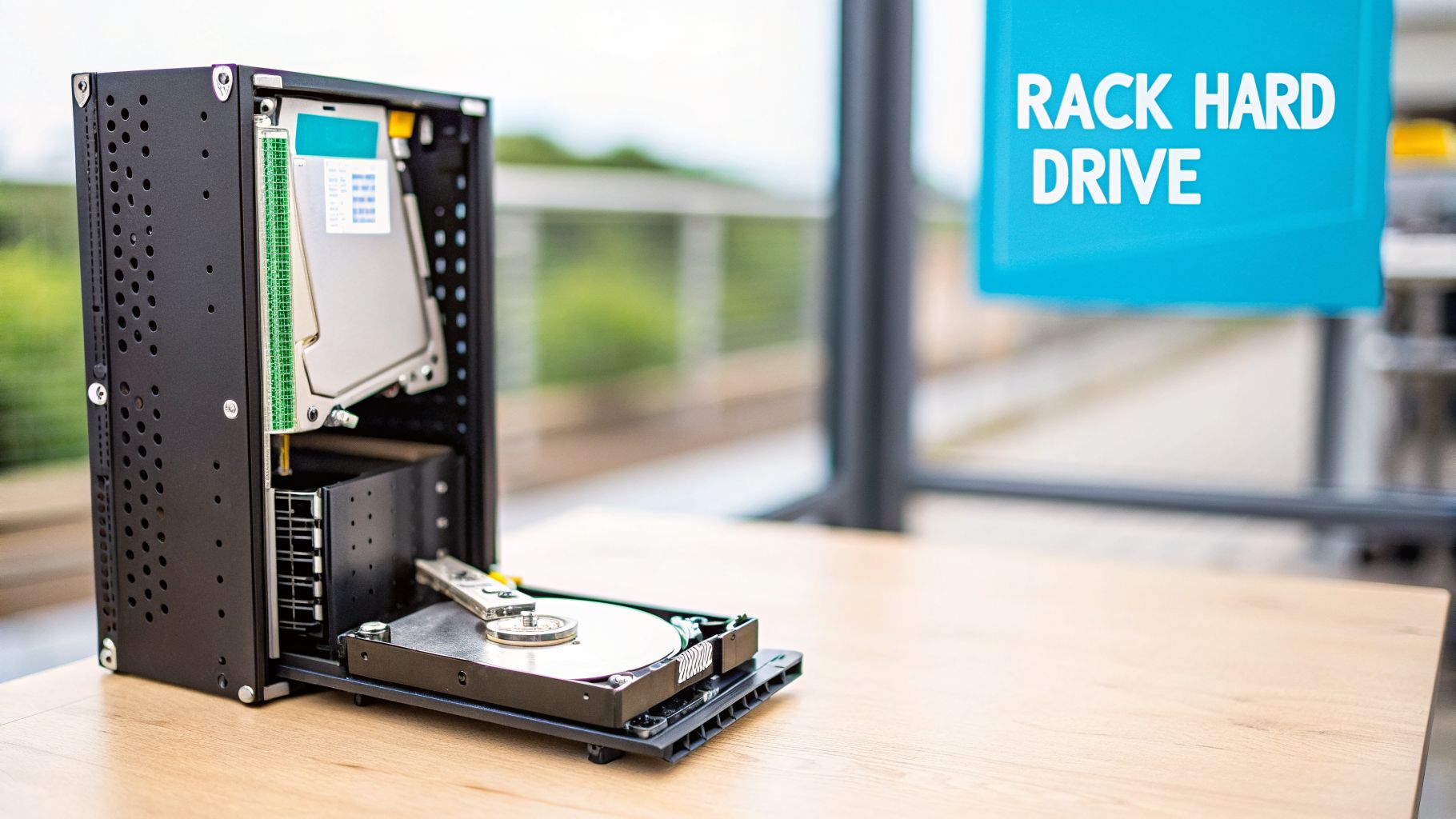
The real difference between enterprise and consumer drives comes down to their design philosophy. Consumer drives are built for stop-and-go use in a quiet, stable environment. Rack hard drives, on the other hand, are purpose-built for 24/7 operation inside a server chassis, often crammed shoulder-to-shoulder with dozens of other spinning disks.
What Makes an Enterprise Rack Drive Different?
To survive that workload, rack-optimized drives pack specific features you just won't find in consumer models. Getting a handle on these is the first step toward building a stable, high-performance hosting environment.
Here’s what sets them apart:
- Enhanced Vibration Tolerance: A server rack is a noisy, shaky place. Enterprise drives have Rotational Vibration (RV) sensors that actively detect and counteract these disturbances, preventing slowdowns and read errors that would cripple a lesser drive.
- Higher Reliability Ratings: They are rated for a much higher Mean Time Between Failures (MTBF) and a lower Unrecoverable Read Error (URE) rate. This is absolutely critical for maintaining data integrity, especially in large RAID arrays where a single error can have cascading effects.
- Built for 24/7 Workloads: These drives are validated to run non-stop, period. They can handle continuous data access without burning out, a core requirement for any server application that needs to stay online.
The demand for these workhorses is massive. Driven by data-hungry applications like AI and cloud services, the global hard disk drive (HDD) market was valued at USD 64.72 billion in 2025 and is projected to explode to USD 112.66 billion by 2035. This growth underscores the incredible value of rack HDDs, which deliver huge capacity at a fraction of the cost-per-terabyte of SSDs. You can dive deeper into the trends by reviewing the latest hard disk market research.
Why ARPHost Excels Here: At ARPHost, this isn't just theory—it's our standard practice. Our entire infrastructure, from our affordable secure VPS hosting to our high-performance Dedicated Proxmox Private Clouds, is built on this enterprise-grade foundation. We exclusively use drives engineered for 24/7 workloads to deliver the performance and uptime our clients depend on. This commitment to quality hardware is a cornerstone of our service.
Choosing Your Drive: Performance, Endurance, and Cost
Picking the right hard drive for your server isn't about grabbing the one with the biggest capacity number. That’s a rookie mistake. Sticking a consumer drive in a server is like putting sedan tires on a freight truck—it might roll for a little while, but catastrophic failure under a real workload is a matter of when, not if.
To make a smart choice, you have to look past the marketing hype and get into the specs that actually matter in a 24/7 server environment. These are the numbers that dictate performance, protect your data, and ultimately define the real cost of your hardware over its lifetime.
Performance: IOPS vs. Throughput
When people talk about performance, they're usually talking about two different things: Throughput and IOPS.
Throughput, measured in megabytes per second (MB/s), is all about moving large, sequential files. Think video streaming or big backup jobs. IOPS (Input/Output Operations Per Second), on the other hand, measures how many small read and write operations a drive can juggle. This is the metric that matters most for databases, virtual machines, and anything that involves lots of random access.
The drive’s interface is a huge part of this equation:
- SATA (Serial ATA): This is your workhorse. It’s cost-effective and perfect for general-purpose storage, archival, and applications where raw speed isn't the absolute top priority. You get fantastic capacity for your dollar.
- SAS (Serial Attached SCSI): Built from the ground up for enterprise demands, SAS delivers higher throughput and can read and write at the same time (full-duplex). Its robust command set makes it the go-to for high-transaction databases and busy virtual servers where responsiveness is everything.
For a bulk storage bare metal server, a stack of high-capacity SATA drives makes perfect sense. But for a high-performance secure managed VPS hosting environment running a dozen databases, you'll need the IOPS of SAS drives to keep things from grinding to a halt.
Endurance: MTBF and the Dreaded URE
Endurance metrics tell you how long a drive is built to run and, more importantly, how reliably it will protect your data. Two of the most critical figures here are Mean Time Between Failures (MTBF) and the Unrecoverable Read Error (URE) rate.
An enterprise drive might boast an MTBF of 2.5 million hours and a URE rate of 1 in 10^15 bits. A consumer drive? You’re looking at maybe a 600,000-hour MTBF and a URE of 1 in 10^14. That single extra zero in the URE rate makes a world of difference.
So what does a URE of 1 in 10^14 actually mean? It means you're statistically likely to hit an unfixable read error after reading just 12.5 TB of data. On a large RAID array, a single drive failure can force the system to read tens of terabytes of data during the rebuild. If your other drives have a consumer-grade URE rate, the odds of a second failure during that rebuild aren't just possible—they're frighteningly high.
This is precisely why enterprise URE rates are non-negotiable for serious RAID setups. If you want to dive deeper into how these arrays work, check out our guide on RAID configurations.
Rotational Vibration and Total Cost
Here’s a feature you’ll only find on an enterprise rack hard drive: the Rotational Vibration (RV) sensor. Picture a server chassis packed with dozens of spinning disks. All that spinning creates a ton of vibration, which can physically knock a drive's read/write head off track, causing slowdowns and errors.
RV sensors detect these vibrations in real-time and compensate for them, keeping the drive head exactly where it needs to be. It’s a small feature that has a massive impact on performance and reliability in a dense server environment.
Sure, enterprise drives have a higher sticker price. But their superior endurance, reliability features like RV sensors, and multi-year warranties give them a much lower Total Cost of Ownership (TCO). The cost of downtime, data loss, and man-hours spent replacing failed consumer drives will always dwarf any initial savings.
Enterprise HDD vs Consumer HDD: A Technical Comparison
To see the differences side-by-side, this table breaks down why you can't substitute one for the other in a professional setting. The specs speak for themselves.
| Feature | Enterprise HDD (for Rack Servers) | Consumer HDD (for Desktops) |
|---|---|---|
| Workload Rating | Up to 550 TB/year; designed for 24/7 operation | ~55 TB/year; designed for 8-hour daily use |
| MTBF | 2.0 to 2.5 million hours | 600,000 to 1 million hours |
| URE Rate | 1 error per 10^15 bits read (or better) | 1 error per 10^14 bits read |
| Vibration Sensors | Yes, Rotational Vibration (RV) sensors are standard | No, lacks advanced vibration compensation |
| Warranty | Typically 5 years, with advanced replacement | Typically 1-2 years, standard RMA process |
| Best Use Case | Bare metal servers, Proxmox private clouds, RAID arrays | Desktops, light-duty NAS, non-critical storage |
The bottom line is clear: enterprise drives are engineered for an entirely different class of work. Their components, firmware, and warranties are all built around the assumption of constant, demanding use.
Scaling this with ARPHost
At ARPHost, we take the guesswork out of it by standardizing on enterprise-grade hardware across the board. Whether you’re spinning up a cost-effective VPS starting at just $5.99/month or deploying a custom private cloud, our infrastructure is built with drives that meet these strict standards. It’s the only way to deliver the reliability your business depends on.
Explore our secure VPS hosting bundles at arphost.com/secure-vps-hosting/
HDD vs SSD in Server Racks Matching Storage to Workloads
Picking between a Hard Disk Drive (HDD) and a Solid-State Drive (SSD) for your server rack isn’t just about speed versus cost. That’s the beginner-level mistake. The real skill is matching the right storage to the specific job it needs to do. A high-transaction database has completely different demands than a bulk backup archive, and trying a one-size-fits-all approach is a fast track to either blowing your budget or bottlenecking your performance.
Think of it this way: you wouldn't use a Ferrari to haul a ton of gravel, and you wouldn't use a dump truck for a pizza delivery. In your server rack, SSDs are the Ferraris, and HDDs are the heavy-duty haulers.
Matching Drive Technology to the Job
The secret is looking at your application's I/O patterns. Does it need near-instant access to thousands of small, random files, or does it mostly read and write large chunks of data in a straight line?
- NVMe SSDs for Peak Performance: These drives deliver the absolute lowest latency and highest IOPS. They're the undisputed champs for any task where every microsecond matters—think operating system drives, high-traffic database hosting, or busy web servers juggling dynamic content.
- SAS/NL-SAS HDDs for Mass Storage: These are the workhorses of the data center. High-capacity SAS or NL-SAS drives offer an unbeatable cost-per-terabyte, which makes them the perfect choice for mass data storage, backups, and long-term archival. They absolutely crush sequential read/write tasks.
This flowchart maps it out perfectly, helping you decide between raw performance and sheer capacity based on what you're actually running.
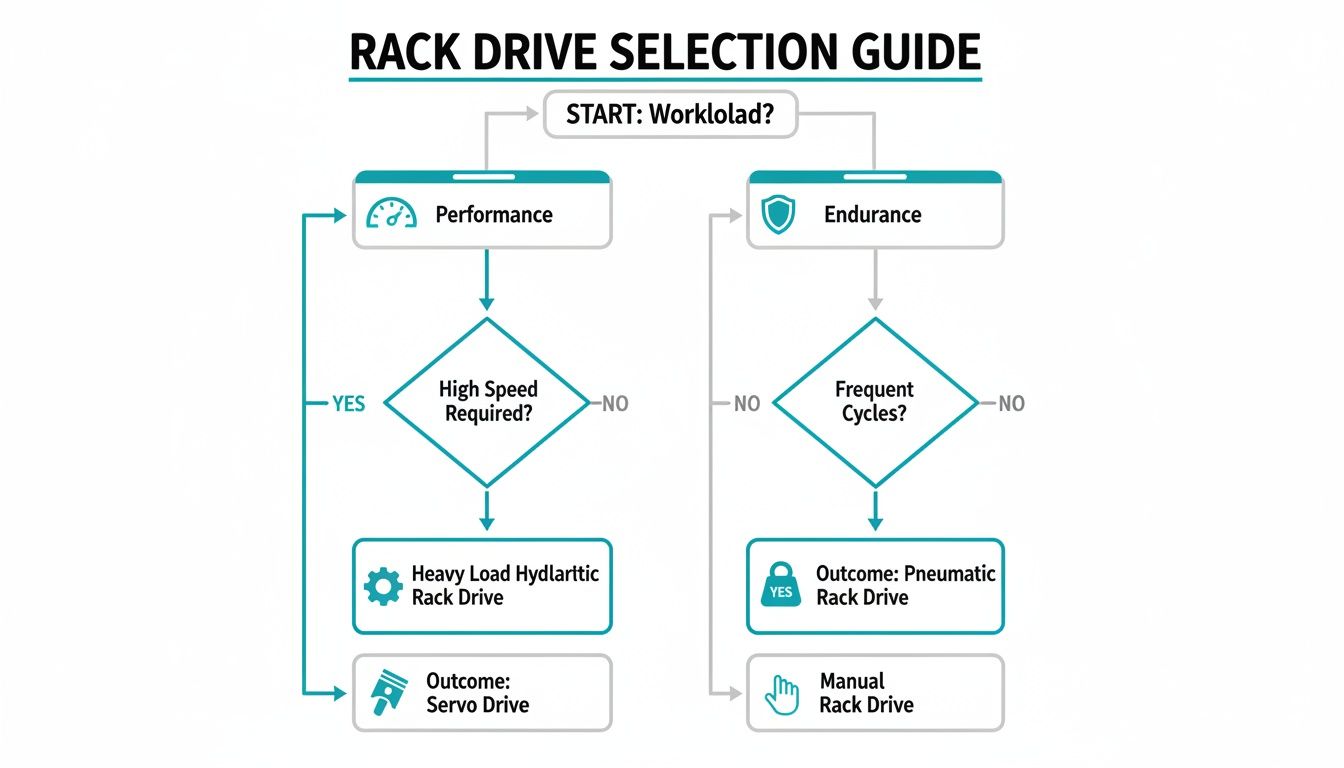
As the visual makes clear, performance-hungry jobs like databases scream for SSDs, while capacity-driven tasks like backups are a perfect match for HDDs.
Tiered Storage in a Proxmox Environment
One of the smartest strategies is to build a tiered storage architecture, and this is where platforms like Proxmox VE truly shine. You can mix and match the best of both worlds in a single server or cluster. For instance, you could run a virtual machine's (VM) operating system on a screaming-fast NVMe SSD for snappy boot times and responsiveness.
At the same time, you can attach a massive virtual disk to that same VM that lives on a separate pool of high-capacity HDDs. This second disk can hold application data, user files, or backups, giving you tons of storage without paying the premium for all-flash speed where you don't need it. It’s the ultimate hybrid approach for balancing performance and cost.
Why ARPHost Excels Here: Our Dedicated Proxmox Private Clouds are built for exactly this kind of flexible setup. We can architect custom environments with the precise blend of NVMe SSDs and high-capacity HDDs you need, giving you a pre-configured, optimized tiered storage solution from day one. Our Proxmox VE 9 clusters start at just $299/month, providing a high-performance, fully dedicated environment.
A Practical Example: Checking Disk Performance
Before you push a critical application into production, you need to know if your storage can take the heat. A simple dd command in Linux gives you a quick-and-dirty baseline for sequential write performance.
To test the write speed of a drive mounted at /mnt/storage, just run this:
# Writes a 1GB file of zeros to the specified path to test sequential write speed
dd if=/dev/zero of=/mnt/storage/testfile bs=1G count=1 oflag=direct
The oflag=direct flag is key—it bypasses the system cache to measure the drive's raw, unfiltered performance. An SSD might easily hit 500+ MB/s, while a single HDD could report 150-200 MB/s. This simple test immediately tells you which drive is built for which job.
For deeper I/O testing, tools like fio can simulate complex database or web server workloads. Running these benchmarks validates that your chosen rack hard drive setup can handle your application's real-world demands. ARPHost's High-Availability VPS plans use enterprise-grade hardware with redundant CEPH storage, delivering the performance and reliability for production workloads out of the box. If you need a fully custom build, our Bare Metal Servers let you handpick the exact storage configuration to meet your needs.
Best Practices for Drive Installation and Monitoring
Picking the right rack hard drive is only half the job. Its real-world reliability comes down to proper installation and keeping a close eye on it afterward. Physically sliding a drive into a modern hot-swap server might seem simple, but doing it with precision is what separates a solid connection from a potential point of failure.
This kind of careful management is the bedrock of enterprise storage. As the global HDD market balloons from USD 66.6 billion in 2025 to an expected USD 111.2 billion by 2035, the stakes are getting higher. This explosion is fueled by the relentless data demands from cloud and archival centers, with massive 20TB+ drives becoming the new standard for dense rack environments.
Step-by-Step Hot-Swap Drive Installation
Installing a drive into a hot-swap bay is a process you’ll get quick at, but it demands a delicate touch every time.
- Mount the Drive in the Caddy: First, carefully line up the rack hard drive with the screw holes on its caddy. Always use the specific screws that came with the server or caddy—using the wrong ones can easily puncture the drive’s casing and destroy it.
- Open the Server Bay: Pop open the empty drive bay on the server chassis. This is usually done with a simple button or a lever that releases the blank filler.
- Insert and Seat the Drive: Gently guide the caddy into the open slot. You should feel it smoothly connect with the backplane at the rear of the bay. If you hit any resistance, don't force it; pull it out and try again.
- Secure the Latch: Close the lever arm until it clicks firmly into place. This final step fully seats the drive, locking it in and ensuring a stable connection for both power and data.
Once the drive is seated, your operating system should recognize the new hardware automatically. For a guide on what to do next, check out our tutorial on how to mount a new drive in Linux.
Proactive Health Monitoring with S.M.A.R.T.
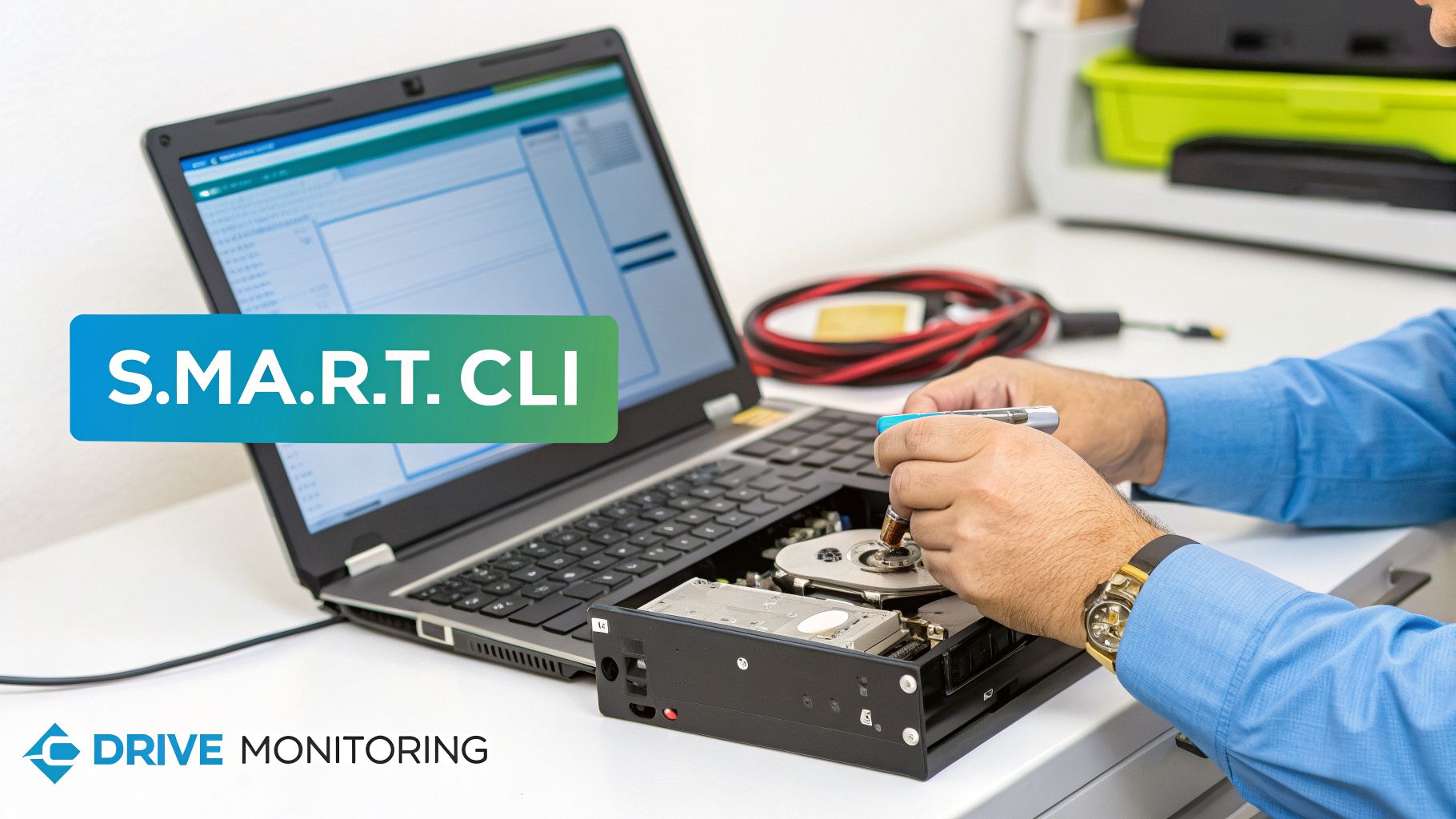
Getting the drive installed is just the beginning. The most critical practice for protecting your data is constant health monitoring using S.M.A.R.T. (Self-Monitoring, Analysis, and Reporting Technology). Think of it as a built-in early warning system that every modern drive has, designed to flag problems long before a catastrophic failure.
In Linux, the smartmontools package is your best friend. It gives you the smartctl command-line utility for checking a drive's health status. To get a full report, you can run:
# Be sure to replace /dev/sda with your actual drive's device name
smartctl -a /dev/sda
This command will spit out a ton of information, but there are two attributes you absolutely need to watch:
Reallocated_Sector_Ct: This is the number of bad sectors the drive has already found and swapped out with spares. Any value greater than zero is a heads-up. If you see this number climbing, the drive is on its way out.Current_Pending_Sector_Ct: This counts "unstable" sectors that the drive struggled to read. A high count here is a major red flag, often signaling that a complete failure is right around the corner.
Why ARPHost Excels Here: You could spend your days writing scripts to pull S.M.A.R.T. data and parse alerts, or you can just let us handle it. Our Fully Managed IT Services include 24/7 proactive monitoring of every piece of hardware, right down to the individual rack hard drives. We spot pre-failure warnings, automatically open a ticket, and have our engineers perform a seamless hot-swap—often before you even know there was an issue. This hands-off approach keeps your secure web hosting and private cloud environments running without a hitch. And when a drive reaches its end-of-life, it's just as important to follow best practices for securely disposing of old hard drives to keep your data safe.
Building a Resilient Storage Strategy with ARPHost
Knowing the difference between an enterprise and a consumer drive is one thing. Building a real-world, bulletproof storage strategy around that knowledge is a whole different ball game. It’s easy to get lost in a sea of drive specs, RAID configurations, and compatibility charts—but you don’t have to navigate it alone.
This is where we come in. At ARPHost, we don’t just talk theory; we turn expert infrastructure knowledge into deployed, resilient solutions built for the long haul.
From Bare Metal to Private Cloud
Your workload has its own unique fingerprint, so your storage should too. A one-size-fits-all server is a recipe for wasted money and frustrating performance bottlenecks. We build systems that match what you actually do.
- Custom-Built Bare Metal Servers: Need to archive massive datasets, train AI models, or host terabytes of video? We can configure your Bare Metal Servers with arrays of high-capacity HDDs, giving you an unbeatable cost-per-terabyte.
- High-Performance SSD Configurations: When every microsecond counts for your databases or VDI environments, we’ll pack your server with top-tier NVMe SSDs to deliver blistering IOPS and throughput.
- Optimized Proxmox Private Clouds: Our Dedicated Proxmox Private Clouds are designed from the metal up with rock-solid, high-performance storage. We handle the nitty-gritty of RAID and tiered storage so you get a production-ready environment from day one.
Instead of burning cycles researching drive models and worrying about your next RAID rebuild, you can hand that operational weight over to us.
The Challenge of Modern Hardware Supply
The global appetite for reliable, high-capacity storage is exploding. In a stark example of the market pressure, Western Digital recently announced its entire 2026 production run for enterprise HDDs is already sold out, snapped up by hyperscalers building out their massive data centers. This isn't a fluke; it's a trend.
With enterprise clients now accounting for 95% of HDD revenue, the supply chain for everyone else is getting squeezed tight. This intense demand underscores just how vital rack hard drives are to the infrastructure powering AI, cloud services, and digital media. You can read more about how the rack hard drive supply is being consumed.
This is where ARPHost's established supply chain becomes a direct benefit to you. We maintain strong relationships with hardware vendors, ensuring access to the enterprise-grade rack hard drive models needed to build and maintain our clients' infrastructure without disruption.
This access means we can deliver anything from a single secure server to a fully managed, high-availability cluster without the long lead times that plague the industry. And to add another layer of defense against failure or attack, check out our guide on immutable backup solutions for ultimate data protection.
Choosing ARPHost means getting an expert partner who is just as invested in your infrastructure's success as you are. We’ll guide you to the right solution and manage the hardware, so you can get back to focusing on what really matters—growing your business.
Ready to build a resilient storage strategy without the headache? Request a quote for our fully managed IT services and let our experts handle the hardware for you.
Frequently Asked Questions About Rack Hard Drives
When it comes to server storage, a few key questions always pop up. Let's clear the air and tackle some of the most common things we hear from clients about choosing and managing drives for their rack servers.
Can I Use a Consumer Hard Drive in a Server Rack?
Technically, you can, but it’s a gamble you’re almost guaranteed to lose. Sticking a consumer drive in a 24/7 server environment is a recipe for premature failure and, worse, data loss. They simply aren't engineered for the job.
Here’s why it's such a high-risk move:
- Lack of Vibration Tolerance: A server rack is a noisy, vibrating place. Consumer drives lack the Rotational Vibration (RV) sensors that enterprise drives use to compensate. All that shaking leads to poor performance, read/write errors, and a much shorter lifespan.
- Lower Reliability Ratings: Your desktop drive isn't built to run non-stop. Enterprise drives have a significantly higher Mean Time Between Failures (MTBF) and a lower Unrecoverable Read Error (URE) rate, making them the only real option for critical data or RAID arrays.
- Voided Warranties: Most manufacturers will void the warranty on a consumer drive the moment it's put into an enterprise setting. When—not if—it fails under the constant strain, you’re left with a dead drive and no recourse.
What Is the Difference Between SAS SATA and NL-SAS Drives?
Think of these interfaces as different tools for different jobs, each balancing cost, speed, and reliability.
SATA (Serial ATA) drives are your workhorses for capacity. They are the most cost-effective option and are perfect for general-purpose storage, archiving, and backups where having tons of space is more critical than raw speed.
SAS (Serial Attached SCSI) drives are built for performance. They offer faster speeds, can read and write at the same time (full-duplex communication), and have a more sophisticated command set. This makes them the go-to standard for demanding databases and critical applications where every millisecond counts.
NL-SAS (Near-Line SAS) drives split the difference. They give you the high-capacity, budget-friendly platters of a SATA drive but with the more dependable SAS interface. It's an excellent compromise for secondary storage that still needs that enterprise-grade reliability and connectivity.
How Do I Know When a Rack Hard Drive Is About to Fail?
You don't have to wait for a catastrophe. The key is proactive monitoring using S.M.A.R.T. (Self-Monitoring, Analysis, and Reporting Technology), which gives you a window into a drive's health before it fails completely.
Keep a close eye on these two critical S.M.A.R.T. attributes:
Reallocated_Sector_Ct: This is the count of bad sectors the drive has already found and walled off. If this number starts climbing, it's a clear warning that the physical disk surface is degrading.Current_Pending_Sector_Ct: This tracks sectors the drive had trouble reading and has flagged for potential reallocation. A high or growing number here is a major red flag that failure could be right around the corner.
How Does ARPHost Handle Drive Failures?
Our entire approach is built around preventing drive failures from ever becoming your problem. For clients on our fully managed IT services plans, our 24/7 monitoring systems are constantly watching for S.M.A.R.T. pre-failure alerts.
Once a potential issue is flagged, our system automatically generates a ticket. Our engineers then perform a hot-swap replacement, often before you are even aware there was a problem, ensuring zero data loss and seamless continuity for your operations. For businesses, understanding compliance around data destruction is also key; learn about the importance of an HDD destruction certificate for end-of-life drive management.
At ARPHost, we build reliability into our infrastructure from the ground up, using only enterprise-grade components. Start building on a solid foundation with our secure and scalable hosting solutions.
Explore our high-performance Bare Metal Servers to configure the perfect storage for your needs.