

⚡ READY IN APPROXIMATELY 5–10 MINUTES
Pterodactyl Panel Hosting
Order a configurable VPS with Pterodactyl pre-installed and start building, launching, and managing game servers from a powerful web panel—without spending hours on the initial setup.
- 🎮 Game server control panel
- 🛡️ Isolated server containers
- 🔑 Root access included
- 📍 Hosted in Tampa, Florida
Current minimum configuration from $5.75/month
5–10 minTypical provisioning
1–16Configurable vCPU cores
1–64 GBConfigurable RAM
50 GB–1 TBNVMe storage
🚀 FROM ORDER TO PANEL
Your Game Server Control Center, Ready in Minutes
A manual Pterodactyl installation involves an operating system, web stack, database, Redis, Docker, Wings, networking, SSL, and application configuration. ARPHost handles that initial deployment so you can begin with a working panel instead of an installation checklist.
01
Choose Your Resources
Select the CPU, RAM, NVMe storage, bandwidth, hostname, and optional management level that fit your community and the games you plan to host.
02
We Spin It Up
After payment and order verification, automated provisioning creates your VPS and installs the Pterodactyl stack. Most orders are ready in approximately 5–10 minutes.
03
Create Game Servers
Sign in to your panel, add compatible game templates, assign resources and ports, then start managing servers, users, files, schedules, and backups from your browser.
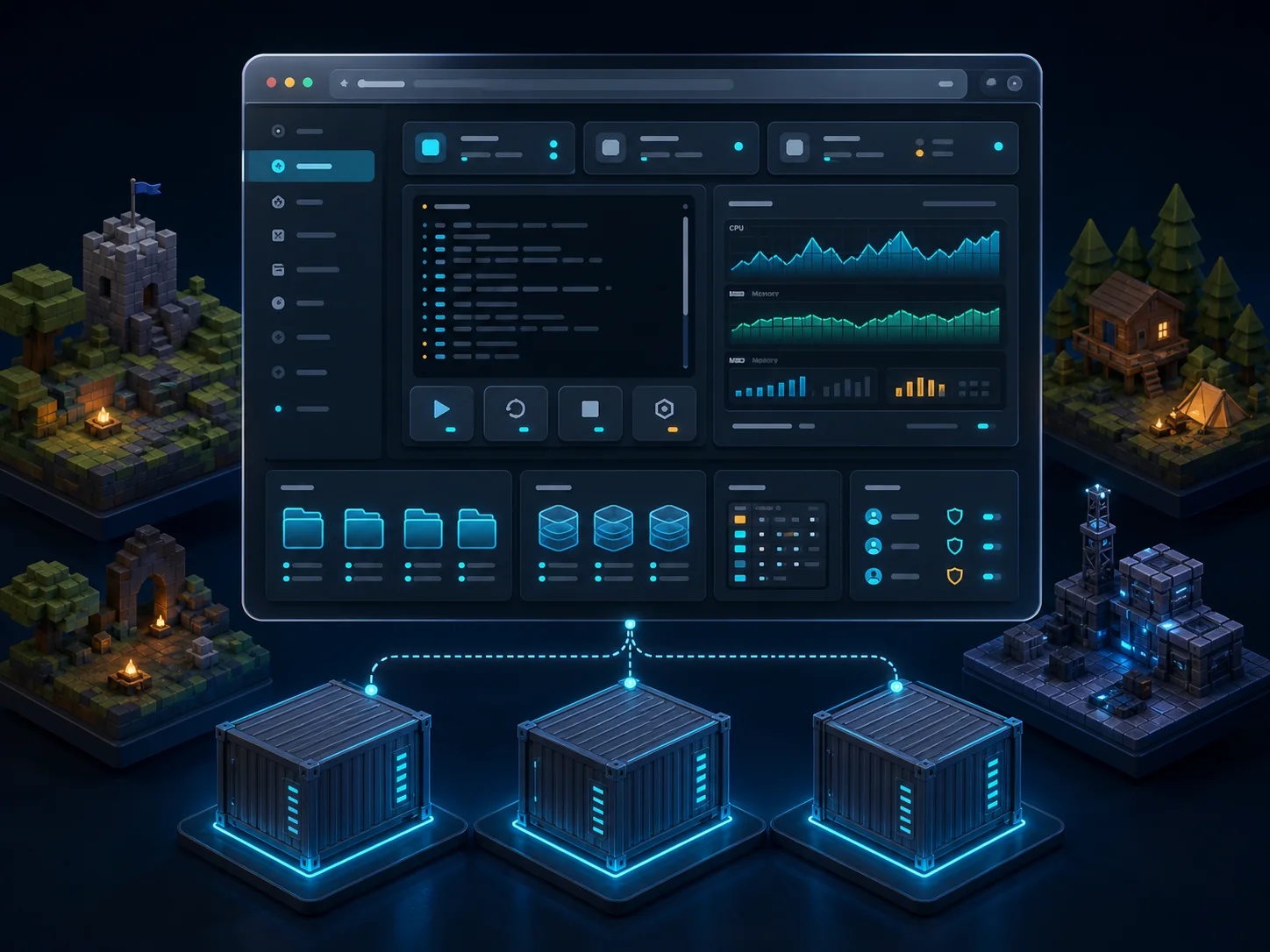
🎛️ ONE PANEL, MANY SERVERS
Run the Day-to-Day From Your Browser
Pterodactyl gives administrators and players a clean web interface for the tasks that normally require terminal access. Keep each game server organized while controlling how much CPU, memory, disk space, and network access it can use.
- Live console: Watch output and run server commands in real time.
- Power controls: Start, stop, restart, and safely manage server processes.
- File access: Edit files in the browser or connect using SFTP.
- Schedules: Automate restarts, commands, and recurring maintenance tasks.
- Backups: Create and manage backups within your available storage.
- Subusers: Give teammates or moderators only the permissions they need.
🧰 BUILT FOR GAME SERVER MANAGEMENT
The Tools Your Community Needs
Start with one server or organize several game instances from the same panel as your needs grow.
Isolated Containers
Pterodactyl uses Docker containers to separate game server processes and enforce assigned resource limits.
Game Templates
Use compatible Pterodactyl eggs to define install scripts, startup commands, ports, variables, and container images for each game.
Resource Visibility
See CPU, memory, disk, and network activity while each server is running, all from the web interface.
Team Access
Delegate console, file, database, schedule, backup, and power permissions without sharing the main administrator login.
Database Management
Create credentials for supported databases and keep connection details organized alongside each game server.
API & Automation
Use Pterodactyl’s APIs to connect your own billing, community, or operational workflows when you are ready to automate further.
🎮 HOST YOUR KIND OF GAME
One Panel for Popular Multiplayer Servers
Pterodactyl supports a broad ecosystem of official and community-maintained eggs. Common deployments include Minecraft variants, Rust, Terraria, ARK, Team Fortress 2, Garry’s Mod, Factorio, FiveM, voice servers, bots, and many other compatible applications.
⛏️ Minecraft
🏕️ Rust
🦖 ARK
⚔️ Terraria
Game availability depends on a compatible egg, your selected VPS resources, and any software licensing requirements. Game software and commercial licenses are not included unless specifically stated in your order.
⚙️ BUILD THE VPS YOU NEED
Flexible Pterodactyl VPS Configuration
Start small, then choose more resources at order time for larger communities, multiple instances, heavier mods, or more demanding games.
CONFIGURE YOUR OWN
Pterodactyl VPS
from $5.75/month
- CPU: 1–16 configurable vCPU cores
- Memory: 1–64 GB RAM
- Storage: 50 GB–1 TB SSD Ceph NVMe
- Bandwidth: 2 TB included; upgrades available
- Network: One IP address
- Location: Tampa, Florida
- Software: Pterodactyl pre-installed
- Access: VPS root access
Displayed starting price reflects the current minimum live configuration and may change as resources or optional services are selected.
How Much Should I Choose?
Small private community: Begin with a modest configuration for one lightweight server, then monitor usage in the panel.
Modded or larger server: Choose additional RAM, CPU, and storage based on the game, modpack, world size, plugins, and expected player count.
Multiple game servers: Size the VPS for the combined peak demand of every instance you expect to run at the same time.
Want help choosing? Contact ARPHost before ordering and tell us the games, versions, mods, and expected number of players.
❓ FREQUENTLY ASKED QUESTIONS
Pterodactyl Hosting Questions
How quickly will my Pterodactyl VPS be ready?
Most verified orders are automatically provisioned in approximately 5–10 minutes. Manual review, payment verification, or unusual configuration requests can extend that time.
What is included with the order?
You receive a configurable VPS in ARPHost’s Tampa, Florida location with one IP address, 2 TB of included monthly bandwidth, root access, and the Pterodactyl stack pre-installed. CPU, RAM, storage, extra bandwidth, and optional managed services are selected during checkout.
Are the game servers themselves already installed?
The Pterodactyl management platform is pre-installed. You use it to create the individual game servers you want by adding or selecting compatible eggs and providing any required game files, accounts, or licenses.
Can I host more than one game server?
Yes. Pterodactyl is designed to manage multiple server instances. The practical number depends on your selected CPU, RAM, storage, bandwidth, and the resource demands of each game server.
Can I give moderators or friends access?
Yes. Pterodactyl supports subusers and granular permissions, so you can delegate selected tasks without handing over your primary administrator credentials.
Is this managed hosting?
The base plan provides a pre-installed Pterodactyl VPS with root access. Optional managed services are available during configuration if you want additional operational assistance. The scope of management depends on the option selected with your order.
Go From Order to Game Panel in 5–10 Minutes
Choose your resources, place the order, and let ARPHost automate the initial Pterodactyl deployment. Your next game server starts with a panel—not a pile of install commands.