

NVMe now accounts for over 80% of enterprise SSD shipments in 2024, so it has become the default storage interface for modern servers. That doesn't mean every NVMe SSD is safe for production, because a consumer drive can deliver impressive speed while failing under sustained writes, power interruptions, heat, or multi-tenant queue depth.
The mistake I see most often is choosing an NVMe SSD by its headline sequential throughput and ignoring endurance, latency consistency, power-loss protection, cooling, and firmware support. Those omissions rarely appear during an installation test. They appear later as throttling, filesystem errors, degraded RAID members, database stalls, or a drive that disappears after an unexpected power event.
For a server, the right question isn't “Is NVMe faster than SATA?” It is, “Which NVMe drive matches this workload, chassis, failure model, and replacement process?”
Table of Contents
- The Shift to NVMe Storage
- Enterprise versus Consumer NVMe Drives
- Key Selection Criteria for Server SSDs
- Workload Profiles and Drive Matching
- Deployment and Monitoring Best Practices
- Conclusion and Hardware Considerations
The Shift to NVMe Storage
Enterprise storage has moved decisively toward NVMe. One 2026 industry report states that more than 80% of enterprise SSDs shipped in 2024 used NVMe, compared with 36% in 2020. The same market overview reports that NVMe held 42.3% of the enterprise SSD market in 2025, while another data point records adoption of more than 55 million NVMe-based enterprise SSDs across new server builds worldwide in 2023. These figures are reported in Coherent Market Insights' enterprise SSD market overview.
NVMe's rise wasn't driven by marketing alone. NVM Express released version 1.0 on March 1, 2011, followed by version 1.1 on October 11, 2012, and version 1.2 on November 3, 2014. The protocol was designed for flash storage and connects through PCIe instead of forcing solid-state media through storage layers built around older SATA and SAS designs. The formal timeline and architectural rationale are documented by NVM Express.
Why PCIe matters in a server
SATA-era storage generally presents a narrow path to the operating system. NVMe exposes a model built around parallel queues, allowing the host and drive to process many independent requests without the same legacy serialization. That difference matters when dozens of virtual machines, database workers, container services, and backup jobs compete for storage at the same time.
A research benchmark described in the VLDB paper on NVMe performance found that a single PCIe 4.0 SSD can exceed one million random IOPS and deliver about 7 GB/s of bandwidth. Those are benchmark results, not a promise that every application will achieve them. The server's CPU, PCIe topology, filesystem, queue depth, database configuration, and workload shape determine how much of that capability becomes useful performance.
The bottleneck moved
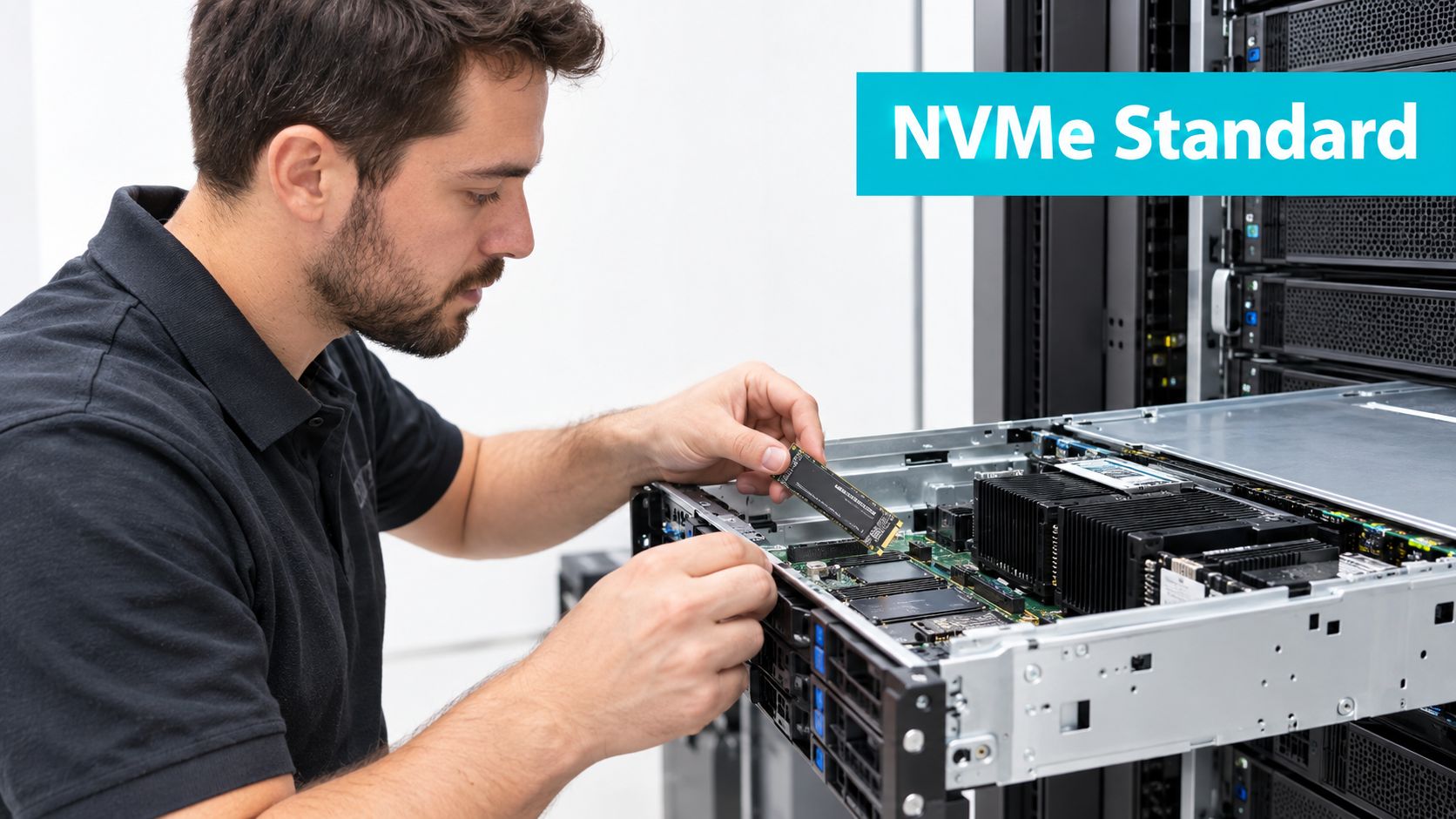
NVMe doesn't eliminate bottlenecks. It moves attention toward the rest of the platform. A PCIe slot may share lanes with another device, a small M.2 module may throttle in a poorly ventilated bay, and an application may issue shallow synchronous I/O that never fills the available queues.
Production rule: Don't buy a drive for its maximum benchmark. Buy it for the latency and write behavior your server will sustain under contention.
This is why a practical NVMe versus SSD storage comparison should include more than sequential read and write figures. For a low-activity website, SATA can remain a sensible capacity tier. For virtualization, transactional databases, container hosts, and high-concurrency services, NVMe's lower latency and parallelism are much easier to use.
Enterprise versus Consumer NVMe Drives
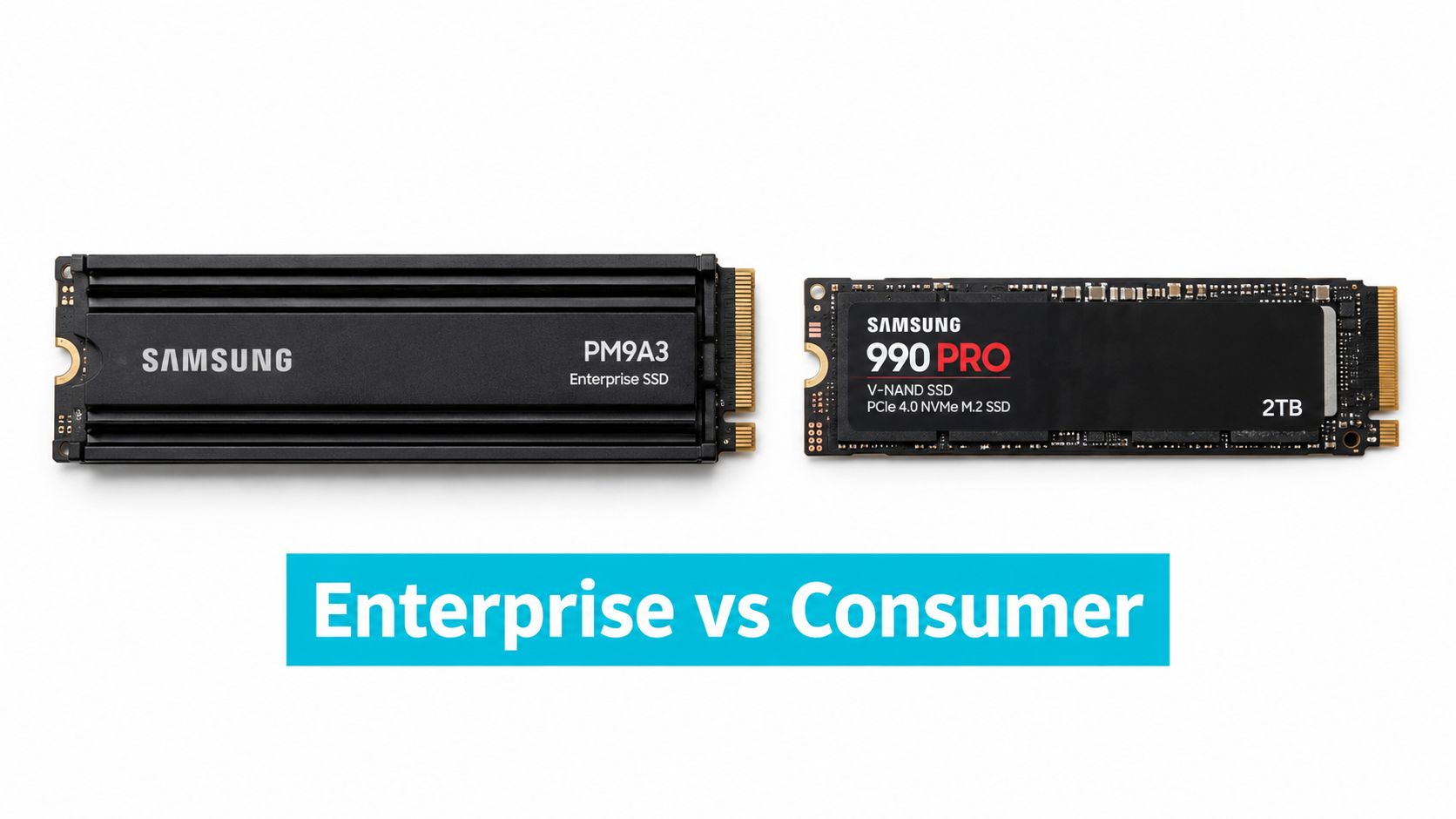
The label “NVMe” describes the protocol, not the reliability tier. A consumer M.2 drive and an enterprise U.2 drive can both use NVMe while differing substantially in sustained performance, firmware behavior, endurance rating, telemetry, and protection against power loss.
Consumer drives are often optimized for desktop responsiveness and short bursts. They may deliver excellent peak throughput, but a server produces a different pattern: background scrubs, database checkpoints, VM image writes, filesystem metadata, logging, replication, and simultaneous activity from unrelated tenants. A drive that looks fast on an empty test system can behave very differently when its write cache fills or its temperature rises.
The Storage Networking Industry Association recommends approximately 1 DWPD for read-intensive enterprise servers, 3 DWPD for mixed-use workloads, and 5 to 10 DWPD for write-intensive workloads, as described in the SNIA NVMe SSD Classification White Paper. DWPD means drive writes per day over the manufacturer's rated service period. It isn't a guarantee that a drive will fail immediately below the rating, but it gives you a useful boundary for selecting the media class.
The differences that matter during an outage
| Metric | Enterprise NVMe | Consumer NVMe |
|---|---|---|
| Intended workload | Sustained, concurrent server I/O | Desktop, workstation, and burst-oriented I/O |
| Endurance target | Commonly selected against workload classes such as 1 DWPD, 3 DWPD, or 5 to 10 DWPD | May be adequate for light writes, but must be checked against actual server write volume |
| Latency behavior | Designed for consistent microsecond-range behavior under load | Peak latency can vary more as cache, temperature, and background management change |
| Power-loss protection | A key production feature to verify in the specification | Often absent or limited, depending on model |
| Telemetry | Richer health, endurance, and error reporting is common | Reporting depth varies by model |
| Form factors | U.2, U.3, E1.S, and server-qualified M.2 variants | Primarily M.2, with chassis and cooling constraints |
| Replacement planning | Built for predictable fleet operation and serviceability | Replacement compatibility and sustained behavior require closer validation |
Latency is another dividing line. Enterprise NVMe latency commonly sits in the microsecond range, while older SATA and SAS interfaces are associated with millisecond-scale behavior. The SNIA material also describes very high-end PCIe 4.0 NVMe drives reaching about 5 microseconds of read and write latency, and broader comparisons report NVMe well below 1 ms versus SATA SSD latency above 2.75 ms. Those figures describe different measurement contexts, so don't treat them as interchangeable promises.
A consumer drive can work in a lightly loaded server, especially when the data is replicated and the write rate is modest. It becomes a poor choice when a single device holds important write-heavy databases, VM storage, write-ahead logs, or multiple tenants with unpredictable bursts. The cost of a cheaper drive isn't just replacement hardware. It includes migration time, degraded redundancy, emergency maintenance, and the possibility of an unclean shutdown exposing a weak power-loss design.
Key Selection Criteria for Server SSDs
Start with the server, not the product page. Before ordering an NVMe SSD, confirm the motherboard or backplane supports the intended form factor, PCIe lane width, bifurcation mode, boot process, hot-plug behavior, and cooling path. A drive that fits physically may still fail to enumerate, share lanes with a network adapter, or run hot enough to throttle.
Step 1: Match the interface and form factor
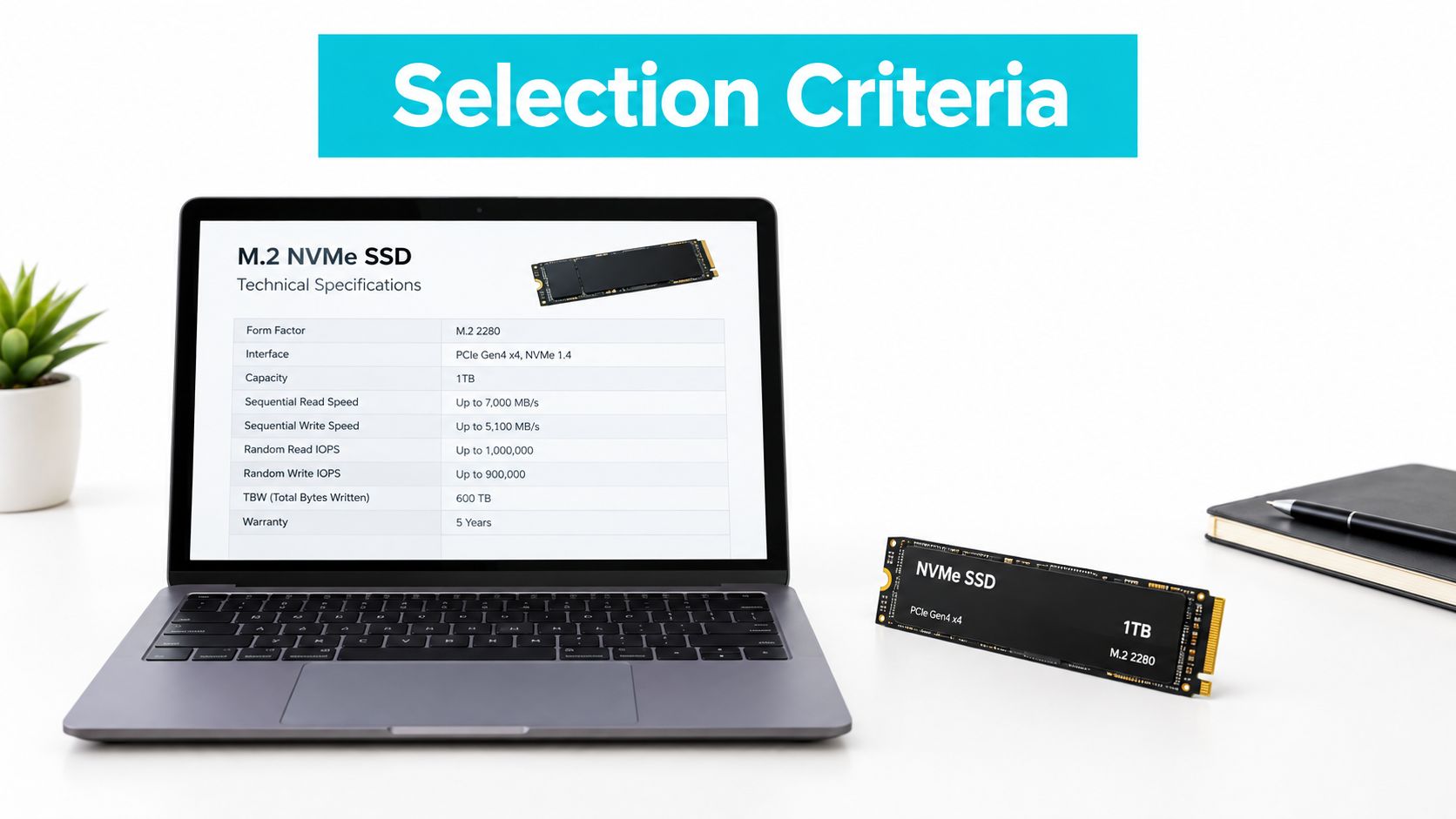
PCIe generation affects the available path between the host and drive, but the newest generation isn't automatically the correct choice. A PCIe 4.0 drive can be an excellent fit when the server backplane and workload are designed around it. A PCIe 5.0 drive may add little value if the application is latency-bound elsewhere or the chassis can't remove the additional heat.
Form factor changes serviceability. M.2 is compact and common, but it can be awkward in a production chassis because it may lack hot-swap access and have limited airflow. U.2 or U.3 drives generally fit enterprise backplanes more naturally, while E1.S is designed for dense data-center platforms. Verify the server vendor's compatibility list and whether the system exposes the drive's health data through standard tools.
Step 2: Calculate write demand
Estimate writes from the workload rather than guessing from capacity. Include database logs, VM churn, temporary files, replication, compression, snapshots, and backup staging. Then select a DWPD class with headroom instead of choosing the lowest rating that barely fits an average day.
| Workload pattern | Selection priority | Risk if underspecified |
|---|---|---|
| Mostly reads and static application data | Read latency, capacity, cooling, approximately 1 DWPD class | Unnecessary cost if overprovisioned |
| Mixed virtualization and databases | Consistent latency, power-loss protection, approximately 3 DWPD class | Tail-latency spikes and accelerated wear |
| Heavy logging, ingest, or write-ahead records | Sustained write behavior, strong endurance, approximately 5 to 10 DWPD class | Premature wear and replacement risk |
The ARPHost rack hard drive options are relevant when the storage decision includes chassis layout, drive bays, and service access rather than an isolated SSD purchase.
Step 3: Verify protection and thermal behavior
Power-loss protection is not optional for important write workloads. It helps the drive complete or safely commit pending metadata and data when power disappears. It doesn't replace application-level replication, filesystem integrity, or backups, but omitting it creates an avoidable failure mode.
Check the vendor's endurance method, sustained-write test conditions, temperature range, firmware history, and SMART or NVMe health attributes. Confirm that the server has directed airflow across the controller area. Thermal throttling is a controlled response, but controlled throttling can still become an outage if latency-sensitive services share the same device.
Workload Profiles and Drive Matching
NVMe provides its clearest advantage when an application issues concurrent I/O and cares about response time. A single sequential file copy may finish quickly on many storage types, but virtualization and databases create overlapping reads, writes, metadata operations, flushes, and queue pressure.
| Workload | What usually matters most | Sensible drive direction |
|---|---|---|
| Virtualization and Proxmox storage | Tail latency, mixed I/O, endurance, power-loss protection | Enterprise NVMe with a mixed-use endurance class |
| Transactional databases | Synchronous write latency, durability, steady random I/O | Enterprise NVMe selected for write behavior, not peak read speed |
| AI or ML inference | Dataset access latency and predictable reads | Read-focused enterprise NVMe, with capacity and thermal planning |
| General web hosting | Application concurrency, database response, capacity economics | NVMe where contention is real, otherwise a lower-cost tier may suffice |
| High-frequency trading | Consistent low latency and platform determinism | Carefully qualified enterprise media and end-to-end latency testing |
A database server can expose the weakness of a consumer drive quickly because commits may wait for durable writes. A virtualization host can expose it differently, through noisy-neighbor contention and sudden latency increases when several guests perform maintenance simultaneously. General web hosting often depends more on application caching, database design, and memory than on maximum SSD throughput.
The correct drive is the one that remains predictable when the host is busy, hot, and recovering from background work.
Measure the workload before changing hardware. On Linux, iostat, nvme smart-log, and application metrics can show whether the device is saturated, accumulating errors, or approaching its endurance limit. A benchmark that doesn't resemble production can still be useful for checking installation, but it shouldn't decide the endurance class by itself.
The same principle applies to dedicated hardware. Dense Proxmox clusters, large databases, media processing, and inference workloads usually benefit from dedicated PCIe lanes, predictable cooling, and direct control of the storage layout. ARPHost provides bare metal server configurations where NVMe storage can be matched to the host's workload and chassis requirements.
Deployment and Monitoring Best Practices
A production deployment starts before the drive enters the chassis. Record the model, firmware revision, serial number, endurance rating, and intended role. Keep that inventory with the server's replacement notes, because identifying a failed device at 3 AM is much easier when the expected firmware and slot mapping are already documented.
The commands below apply to Linux systems with nvme-cli and smartmontools installed. Device paths vary, so confirm the target before any destructive operation.
Validate the device and firmware
sudo nvme list
sudo nvme id-ctrl /dev/nvme0 | egrep 'mn|sn|fr|tnvmcap'
sudo nvme smart-log /dev/nvme0
A healthy output includes the expected model and firmware, a normal critical-warning value, a temperature reading, and a nonzero percentage of available spare. The health log also exposes data units read and written, power cycles, unsafe shutdowns, media errors, and error-log entries.
For a broader health view, use:
sudo smartctl -x /dev/nvme0
sudo nvme error-log /dev/nvme0
Don't perform a firmware update on an active production device without a maintenance window and a tested rollback or replacement path. Firmware behavior can affect latency, power management, namespace handling, and error recovery.
Erase and deploy carefully
If the drive contains old data, use the vendor-supported sanitize or format procedure after confirming the device path. A simple format command is destructive and shouldn't be copied into a runbook without a serial-number check.
ls -l /dev/disk/by-id/ | grep nvme
sudo nvme format /dev/nvme0n1 --lbaf=0
Use the exact namespace and format options supported by the device. If the drive is part of a RAID, ZFS pool, LVM volume, or Proxmox storage configuration, remove it through that layer first. Don't bypass the storage manager with a direct format.
Monitor before the warning becomes an outage
Create a recurring health check that records temperature, percentage used, unsafe shutdowns, media errors, and critical warnings.
sudo nvme smart-log /dev/nvme0
sudo nvme error-log /dev/nvme0 --log-entries=16
Alert on changes, not only absolute thresholds. A rising unsafe-shutdown count, new media errors, repeated controller resets, or a sudden temperature increase deserves investigation even when the percentage-used field still looks healthy. Pair device telemetry with host logs:
sudo journalctl -k -b | grep -Ei 'nvme|pcie|aer|reset|timeout|I/O error'
A practical infrastructure monitoring runbook should also track filesystem errors, RAID or ZFS state, backup completion, and application latency. Storage health is a system property, not just a number reported by the SSD.
In multi-tenant infrastructure, the failure pattern is often indirect. One tenant reports slow requests, while the drive's temperature rises during another tenant's backup and the kernel logs controller timeouts. Without correlated monitoring, operators may replace the wrong component or wait until the device drops from the bus.
Conclusion and Hardware Considerations
Choosing an NVMe SSD for a server requires a workload profile, not a shopping shortcut. Start with the I/O pattern, then confirm DWPD, latency consistency, power-loss protection, form factor, cooling, PCIe topology, firmware support, and health telemetry. Peak throughput belongs near the end of the evaluation, because a drive that benchmarks well but cannot sustain production writes is a liability.
Consumer NVMe drives aren't universally unusable. They can fit controlled, read-heavy, replicated workloads where the operator understands their limitations and has a replacement process. They don't belong in a critical role just because the product page lists high IOPS.
For Proxmox clusters, large databases, and other workloads that need predictable storage contention, bare metal gives you more control over PCIe lanes, thermal design, drive layout, and failure isolation. For smaller applications, a VPS can be appropriate when the storage platform and monitoring are managed outside the guest, while colocation or managed services may make more sense when the team needs physical access and operational support.
Supply planning also matters in 2026. Reporting indicates that enterprise SSD contract prices rose 53% to 58% in a single quarter at the start of 2026, with further high-double-digit quarterly increases expected through 2026, while new NAND capacity isn't expected to reach volume until late 2026 or early 2027, according to Data Storage's report on NVMe supply constraints. Treat those figures as market reporting, not a purchasing guarantee, and qualify replacement drives before the current fleet reaches its wear limit.
When the hardware must run continuously, design the storage tier around failure recovery as carefully as performance. That means tested backups, documented slot mappings, spare compatibility, alerting, and a clear escalation path.
ARPHost, LLC provides VPS hosting with enterprise NVMe storage, bare metal servers with configurable storage, colocation, Proxmox private clouds, and managed infrastructure support. If you need help matching an NVMe SSD for server workloads to dedicated hardware, virtualization, or a monitored hosting environment, visit ARPHost, LLC and discuss the deployment with its infrastructure team.

Leave a Reply
You must be logged in to post a comment.