

A mysql version check becomes urgent at the worst possible time. The deployment passed in staging, the plugin update looked harmless, and then production throws a database error that nobody saw coming.
Most of those incidents aren't caused by MySQL being "down." They're caused by version assumptions. The app expects one feature set, the server provides another, and the break only appears when real traffic hits the environment. That happens on a single VPS, but it gets much worse when you're maintaining multiple web servers, Docker containers, and managed customer databases.
Why Your MySQL Version Matters More Than You Think
A version check looks simple, but it answers three operational questions fast. Will the application run, is the platform still supportable, and are you tuning against the right database behavior?
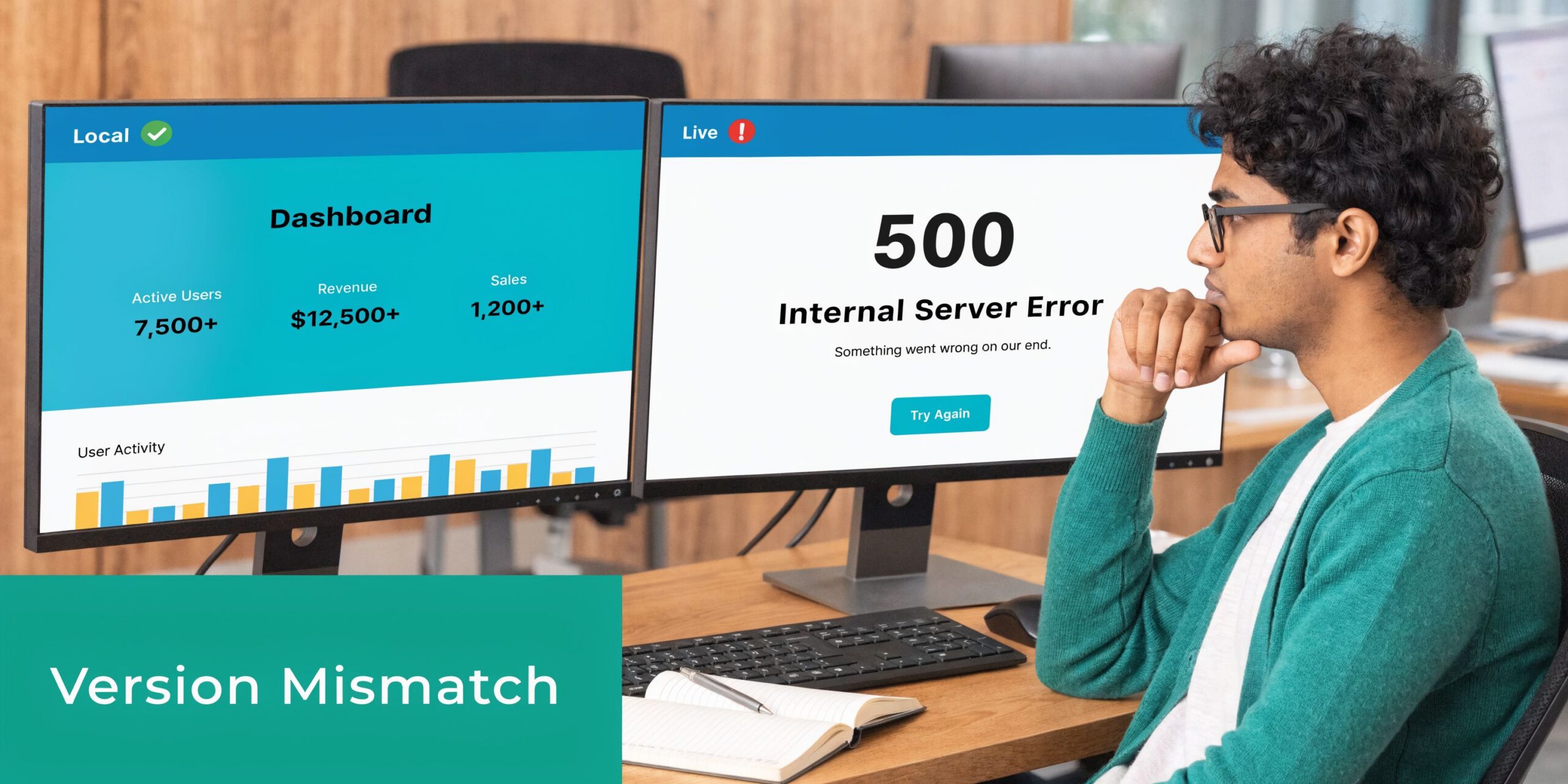
Application compatibility breaks first
Admins encounter this problem first. A developer builds against one database release locally, then production runs something older, patched differently, or swapped to MariaDB without anyone documenting it.
The result is not necessarily a dramatic crash. Sometimes it's a failed migration, a query that behaves differently, or an installer that refuses to continue because the detected server version doesn't meet its requirements.
Security and lifecycle decisions depend on the exact version
A database that's "working fine" can still be a risk if it's old enough that patching and upgrade planning have stalled. That's why a mysql version check belongs in routine operations, not just break-fix work.
Security reviews also work better when they're tied to concrete platform details.
Practical rule: If an application owner can't tell you the database engine and version in production, they're operating on guesswork.
Performance tuning changes by release
Query plans, optimizer behavior, defaults, and available features shift across versions. That means tuning advice isn't universal. A recommendation that's safe on one branch may be ineffective or even harmful on another.
When teams ask why one server responds differently from another, the first check shouldn't be abstract performance theory. It should be the server version, build details, and whether staging matches production. That's the baseline for any serious troubleshooting, and it's also why database benchmarking should sit next to version verification in routine operations. A useful next step is reviewing https://arphost.com/database-performance-optimization/ if you're aligning version checks with ongoing tuning work.
The Foundational Methods Command Line and SQL Queries
If you need a mysql version check right now, use the method that matches your access level. Shell access gives you the fastest view of client tools and daemon details. SQL works everywhere you can log into the database, even when system access is restricted.
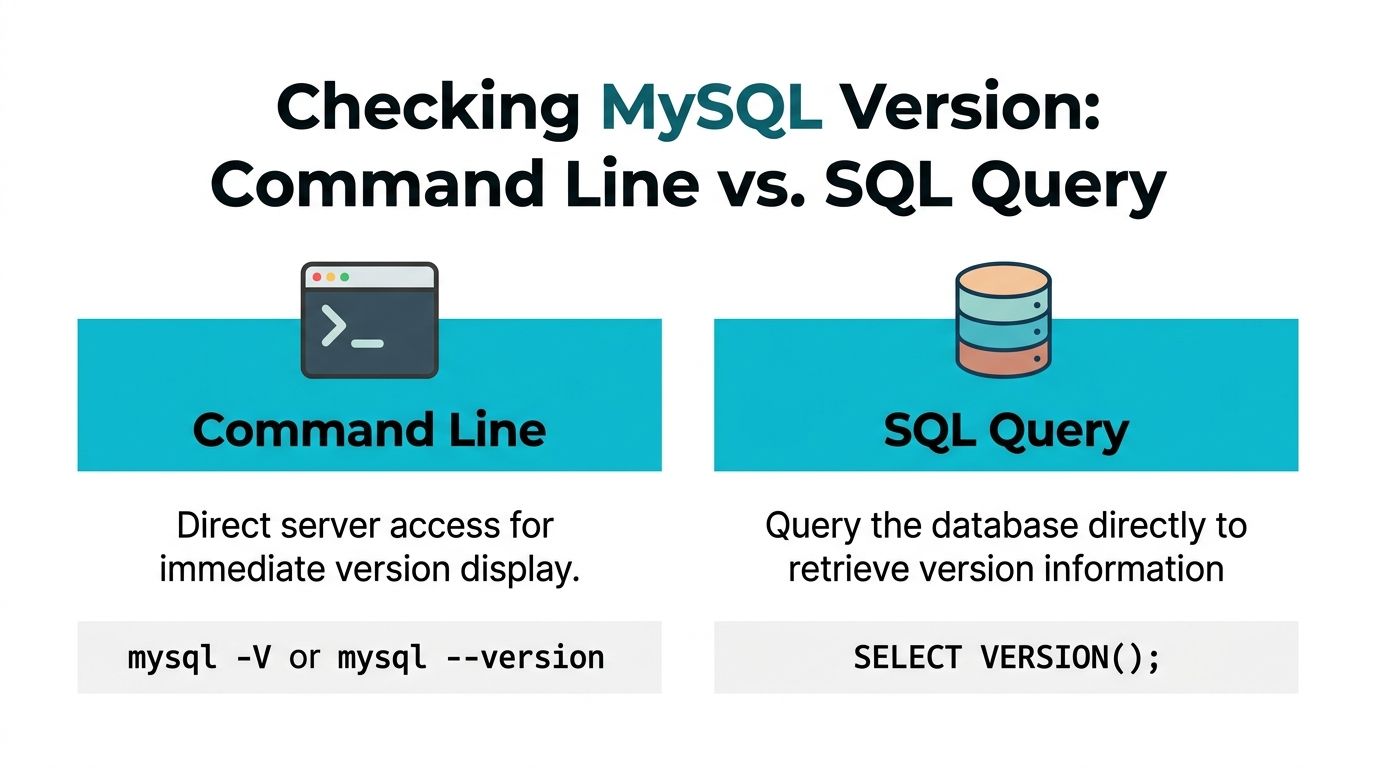
Use command line when you control the host
The first command most admins reach for is:
mysql --version
or the short form:
mysql -V
This reports the client binary version installed on that machine. That's useful, but it doesn't always tell you what the remote server is running.
If you want server runtime details, use:
mysqladmin -u root -p version
That queries the running daemon and returns a broader snapshot, including server version and other runtime information.
What each command tells you
| Method | Best use | What it checks |
|---|---|---|
mysql -V | Quick shell check | Local client version |
mysqladmin -u root -p version | Server verification | Running server version and runtime details |
This distinction matters in remote administration. A jump host might have one mysql client package installed while the database server itself runs something else entirely.
When debugging connection or feature issues, check both the client and the server. They aren't guaranteed to match.
A practical workflow on Linux looks like this:
Check the local client
mysql -VQuery the target server
mysqladmin -u root -p versionLog in and confirm from SQL
mysql -u root -p
SELECT VERSION;
Use SQL when shell access isn't available
The most portable mysql version check is:
SELECT VERSION;
This method is valuable on managed environments, shared hosting, and web panels where root access may vary. The MySQL VERSION function, introduced in MySQL 4.0 in March 2003, gives a standardized SQL method to retrieve the server version string directly from the server, which makes it a dependable compatibility check across client-server environments (reference).
That history matters because it explains why SELECT VERSION is still the first query many experienced admins use. It's direct, scriptable, and it doesn't depend on the local shell package being trustworthy.
A standard SQL session check looks like this:
SELECT VERSION;
Sample output:
8.0.36
If you need more detail, inspect the related variables:
SHOW VARIABLES LIKE 'version%'
That can reveal compile and packaging details such as the operating system build string and related metadata.
What works best in different environments
Shared hosting
Use SQL first. If phpMyAdmin or an application-level database console is available, SELECT VERSION is the least fragile option.
VPS and bare metal
Use all three checks when troubleshooting. Start with mysql -V, then mysqladmin, then confirm from inside the server with SQL. That gives you a clean picture of local tools, daemon state, and server-reported version.
Remote fleet administration
Prefer SQL-driven checks for consistency. A lot of estate-wide scripts connect and run a version query because it behaves the same way across mixed environments.
If you need related SQL inventory commands while auditing database access, https://arphost.com/sql-show-database-tables/ is a useful companion reference.
Checking Versions Through Applications and Web Panels
Not every admin has shell access, and not every developer should need it. In many environments, the fastest mysql version check happens inside the app stack, not at the terminal.

PHP is frequently the easiest place to validate the server
For PHP applications, especially WordPress, Magento, Laravel, and older custom admin panels, checking the connected database server directly in code is straightforward.
Using mysqli:
<?php
$mysqli = new mysqli('localhost', 'user', 'password', 'database');

if ($mysqli->connect_error) {
 die('Connection failed: '. $mysqli->connect_error);
}

echo $mysqli->server_info. PHP_EOL;
?>
If you want the server to return the value via SQL instead, use:
<?php
$mysqli = new mysqli('localhost', 'user', 'password', 'database');

$result = $mysqli->query("SELECT VERSION AS version");
$row = $result->fetch_assoc;

echo $row['version']. PHP_EOL;
?>
The SQL-based approach is better when you want your application installer or health check endpoint to use the same logic across languages.
Python makes sense for internal tooling
Python is common in deployment scripts, health probes, and internal admin dashboards. Teams that employ dedicated Python developers embed this check into install routines or CI validation so the application can fail early when the database doesn't meet requirements.
A simple example with a MySQL-compatible connector looks like this:
import mysql.connector

conn = mysql.connector.connect(
 host="localhost",
 user="user",
 password="password",
 database="database"
)

cursor = conn.cursor
cursor.execute("SELECT VERSION")
version = cursor.fetchone[0]

print(version)

cursor.close
conn.close
This is the pattern I prefer for automation because it reflects what the application will see over the connection path.
The best application-level check is the one that runs with the same credentials, network path, and driver your app already uses.
phpMyAdmin and web panels are enough for many teams
If you're on shared hosting or a web hosting bundle, phpMyAdmin is frequently the quickest route. Open phpMyAdmin, sign in, and check the server information area on the main page or dashboard panel. That exposes the database server type and version without requiring shell access.
This scenario often highlights an important detail for junior admins. The panel may show MariaDB even when everyone on the project has been casually saying "MySQL."
For a visual walkthrough, this short video is useful:
Docker needs container-aware checks
A lot of modern environments run the database inside a container. In that case, check the version from inside the running container rather than trusting tools on the host.
docker exec -it mysql_container mysql -V
Or query the running server directly:
docker exec -it mysql_container mysql -u root -p -e "SELECT VERSION;"
Use the second method when you need the server's answer, not just the client binary shipped in the image. That's especially important in troubleshooting because image tags, local tooling, and the active server state don't always line up the way people expect.
Interpreting Version Strings and MariaDB Nuances
A raw version string tells you more than many teams use. If you only glance at the first number, you'll miss packaging details that matter during support work and migrations.

Read the full string, not just the major release
Take a string like this:
8.0.36-0ubuntu0.20.04.1
Break it down like this:
| Part | Meaning |
|---|---|
8 | Major release family |
0 | Minor branch indicator |
36 | Patch level |
0ubuntu0.20.04.1 | Distribution-specific packaging and build detail |
That last segment matters in real operations. It can tell you the package came from a distribution repository rather than a direct upstream install, which affects patch timing, file paths, and upgrade habits.
If you're documenting production systems, record the entire value. Don't shorten it unless you have a separate package inventory source.
MariaDB isn't a drop-in answer to every MySQL question
Many mysql version check guides fall short here. They show mysql -V or SELECT VERSION and stop there, as if the returned version string is self-explanatory across all database engines.
It isn't.
A documented compatibility gap that many guides skip is that MariaDB 10.3.37 is not feature-equivalent to a hypothetical MySQL 10.3.37, even though casual readers may assume matching numbering implies matching capability (reference). That distinction is critical in managed hosting, legacy application support, and migration planning.
If the server says MariaDB, treat it as MariaDB first. Don't map it mentally to a MySQL version and assume feature parity.
Where this causes real deployment failures
A few common failure patterns recur:
- Installer assumptions: An application checks for MySQL support, but the server runs MariaDB with different behavior around the features the app expects.
- Migration surprises: A dump restores cleanly, yet stored routines, syntax, or optimizer behavior diverge afterward.
- Shared hosting confusion: A customer sees "mysql" in application settings and assumes the backend is Oracle MySQL, when the host is providing MariaDB.
The fix starts with precise identification. Before approving an upgrade, migration, or application rollout, confirm:
- Engine family
- Exact version string
- Package origin or distro build
- Whether the application vendor explicitly supports that engine
That discipline prevents a lot of avoidable outage work.
Auditing Database Versions Across Your Infrastructure
One mysql version check is simple. Managing version visibility across a fleet is where operations teams either get disciplined or get buried in exception handling.
For MSPs and enterprises, the hard part isn't finding the command. It's building a repeatable process for version inventory, upgrade planning, and supportability review. That's why operational guidance matters more than one-off syntax. A useful summary from an infrastructure perspective is that teams managing multiple customer databases need centralized tracking, automated upgrade orchestration, and version-specific security assessment workflows, especially as versions such as MySQL 5.7 reach end-of-life in October 2023
What fleet auditing should collect
A practical inventory should capture more than "database present."
Collect these fields consistently:
- Hostname or service label so the version can be mapped to the right workload
- Engine type to separate MySQL from MariaDB cleanly
- Exact server version from SQL, not just package names
- Environment role such as production, staging, development, or client-specific tenancy
- Support status note so older branches are visible during planning
That gives you something useful for operations meetings, change control, and compliance reviews.
A simple scripted approach
For mixed Linux estates, I prefer a query-first script that logs into each target and runs the same SQL command:
mysql -u audit_user -p'SECRET' -e "SELECT VERSION;" 2>/dev/null
Wrap that in your preferred shell, Python, or Ansible workflow, then send the result to a central inventory file, CMDB, or monitoring pipeline.
If you're checking many systems, standardization matters more than cleverness. Use one query format, one output format, and one owner for review.
Centralized version data is only useful if someone owns the exceptions list and the upgrade calendar.
Monitoring beats reactive discovery
This data belongs in monitoring, not in a forgotten spreadsheet. Feed version results into your RMM, Zabbix, Prometheus exporter workflow, or internal config database so your team can spot unsupported branches and staging-production drift early.
If you're building that discipline, https://arphost.com/infrastructure-monitoring-best-practices/ is a strong reference for turning raw infrastructure checks into repeatable monitoring practice.
A useful operating model looks like this:
| Stage | Operational goal |
|---|---|
| Discovery | Identify every database instance and engine |
| Normalization | Store version data in a standard format |
| Alerting | Flag unsupported or mismatched environments |
| Remediation | Schedule upgrades, testing, and rollback planning |
The teams that avoid surprise outages are not doing anything exotic. They're just checking versions continuously instead of learning about them during an incident.
Troubleshooting Mismatches and Leveraging Managed Support
When an application says the database version is unsupported, narrow the problem in order.
Start with four checks:
- Confirm the server answer with
SELECT VERSION. - Confirm the engine family so you know whether you're dealing with MySQL or MariaDB.
- Check the app requirement in the software vendor's documentation.
- Compare staging and production using the same method on both sides.
If the command-line client and SQL output disagree, you're probably looking at a client-server mismatch. If the version looks correct but the app still refuses to install, the application may be validating for a specific engine family, not just a version number.
For upgrade-related problems, don't guess your way through package changes. Check whether the server was upgraded in place, whether application dependencies were tested against that branch, and whether distro packaging changed the build string in a way that confused your deployment scripts.
A short decision table helps:
| Symptom | Likely issue |
|---|---|
mysql -V looks right, app still fails | Client version matches, server doesn't |
| SQL returns MariaDB, team expected MySQL | Engine mismatch |
| Staging works, production fails | Environment drift |
| Version is supported, queries fail after upgrade | Application or SQL compatibility issue |
At that point, the smartest move isn't always more debugging. Infrastructure-level version issues can consume hours quickly, particularly when the problem involves managed hosting layers, repository history, or legacy apps with unclear database support. Experienced support saves time in such situations because they can verify the stack, the packaging, and the upgrade path in one pass instead of treating each symptom as a separate problem.
If you want help validating database versions across VPS, web hosting, bare metal, or private cloud environments, ARPHost, LLC provides infrastructure and managed support that can act as an extension of your team. You can start with VPS hosting, review fully managed services, explore secure web hosting bundles, or evaluate Proxmox private clouds for larger multi-server estates.
