

If your VPS is down/offline, you can start it using SolusVM 2.
1. Log in to your SolusVM 2 Control Panel.
2. Under Projects, click on the project that contains your VPS.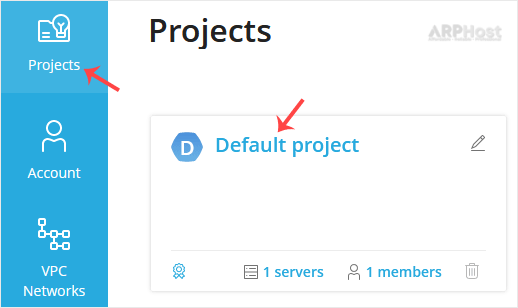
3. Click on the appropriate VPS.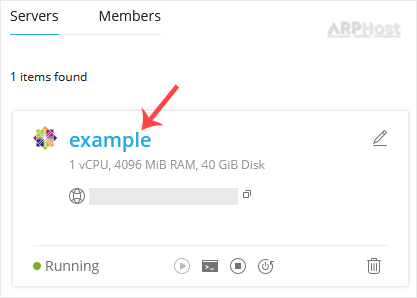
4. Click on Start.
It may take some time for the VPS to start.
