

SolusVM 2 allows you to enable or disable TUN/TAP.
1. Log in to your SolusVM 2 Control Panel.
2. Under Projects, click on the project that contains your VPS.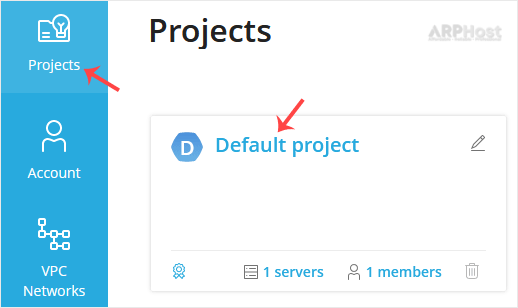
3. Click on the appropriate VPS.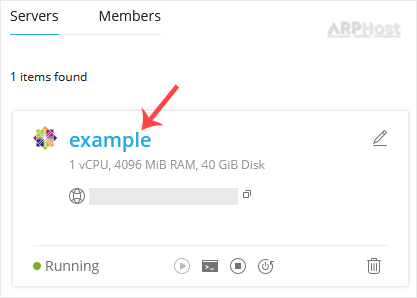
4. Click on the Settings tab.
5. Toggle TUN/TAP to enable it, then click Change to proceed.
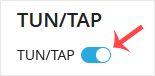
6. After making changes, reboot your VPS.
To disable TUN/TAP, simply toggle it off and restart your VPS.
Now you know how to enable or disable TUN/TAP in SolusVM 2.
