

You can change the root/admin password of your VPS Operating System using SolusVM 2.
1. Log in to your SolusVM 2 Control Panel.
2. Under Projects, click on the project that contains your VPS.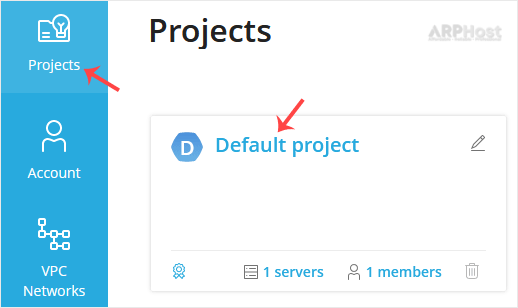
3. Click on the appropriate VPS.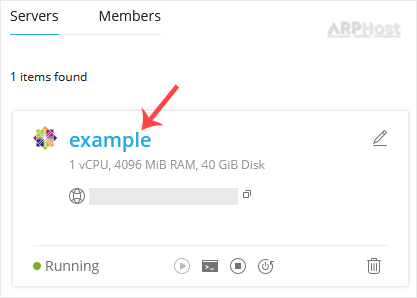
4. Go to the Boot & Rescue tab.

3. Click Reset Root Password, then click Reset to proceed.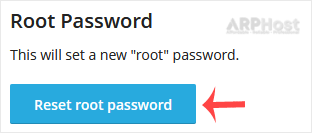
4. It may take a few moments for the password to change, after which a success message will display. Copy the password to Notepad.
You have successfully changed the root/admin password.
