

Your origin CPU climbs, error rates jump, and customers can't check out, but your public homepage still loads fine from your phone. That's a common first sign of a direct-to-origin flood or an unproxied hostname. How Cloudflare DDoS protection works is simple at the top level: Cloudflare announces your protected addresses from its own network, filters attacks at a nearby edge location, and forwards only clean traffic to your server. If traffic can still reach the origin directly, that protection is bypassed.
Table of Contents
- How Cloudflare Filters an Attack at the Edge
- Anycast and BGP Split Floods Before They Reach Your Origin
- Automated Detection and the Three-Second Response
- DDoS Checks, Rate Limits and WAF
- Adaptive Thresholds and Legitimate Traffic Spikes
- Magic Transit and Locking Down the Origin
- How to Confirm Traffic Routes Through Cloudflare
- Decide Which Layer Your Origin Needs
How Cloudflare Filters an Attack at the Edge
Cloudflare announces protected hostnames or IP space from its own network, so an attacker's packets land at a nearby Cloudflare data center before they reach your origin. Inspection runs there, clean requests are forwarded, and flood traffic is dropped at the edge.
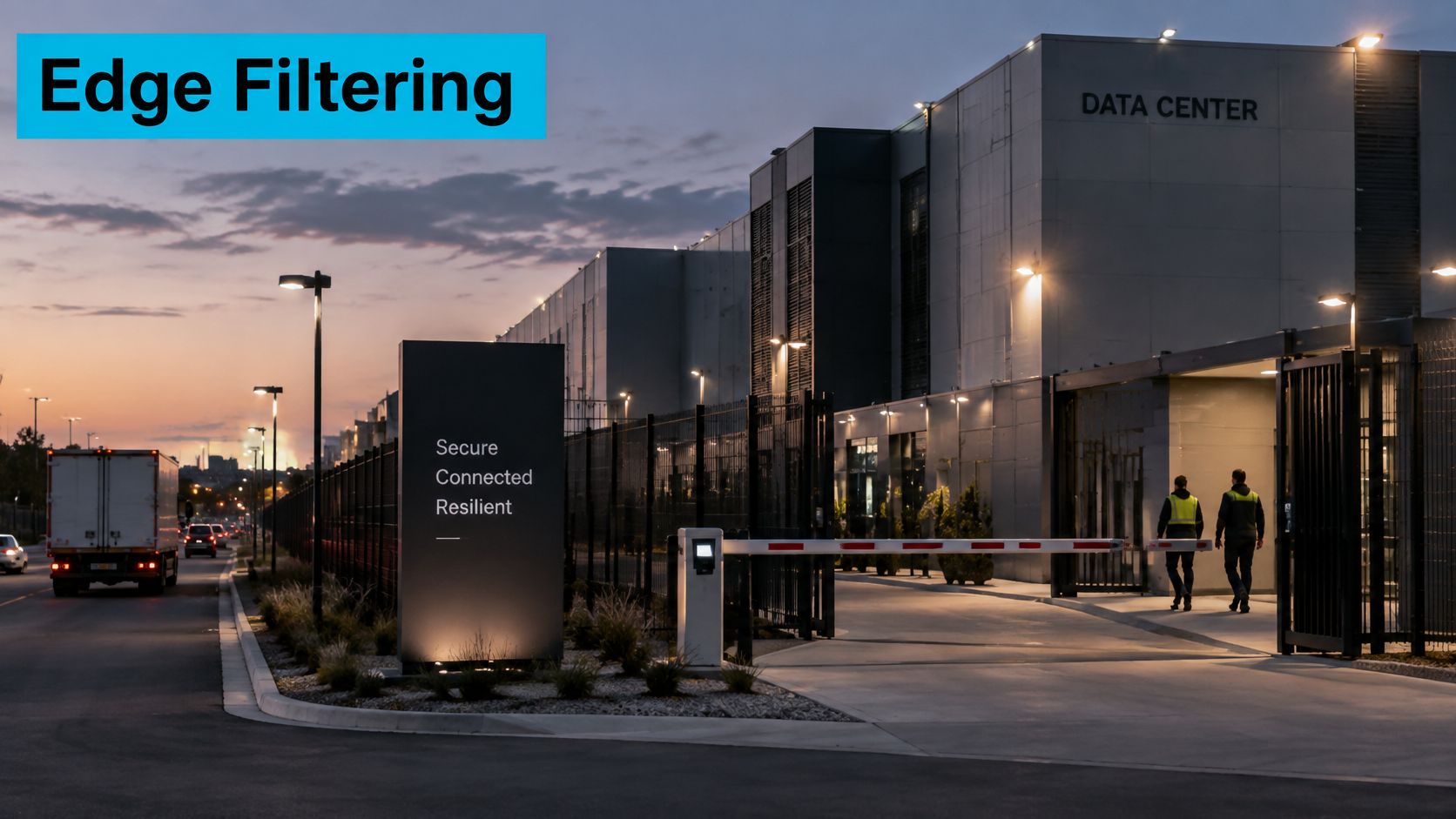
That works because the destination isn't one server in one building. The Cloudflare network protection overview states that the service operates from more than 335 locations in 125 countries and has 534 Tbps of network capacity. It also describes a single-pass inspection architecture designed to absorb most attacks in under three seconds. No single site has to take the full flood.
One Request Through the System
Say a botnet sends a UDP flood and a burst of fake page requests at an online store. BGP routing sends packets from each attacking machine toward the nearest Cloudflare location announcing that address space. The edge drops malformed packets and excess UDP before they consume your uplink. For the HTTP requests that look structurally valid, the edge checks rate, request pattern, and behavior, then forwards plausible shopping traffic to the origin and discards the rest.
| Layer | Attacks handled | Enforcement point |
|---|---|---|
| Layers 3 and 4 volumetric | UDP floods, DNS amplification, SYN floods, ACK floods, malformed packets, protocol violations | L3 Magic Transit or L4 Spectrum protection |
| Layer 7 HTTP | HTTP floods, cache-busting requests, TLS exhaustion, Slowloris, HTTP/2 Rapid Reset | L7 HTTP DDoS protection on proxied hostnames |
| Layer 7 bot patterns | Known botnet request patterns and abusive request behavior | L7 HTTP DDoS protection with managed rulesets |
The table is the test you should apply to your own stack. Ask which row covers each exposed service. A proxied web hostname gets L7 HTTP DDoS protection. A raw TCP or UDP service doesn't get that coverage by accident, and it still needs its own enforcement point.
Practical rule: If a service isn't proxied or routed through Magic Transit or Spectrum, Cloudflare isn't filtering it, no matter what the web hostname does.
The origin still has work to do. You need connection limits, timeouts, application capacity, and bandwidth monitoring for traffic the edge legitimately forwards. You also need host-level controls on non-HTTP services that never touch the proxy. The edge removes the flood you shouldn't have to absorb. It doesn't make an undersized application fast, and it doesn't close ports you left public.
Anycast and BGP Split Floods Before They Reach Your Origin
Think of one street address answered by many sorting offices. Each letter goes to the nearest office, not to a single central depot. That's a useful mental model for Anycast.

Cloudflare announces the same protected addresses through Border Gateway Protocol (BGP) from many locations. Internet routers send each packet toward a nearby announcing site based on the routes they see. A flood generated in several regions therefore lands in several places. Each location handles its share close to the source.
Why Distribution Beats Backhauling
Older mitigation models often pulled suspect traffic to a small number of scrubbing centers. That creates two problems. The path into the scrubbing center can congest before filtering happens, and legitimate users pay extra distance while their traffic is inspected. Anycast reverses the geography: mitigation capacity sits near both users and attackers, and no one facility becomes the single choke point.
Scale is the reason this matters in practice. Cloudflare published in its Q4 2023 DDoS Threat Report that in 2023, Cloudflare mitigated 8.7 million network-layer DDoS attacks, an 85% increase from 2022. You can't plan for that volume with one firewall at the end of one circuit.
The video below gives a short visual walkthrough of the routing idea before you apply it to your own DNS and origin checks.
Anycast has a hard boundary. It protects you only when traffic follows the announced path. If DNS still returns your origin address, or the server answers directly on its public interface, attackers don't need to beat the edge. They'll go around it.
In production on multi-tenant hosts, the first sign is rarely a clean outage. It's origin load climbing while the proxied hostname still looks healthy from outside. Treat that mismatch as an exposure problem first, not an application problem, until you've proved the traffic path.
Automated Detection and the Three-Second Response
During Halloween week in 2024, Cloudflare's systems automatically detected and blocked a 5.6 Tbps attack that peaked at 666 million packets per second and lasted about 80 seconds, according to the Cloudflare DDoS threat report for 2024 Q4. The same report puts the wider quarter in context: 6.9 million attacks mitigated in Q4 2024 alone.
| Measurement | Reported value | What it shows |
|---|---|---|
| Halloween week 2024 attack | 5.6 Tbps, 666 million packets per second, about 80 seconds | Detected and blocked automatically at the edge |
| Q4 2024 attack mix | 3.4 million network-layer (49%), 3.5 million HTTP (51%) | Both layers need protection |
| Q4 2024 attacks above 1 billion packets per second or 1 Tbps | More than 420 | Modern floods can overwhelm a single site quickly |
| Full year 2024 attacks blocked | About 21.3 million, up 53% from 2023 | About 4,870 attacks per hour on average |
Read the mix, not just the peak. Half the problem is packet volume at Layers 3 and 4. The other half is HTTP requests that can look like ordinary browsing until you examine rate, headers, error behavior, and repetition across sources.
How Fingerprinting Avoids Adding Latency to Every Request
Detection doesn't sit in line and inspect each request before anything moves. The Cloudflare documentation on how DDoS protection works explains that autonomous edge and centralized systems analyze traffic samples out of path, so detection can happen asynchronously without adding equivalent per-request processing latency. Dynamic rules evaluate attack patterns, known attack tools, suspicious behavior, protocol violations, excessive origin errors, and abnormal traffic directed at an origin or cache.
When a rule matches, Cloudflare tracks the traffic and creates a real-time fingerprint tuned to the observed attack, according to that same documentation. That detail matters. A good fingerprint matches the malicious pattern surgically instead of blocking a whole country, a whole user agent, or every visitor who happens to arrive during the incident.
Cloudflare reports an average detection-and-mitigation time of up to three seconds for both edge L3/4 DDoS rules and HTTP DDoS rules in that documentation. I'd plan around the limit inside that number. Three seconds doesn't stop the initial burst.
Your origin still needs caching, connection and timeout limits, restrictive access, and enough headroom to ride out the first seconds. If your application falls over from a short spike that the edge is about to fingerprint, capacity is part of the incident. For a practical companion on spotting the pattern from the host side, see our guide to DDoS attack detection.
Use the Reporting After the Traffic Is Gone
- Packets per second and bits per second: Size the flood in the units that stressed you.
- Protocols and targeted ports: Check whether the attack hit the service you thought was exposed.
- Mitigated bytes and downtime prevented: Use these for capacity and firewall tuning, not victory laps.
Set alerts for sudden jumps in 4xx and 5xx rates, requests per second, and bandwidth. Those three signals tell you quickly whether the edge is absorbing a flood, forwarding a harmful pattern, or watching your origin fail for a different reason.
DDoS Checks, Rate Limits and WAF
When a legitimate user is blocked, don't start by editing WAF rules. HTTP DDoS protection runs before WAF Managed Rules, so a request stopped early may never reach the rule you're staring at. The Cloudflare WAF Managed Rules documentation gives the order below.
| Order | Control | Rule identifier |
|---|---|---|
| 1 | HTTP DDoS Attack Protection | ddos_l7 |
| 2 | Custom Rules | http_request_firewall_custom |
| 3 | Rate Limiting Rules | http_ratelimit |
| 4 | WAF Managed Rules | http_request_firewall_managed |
Search event logs for the identifier first. That tells you which control acted. Then edit that control. Skipping this step wastes incident time and can weaken a WAF rule that wasn't involved.
Pick the Action That Matches Your Confidence
- Block: Use it for confirmed hostile traffic with a stable, narrow match.
- Managed Challenge: Use it for suspicious traffic a real browser can usually pass.
- Interactive Challenge: Use it when you need stronger verification and accept more user friction.
- Log: Use it to observe a new or changed rule before you enforce it.
A concrete setup helps. Put a rate limit on a login endpoint at, for example, 10 requests per minute per client IP, with a Managed Challenge when a client exceeds it. That's a rule you wrote for a known abuse pattern. Pair it with a custom rule in Log mode for a week if you're testing a new match on user agent, path, or ASN, then promote it only if the logs show the traffic you intended to catch.
Rate limiting counts requests per client against a rule you define. DDoS mitigation finds floods you didn't anticipate. You need both, and they solve different problems.
For design choices around combining these controls, our overview of a firewall with DDoS protection covers where host and edge rules should overlap.
Troubleshooting Sequence for a Blocked User
- Collect the event details: Time, hostname, path, and ray ID if the user can provide it.
- Identify the identifier: Match the event to ddos_l7, custom, rate limit, or managed WAF.
- Check scope: Confirm whether the match was IP, fingerprint, path, or rate based.
- Change one thing: Adjust action, sensitivity, or scope, then retest before broadening the fix.
Adaptive Thresholds and Legitimate Traffic Spikes
Protection isn't a binary block or allow switch. The Cloudflare adaptive protection documentation describes profiles that use a rolling seven-day window, track dimensions such as geography, user agent, protocol, and origin-error behavior, and discard the highest 5% of rates when calculating thresholds. Automation is fast, but it's judging today's traffic against a learned idea of normal.
That creates a trade-off most explainers skip. A product launch, viral news story, seasonal sale, or expansion into a new country can resemble an attack because it breaks the baseline in exactly the dimensions being profiled. At the same time, a low-volume application-layer attack can hurt a fragile endpoint while staying below a simple volumetric threshold.
Read the Default Against Your Own Baseline
For HTTP DDoS Origin Protect, the Cloudflare HTTP managed ruleset documentation states that at High sensitivity, mitigation is applied when the HTTP error rate exceeds 1,000 errors per second for zones on any plan. On Pro, Business, and Enterprise plans, it adds an accuracy check: the error rate must also reach at least five times the normal origin-traffic level.
The absolute number misleads on its own. On an origin that normally produces 100 errors per second, 1,000 is a flood. On an origin that normally produces 900 during a busy release, it's uncomfortably close to normal operations. I would never set an incident threshold without writing the normal number next to it.
Prepare Before a Known Spike
- Record the baseline: Normal error rate and requests per second by hour of the week.
- Forecast the event: Estimate traffic by market, path, and campaign source.
- Switch new rules to Log: Observe before launches, sales, or announcements.
- Allowlist partners: Protect payment callbacks, health checks, and API clients explicitly.
- Monitor from key markets: Use synthetic checks where your customers are.
- Name an owner: Decide who reviews temporary mitigations and who can roll a rule back.
Resilience still depends on change management. If marketing can launch a campaign that doubles traffic from a new region and engineering hears about it from the mitigation log, the automation didn't fail first. The handoff did.
Magic Transit and Locking Down the Origin
Proxy-only protection covers HTTP and HTTPS hostnames. It doesn't automatically cover SSH, game traffic, VoIP, or a routed IP range. That gap is where many deployments fail, because the website looks protected while the network underneath it is still directly reachable.

| Model | Protects | Origin handoff |
|---|---|---|
| Proxy with L7 HTTP DDoS protection | HTTP and HTTPS hostnames | Requests forwarded to origin over HTTP or HTTPS |
| Magic Transit | Routed IP prefixes, including SSH, game, VoIP and raw IP traffic | Clean packets forwarded over an Internet-based GRE tunnel or a Cloudflare Network Interconnect |
The Cloudflare Magic Transit documentation describes Magic Transit as the front door to the customer network: Cloudflare announces the customer address space using BGP, uses anycast to ingest packets at a nearby Cloudflare data center, inspects and filters the traffic, and forwards clean traffic to the origin. The handoff can use an Internet-based GRE tunnel or a Cloudflare Network Interconnect. Design options for that network layer are covered in our DDoS protection network guide.
Lock the Web Origin to Cloudflare Sources
For a proxied website, the origin should accept ports 80 and 443 only from Cloudflare's published address ranges. Keep the ranges in an nftables set so you can refresh them without rewriting the ruleset. This example is for a Debian 12 or Ubuntu 24.04 host using nftables, with placeholder set contents replaced by the current published ranges in your change process.
sudo nft add table inet filter
sudo nft add set inet filter cloudflare4 '{ type ipv4_addr; flags interval; }'
sudo nft add chain inet filter input '{ type filter hook input priority 0; policy drop; }'
sudo nft add rule inet filter input iif "lo" accept
sudo nft add rule inet filter input ct state established,related accept
sudo nft add rule inet filter input ip saddr @cloudflare4 tcp dport '{ 80, 443 }' accept
sudo nft list ruleset
Test from an outside network before you call it done. A direct request to the origin address should fail, while the proxied hostname should keep working. Keep a console or out-of-band path available during the change, because a wrong source set can lock out the site cleanly and completely.
Warning: The edge doesn't carry your SSH or hypervisor management traffic just because it fronts your website. Administrative ports still need a VPN or a tight source allowlist.
In production, a Proxmox cluster management port exposed directly bypasses the edge entirely. Put it behind a VPN or allowlist no matter what sits in front of the web tier. The same applies to database ports, backup agents with public listeners, and temporary test services that were never removed.
Keep monitoring the origin after lockdown. Watch connection tables, CPU, memory, and origin bandwidth. If bandwidth rises without a matching rise in proxied requests, something is still reaching the server directly or another tenant or service on the host is generating the load.
How to Confirm Traffic Routes Through Cloudflare
You need a proxied hostname, dig, and curl 7.21.3 or newer for the --resolve option. On RHEL-family systems, dig comes from bind-utils. On Debian and Ubuntu, install dnsutils.
Verification Steps
- Check what DNS returns. The answer should be Cloudflare addresses, not your server address.
dig +short example.com
104.21.44.18
172.67.201.92
- Inspect the response headers. Look for
server: cloudflareand acf-rayvalue ending in a data center code.
curl -sI https://example.com
HTTP/2 200
server: cloudflare
cf-ray: 8f3a2c1d4e5b6a7c-TPA
cf-cache-status: DYNAMIC
- Test the origin directly. Replace the test address with your origin address in your own shell. With lockdown in place, the origin should refuse the connection, time out, or return 403.
curl -sI --resolve example.com:443:203.0.113.10 https://example.com/
- Verify rollback behavior. If you turn proxying off for the record during a controlled test,
digshould return the origin address after the DNS TTL expires. Turn proxying back on and repeat step 1 before you finish.
Bypass Causes in the Order I Check Them
- Forgotten unproxied subdomain: A staging, dev, or legacy host still points at the origin.
- A record left direct: The main hostname is proxied, but another record for the same service isn't.
- Mail host exposure: Mail records often must stay DNS only, so don't reuse the web origin address casually for mail.
- Origin still answers publicly: DNS is correct, but the firewall still accepts direct web requests from anywhere.
On multi-tenant hosts, the most frequent gap is a legacy subdomain pointing at the origin address. Audit DNS records against proxy status every month, and after every migration. A migration is exactly when old records get copied forward without anyone asking whether they should still exist.
If step 2 shows Cloudflare headers but step 3 succeeds from an arbitrary network, your site is proxied and still exposed. That's not a contradiction. It means normal users take the front door and attackers can use the side door.
Decide Which Layer Your Origin Needs
If you serve only HTTP and HTTPS, proxy the hostname, keep HTTP DDoS protection on, lock the origin to Cloudflare addresses, and review rate limits on login and checkout. If you run routed IP space, game servers, SSH, or VoIP, plan Magic Transit or another L4 path and test the tunnel before cutover. ARPHost provides multi-layered DDoS protection, firewalls, and 24/7 security monitoring, and managed services cover hardening, vulnerability scanning, and origin lockdown.
Lock down your origin, verify the proxied path with the checks above, and get help reviewing the gaps before an attacker finds them. ARPHost, LLC offers hosting and managed infrastructure with multi-layered DDoS protection, firewalls, and 24/7 security monitoring for teams that want those controls operated for them.

Leave a Reply
You must be logged in to post a comment.