

A dedicated server is a physical machine reserved for one customer or organization, not shared with other tenants. The entire machine, including its CPU, RAM, storage, and network interface, is assigned to that customer.
That's the answer when you're staring at a hosting order and trying to decide whether “dedicated” means a real box or just a larger virtual slice. On a Tampa facility floor, the practical version is straightforward: a technician mounts a 1U or 2U chassis in a rack, connects power and network feeds, installs the requested operating system, assigns addresses, and hands you control of that machine. The hardware stays single-tenant after deployment.
Table of Contents
- What a Dedicated Server Actually Means
- How the Hardware, Network, and Provisioning Path Work
- Dedicated versus VPS, Shared, and Cloud
- Workloads Where Dedicated Hardware Pays Off
- Managed versus Unmanaged Dedicated Servers
- Cost Drivers and Management Considerations
- FAQ on ARPHost Dedicated Servers
What a Dedicated Server Actually Means
A dedicated server is one physical computer committed to one customer. The provider may own the machine, lease it to you, or host hardware that you own in a colocation cabinet, but the defining property is the same: another customer isn't consuming that machine's processor time, memory, storage channels, or network interface.
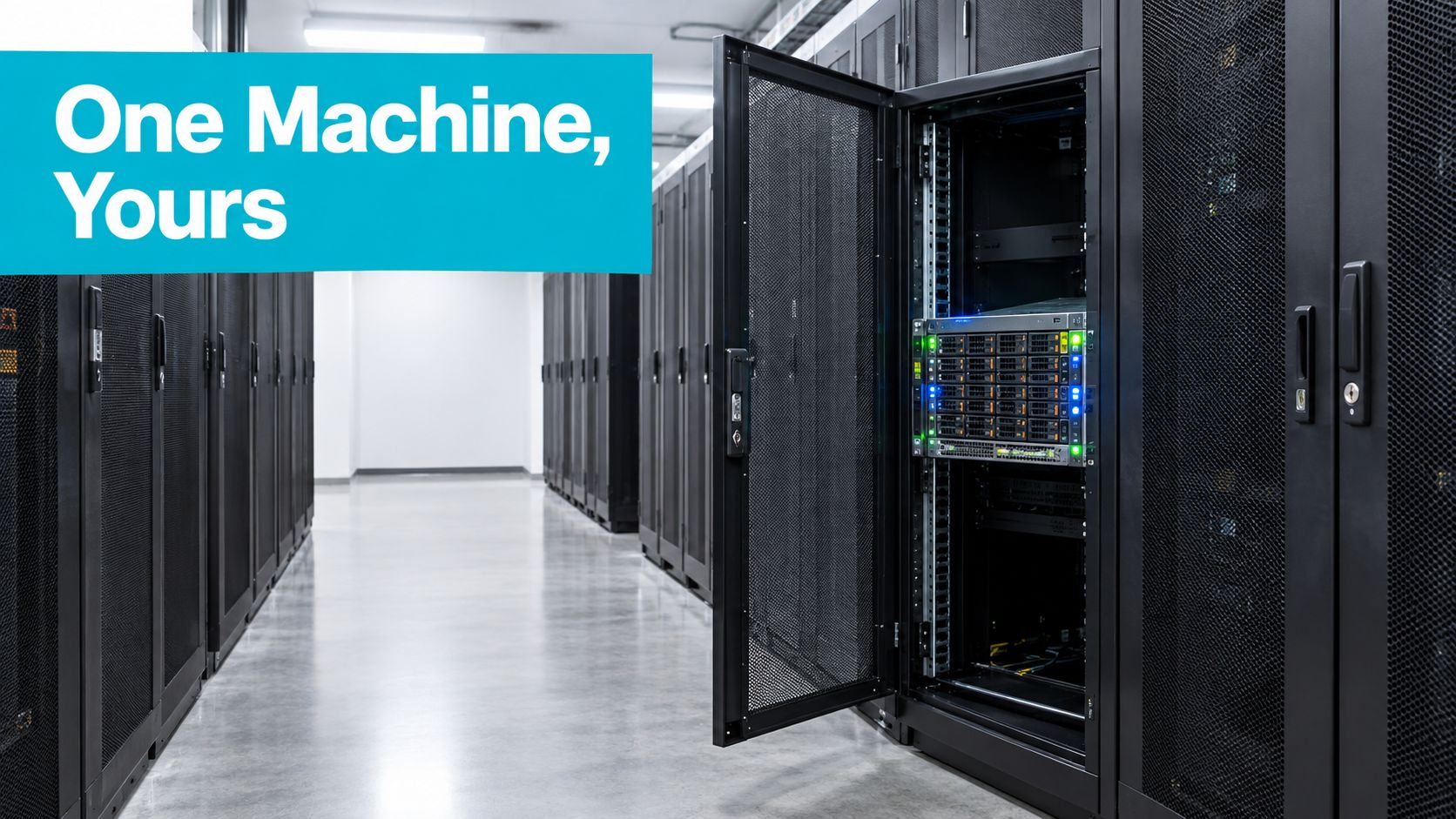
On the rack floor, that usually means a 1U or 2U rack-mounted chassis, although tower conversions still appear in colocation environments. The server has a motherboard, processors, ECC memory, storage devices, a network interface controller, power supplies, and a management controller. A technician labels the asset, connects it to the rack's power distribution and network switching, and records its management and service paths.
Dedicated server versus bare metal
The terms overlap, but they describe different parts of the arrangement.
Bare metal describes the unvirtualized physical hardware presented to the operating system. Dedicated server usually describes the tenancy model, meaning that the physical machine is committed to one customer. A dedicated server can run directly on bare metal, or it can host a hypervisor such as Proxmox VE for that customer's virtual machines.
IBM describes bare-metal infrastructure as emphasizing automated, API-driven provisioning, while traditional dedicated servers are often delivered through a more manual process. That distinction matters when capacity timing affects a deployment. A bare-metal cloud service may create a machine through an API, while a conventional dedicated service may require hardware selection, racking, imaging, network assignment, and human verification first. IBM's bare-metal and dedicated-server explanation keeps that operational difference clear.
Practical rule: Dedicated means one customer gets the machine. Bare metal means workloads run on the physical machine without a virtualization layer.
The single-tenant guarantee is the product class. It gives the customer control over the operating system, kernel, firewall, virtualization stack, storage layout, and resource allocation. That's why dedicated servers suit performance-sensitive workloads such as high-traffic websites, applications, virtualization, and machine learning. AWS defines a dedicated server as an isolated physical environment assigned to one customer.
How the Hardware, Network, and Provisioning Path Work
A dedicated server starts with a hardware profile, not a vague promise of “more power.” The engineer choosing the machine has to match the workload to the CPU family, memory behavior, storage path, network interface, and failure model.
Step 1, select the physical profile
CPU selection commonly begins with AMD EPYC or Intel Xeon families. Core count matters for parallel application workers and virtual machines, while per-core performance matters for latency-sensitive application threads. The host should use ECC DDR4 or DDR5 memory where data integrity and long-running service stability matter.
Storage is a separate decision. NVMe SSDs provide a different latency and queue-depth profile from SATA SSDs, while HDDs remain useful for capacity-oriented data. RAID can protect against a drive failure, but it doesn't replace backups. A hardware RAID controller may add cache and administration requirements, whereas software-managed storage can expose more of the disk layout to the operating system.
The network side needs equal attention. A 1 Gbps copper connection may suit ordinary applications, while a 10 Gbps uplink makes more sense for replication, media movement, storage traffic, or dense virtualization. Some deployments use a single upstream feed. Others use redundant BGP connectivity and edge DDoS scrubbing, depending on the provider's design and the service requirement.
Step 2, provision and verify the machine
The usual path is order review, hardware allocation, rack installation, cabling, firmware checks, operating system installation, network configuration, IP allocation, reverse DNS, and access handoff. A provider may also supply IPMI or HPE iLO access for remote console and power control.
The bare-metal server provisioning workflow is where these details become operational rather than theoretical. The customer should receive the operating system credentials, management access, network details, reboot procedure, and escalation path.
Before accepting the server, verify the hardware from the operating system:
sudo dmidecode -t system -t processor -t memory
lscpu
lsblk -o NAME,SIZE,TYPE,MODEL,FSTYPE,MOUNTPOINTS
ip -br link
sudo smartctl -a /dev/nvme0n1
On a healthy Linux installation, lscpu should show the expected architecture and CPU count, lsblk should show the intended devices, and ip -br link should show the active NIC. smartctl should identify the installed drive and report its health data where supported.
Step 3, keep the BMC under control
IPMI or iLO is not a decorative feature. It works below the operating system, so it can expose the console when SSH fails, show boot errors, change boot media, and power-cycle an unresponsive machine. BIOS settings, kernel boot flags, memory training failures, and storage-controller messages often appear there before Linux can log anything.
Change default management credentials, restrict management access, record firmware versions, and treat the BMC as privileged infrastructure. A server can be perfectly patched at the operating-system level while its management controller remains an avoidable exposure.
Dedicated versus VPS, Shared, and Cloud
The useful comparison isn't “which plan has the largest number.” It's how the delivery model changes resource contention, scaling, administration, and failure scope.
AWS describes a VPS as a partition of shared physical hardware, while a dedicated server gives one customer control over the underlying machine and its resources. The AWS dedicated-server and VPS comparison is a useful baseline, but production decisions also depend on how the provider manages the surrounding network and storage.
Dedicated versus VPS versus Shared versus Cloud decision matrix
| Criterion | Shared | VPS | Dedicated | Cloud |
|---|---|---|---|---|
| Isolation model | Multiple sites share the hosting environment | Virtual machine or container shares a physical host | One customer receives the complete physical machine | Provider-managed virtual or physical resources across a larger platform |
| Performance ceiling | Low and constrained by the platform | Limited by assigned resources and host contention | Bounded by the installed CPU, RAM, storage, and network | Can expand across instances or services, subject to quotas and design |
| Root access | Usually limited or absent | Commonly available | Full operating-system and hardware-level control | Usually available within the instance, with platform restrictions |
| Scalability | Upgrade within the hosting product | Resize or add instances | Add or replace complete servers | Add instances and services elastically when the application supports it |
| Cost shape | Usually a recurring fixed product cost | Recurring cost tied to allocated resources | Recurring cost tied to a physical machine and options | Often metered across compute, storage, transfer, and managed services |
| Management overhead | Provider handles most infrastructure | Customer manages the guest system unless managed | Customer manages the complete operating environment unless managed | Customer manages architecture and services, while the provider manages the platform |
| Failure blast radius | Provider or host issue can affect many sites | Host issue can affect several virtual machines | A hardware or operating-system failure affects that machine | Depends on the service architecture and redundancy design |
Shared hosting falls down when neighbors create sustained CPU, memory, disk, or process pressure. The customer doesn't control those neighbors, so troubleshooting often starts with symptoms rather than a tunable resource boundary.
A VPS gives you a clearer allocation, but it remains a slice of a physical machine. The hypervisor, storage subsystem, and network path still belong to the host platform. VPS works well for development, modest applications, and stateless services that can be moved or replicated without requiring the whole server.
Dedicated hardware wins when consistency and isolation matter more than instant elasticity. You can pin virtual CPUs, tune the kernel, select the filesystem, reserve memory for a database, and observe the complete machine. The limitation is that capacity arrives in physical-server increments, not small virtual steps.
Cloud platforms reverse that trade-off. They're strong when an application can scale horizontally and when the team values APIs, managed services, and elastic capacity. They also introduce architectural complexity and transfer charges, especially when large datasets move between services or regions. A dedicated server is less elastic, but its resource boundary and recurring infrastructure shape are easier to reason about.
For a focused workload comparison, use this dedicated server versus VPS guide alongside the matrix.
Workloads Where Dedicated Hardware Pays Off
Dedicated hardware earns its keep when a specific resource becomes the limiting factor and shared infrastructure makes that limit unpredictable.

Match the machine to the binding constraint
High-traffic ecommerce and SaaS applications usually care about consistent CPU availability, database I/O, and connection handling. A noisy neighbor can turn an otherwise acceptable checkout path into an intermittent latency problem. Dedicated hardware gives the application and its database a predictable resource boundary, but it won't fix inefficient queries, poor caching, or an undersized database design.
Game servers and VoIP systems are sensitive to jitter and scheduling variation. Operators may pin workloads to CPU cores, separate real-time processes from background jobs, and watch interrupt behavior. A dedicated machine gives them more control over those decisions than shared hosting or a heavily contended VPS.
Large in-memory databases such as Redis, Memcached, SQL Server, and Oracle often bind on RAM capacity, memory bandwidth, or storage latency during persistence and recovery. NVMe storage can help the storage path, but the database still needs correct eviction, replication, backup, and recovery policies.
AI inference and model-serving nodes benefit from stable CPU scheduling and direct access to dedicated GPUs. The machine must be designed around GPU power, cooling, PCIe layout, memory, and model-serving concurrency. A dedicated server is not automatically an AI server. The GPU, driver, container runtime, and observability stack still need to be engineered.
The same logic applies to compliance-bound workloads. Physical isolation can simplify asset inventories and evidence collection for environments subject to HIPAA, PCI-DSS, or FedRAMP requirements, but dedicated hardware alone doesn't make a deployment compliant. Access control, encryption, logging, retention, vulnerability management, and documented procedures remain necessary.
After operating multi-tenant infrastructure, the production pattern is familiar: dedicated servers help most when the workload has a hard constraint, not merely when the owner wants a larger number on a specification sheet.
A dedicated server is often unnecessary for spiky development traffic, horizontally scaled stateless APIs, or services that fit comfortably on a few VPS instances. Use this checklist before ordering:
- CPU scheduling: Do background jobs interfere with request handling?
- Memory capacity: Must the working set remain in RAM?
- Storage path: Does the workload depend on sustained low-latency I/O?
- Network behavior: Does jitter or throughput variation affect the service?
- Isolation: Does your audit model require a single-tenant machine?
- Operations: Can your team patch, monitor, back up, and recover the host?
For suitable high-core-count, virtualization, database, or AI workloads, review the available dedicated bare-metal server options.
A practical example is a model-serving node that needs a stable GPU and fast local storage. The GPU is the binding resource, the CPU feeds it, RAM holds the runtime and cache, and NVMe supports model loading. Putting that stack on a shared platform may work for testing, but production behavior depends on more than the advertised vCPU count.
Managed versus Unmanaged Dedicated Servers
The managed split changes who performs the work after the server is delivered. It isn't just a more expensive version of the same operational model.
With an unmanaged dedicated server, the provider typically racks the machine, installs the requested operating system, and supplies access such as SSH and IPMI. Your team owns patching, hardening, monitoring, backups, firewall changes, service restarts, incident response, and recovery testing.
With a managed dedicated server, the provider's operations team takes responsibility for an agreed scope. That commonly includes operating-system patching, security hardening, monitoring with escalation, off-site backups, and hardware replacement coordination. The exact boundary matters more than the word managed, so read the service description before assuming application support is included.
| Task | Unmanaged, customer | Managed, provider or ARPHost |
|---|---|---|
| Rack, power, and initial network connection | Provider | Provider |
| Operating-system installation | Provider on request | Provider |
| OS patching | Customer | Provider within the agreed scope |
| Firewall and security hardening | Customer | Provider within the agreed scope |
| Application deployment | Customer | Usually customer unless separately agreed |
| Monitoring and alert escalation | Customer | Provider for covered systems |
| Backups and restore testing | Customer | Provider where included and configured |
| Reboots and incident response | Customer | Provider for covered incidents |
| Hardware replacement coordination | Customer opens and manages the issue | Provider coordinates the facility response |
| Root-equivalent access | Customer | Shared operational responsibility and trust |
Unmanaged fits a small development team with a sysadmin rotation, configuration management, documented recovery steps, and someone accountable for alerts outside business hours. It gives you maximum control and avoids handing root-equivalent access to another operator, but your team pays in attention and on-call time.
Managed service fits an application team that would rather delegate infrastructure operations than staff continuous coverage. The trade-off is cost, trust, and scope. Managed services typically cost 1.5x to 3x the hardware lease, according to the supplied industry guidance, so compare that expense with the cost of engineer time, delayed incident response, and missed maintenance.
ARPHost positions its dedicated line alongside managed infrastructure support, so a buyer should map the offering against the actual staffing model. Ask who patches the kernel, who owns backup verification, what triggers escalation, and whether an OS reinstall is included or treated as a separate request.
Operational rule: If nobody on your team owns the next security update and the next failed disk, unmanaged is not a saving. It is an unassigned task.
Cost Drivers and Management Considerations
A dedicated server invoice follows the physical design and the operating model. The hardware lease is only one part of the decision.
The CPU generation and core count usually set the direction of the configuration. More cores can support virtualization and parallel workers, while a newer CPU may improve performance per core and platform features. RAM tier follows the workload's working set, and ECC requirements can narrow the hardware choices for databases, virtualization, and long-running compute.
Storage changes the bill through both media and resilience. NVMe SSDs, SATA SSDs, and HDDs serve different access patterns. Capacity is only half the question. RAID controllers, spare-device policy, filesystem layout, and backup storage all affect the final design.
Questions that change the monthly total
- Bandwidth: Is the service based on an included allocation, committed throughput, or usage? Check overage treatment before moving large media or backups.
- IP allocations: Additional IPv4 space may require justification or fees. Ask what is included and how reverse DNS is handled.
- Management: Managed patching, monitoring, backup administration, and incident response add an operational layer to the hardware lease.
- Setup and migration: OS imaging may be routine, while application migration, data transfer, RAID rebuilds, and testing require engineering time.
- Hardware options: CPU family, memory type, storage devices, controller design, and network uplinks can all change the configuration.
The management questions are easier to miss because they don't appear on a basic hardware list. Who updates firmware and the BMC? Who replaces a failed drive? Does the provider dispatch under a defined SLA? Are monitoring alerts merely visible to you, or does a technician investigate them? Does backup coverage include restore testing?
The dedicated server hosting cost guide is useful for organizing those questions without relying on a headline price.
A server that's mostly idle can be the most expensive way to run a workload. The saving usually comes from honest sizing, not from choosing the cheapest chassis. Measure CPU, memory, storage, network, and operational demand over representative periods, then leave room for recovery operations and planned growth.
What this looks like in production
On a multi-tenant floor, the physical machine may be stable while the customer's service still fails because the operating system is unpatched, the backup never completed, or the RAID alert went unnoticed. Dedicated hardware removes neighbor contention. It doesn't remove operational ownership.
FAQ on ARPHost Dedicated Servers
What should I check in the uptime SLA?
Ask what the SLA measures, which components it covers, and what qualifies for a service credit. A useful agreement should distinguish a facility power event, network outage, hardware failure, scheduled maintenance, customer configuration error, and upstream incident.
Also check the evidence path. The provider should be able to identify monitoring records, ticket timestamps, maintenance notices, and the process for requesting a credit. An uptime figure without exclusions and claim instructions isn't enough to model risk.
What hardware can ARPHost provision?
The supplied service information describes configurations built around single and dual Intel Xeon Scalable systems, ECC memory tiers, NVMe or SATA arrays, and network options that can include 10 Gbps uplinks. The right request should state the workload first, then the hardware constraints.
For example, a Proxmox host needs memory capacity, storage redundancy, CPU topology, and network design. A database host may prioritize RAM, NVMe latency, and recovery storage. A media or inference node may need PCIe lanes, GPU compatibility, power capacity, and cooling. Ask whether the machine is pre-provisioned or custom-built, and what delivery checks are performed before handoff.
What belongs to managed service?
Get the patching scope in writing. Confirm whether the provider manages the base operating system only or also web servers, databases, containers, control panels, and application dependencies.
Ask whether monitoring includes escalation, whether backups are off-site, how often restore tests occur, and whether an OS reinstall is part of the service. Hardware replacement and facility response should be separate from application troubleshooting unless the agreement explicitly combines them.
Why does Tampa matter?
A Tampa facility can matter when your users, staff, or recovery site are located in Florida or nearby regions and the resulting network path is appropriate. It can also support local remote hands for Tampa Bay teams that need physical access without maintaining their own rack operation.
Florida planning deserves practical questions about hurricane preparedness, grid resilience, power redundancy, cooling, physical access, and recovery procedures. Teams serving Latin America should test actual routes and latency from their users rather than assuming geography alone determines network performance. ARPHost operates from Tampa and offers colocation, bare metal servers, VPS, Proxmox private clouds, secure web hosting, and managed IT services, so the facility relationship can cover more than one infrastructure layer.
The dedicated server meaning is simple, but the operating contract isn't. Before ordering, document the machine profile, network path, management boundary, backup responsibility, SLA exclusions, and escalation process. That turns “a server just for us” into an infrastructure design you can run.
ARPHost, LLC provides dedicated bare metal servers, colocation, VPS hosting, Proxmox private clouds, and managed IT operations for teams that need a defined hardware and support boundary. Visit ARPHost, LLC to discuss the CPU, memory, storage, network, and management requirements for your workload.

Leave a Reply
You must be logged in to post a comment.