

Host rules help only while the uplink and conntrack table still have headroom; if the port is full, escalate upstream before tuning the firewall. For a SYN backlog problem on an otherwise reachable Linux server, enable SYN cookies with the defensive value 1, then verify legitimate connections.
Installing another firewall rule isn't the first fix for every DDoS outage. Start by identifying which resource has stopped accepting useful work: the provider port, virtual NIC, packet-processing path, connection table, or application.
Table of Contents
- Where Linux Filtering Stops Helping
- How to Set SYN Cookies and a Baseline
- Rate Limits Failures and Safer Defaults
- Escalate Upstream Before the Port Saturates
- Run the Incident Playbook
- Keep Host Rules or Escalate
Where Linux Filtering Stops Helping
Pages time out. SSH freezes halfway through a command. The bandwidth graph sits at the port commit, but the CPU dashboard still looks quiet.
If the uplink or packet-processing path is saturated, start upstream mitigation. If bandwidth remains available and the failure is a full SYN backlog or identifiable abusive sources, host controls can help.
First control by attack class
| Attack class | First control | Linux check | Stop using host rules when |
|---|---|---|---|
| Volumetric UDP or amplification | Upstream scrub, FlowSpec, or temporary null route | NIC missed-packet and discard counters; interface rate against port commit | Port or virtual NIC is saturated |
| DNS flood | Edge or resolver rate limit, not the web server | Resolver query statistics, socket drops, and interface rate | Resolver processing or uplink reaches capacity |
| SYN flood | SYN cookies, then backlog tuning for legitimate demand | SYN-RECV sockets and SYN-cookie counter deltas | Latency stays high after cookies and the link is full |
| HTTP request flood | Reverse proxy and application-aware per-client limits | Access-log growth, top sources, request latency, and occupied workers | Distributed requests exhaust application workers |
| Conntrack exhaustion | Tested stateless drop before tracking | Conntrack count against its maximum | New flows still fail and packet processing remains overloaded |
A Linux firewall doesn't recover bandwidth already consumed on the access circuit. Ordinary input-chain rules also run after earlier receive-path work; XDP can filter earlier, but neither approach enlarges the provider port.
An nginx rejection never sees packets lost at the NIC ring. An iptables drop counter doesn't count packets discarded before they reached that hook.
The Linux and Netfilter field performance report measured 1,738 kpps without conntrack and 757 kpps with it, approximately a 56% reduction in that environment. That's a reason to measure tracking cost, not a performance forecast for your server.
Capacity stop-line: A correct drop rule isn't evidence that legitimate clients can reach the machine.
In multi-tenant infrastructure, a guest can have correct filtering while its virtual switch, host receive path, or customer bandwidth commit is exhausted. Guest CPU utilization alone can't distinguish those failures.
Capture the baseline before changing policy
Use the actual interface name shown by the first command:
ip -br link
ss -s
ss -Hnt state syn-recv
nstat -az
cat /proc/net/softnet_stat
cat /proc/sys/net/netfilter/nf_conntrack_count
cat /proc/sys/net/netfilter/nf_conntrack_max
ip -s link show dev eth0
sudo ethtool -S eth0
mpstat -P ALL
Missing conntrack files can mean tracking isn't loaded or isn't exposed in that environment. Don't enable it merely to obtain a counter during an attack.
Record packets per second, bytes per second, softirq utilization, NIC drops, and successful application requests. Calculate interface rates from counter deltas over a measured interval, and compare them with provider-side graphs.
Interpret the results together:
- Rising receive drops: Inspect NIC queues, host processing, and upstream delivery.
- Busy softirq CPU: Packet processing may be exhausted despite low application CPU.
- Conntrack near its ceiling: Identify unnecessary tracked traffic before allocating more memory.
- Healthy network counters but slow requests: Inspect application workers, upstream dependencies, and database waits.
Establish the maximum sustainable workload through an authorized load test during maintenance. Your useful ceiling is the rate at which legitimate requests still meet their latency target, not the highest packet-drop rate the host can display.
How to Set SYN Cookies and a Baseline
Use root or sudo access on Ubuntu 24.04 or Debian 12, a kernel built with CONFIG_SYN_COOKIES, and working console access. Install the iproute2 tools for socket and network counters; ethtool and sysstat provide additional interface and CPU visibility.
Keep the network counters and the client test visible together.

Enable cookies without hiding application overload
The Ubuntu SYN-cookie documentation defines values 0, 1, and 2 and confirms that this setting governs both IPv4 and IPv6 on supported kernels.
| Value | Behavior | Use on a live server |
|---|---|---|
| 0 | Cookies disabled | Lab testing only |
| 1 | Cookies armed when the SYN backlog overflows | Normal defensive setting |
| 2 | Cookies always on | Avoid as an overload workaround; it adds computation and can hide insufficient capacity |
Save the current configuration and baseline.
 sudo install -d -m 700 /root/ddos-backup
 sudo sysctl -a > /root/ddos-backup/sysctl.txt 2>/dev/null
 sysctl -n net.ipv4.tcp_syncookies | sudo tee /root/ddos-backup/tcp_syncookies
 sudo sh -c '{ echo "flush ruleset"; nft list ruleset; } > /root/ddos-backup/nftables.nft'
 ss -s
 nstat -az TcpExtSyncookiesSent TcpExtListenDrops TcpExtTCPReqQFullDrop
Also record application latency from a known-good client outside the hosting network. Use an existing HTTPS health check so the test includes a real TLS handshake and application response.
Read the live setting, then enable the defensive behavior.
 sysctl -n net.ipv4.tcp_syncookies
 sudo sysctl -w net.ipv4.tcp_syncookies=1
 sysctl -n net.ipv4.tcp_syncookies
 nstat -az TcpExtSyncookiesSent
 sleep 5
 nstat -az TcpExtSyncookiesSent
The setting query should print:
1On a quiet host, the cookie counter shouldn't increase between samples. During backlog overflow caused by a SYN flood, expect it to rise while the known-good client still completes TLS. Compare deltas, not lifetime totals.
Persist the setting. First preserve any existing file at the same path.
 sudo sh -c 'if test -e /etc/sysctl.d/99-ddos.conf; then cp -a /etc/sysctl.d/99-ddos.conf /root/ddos-backup/99-ddos.conf; fi'
 printf '%sn' 'net.ipv4.tcp_syncookies = 1' | sudo tee /etc/sysctl.d/99-ddos.conf
 sudo sysctl --system
Review the output for conflicting drop-ins or errors. A later configuration file can override an earlier setting.
Tune backlog only for verified legitimate demand.
 sysctl net.core.somaxconn net.ipv4.tcp_max_syn_backlog
 ss -lnt
 nstat -az TcpExtListenDrops TcpExtTCPReqQFullDrop
For listening TCP sockets, inspect queued connections and the configured backlog. If legitimate bursts fill the accept queue, raise the kernel ceiling and the service's listen backlog together, using values validated against memory and worker capacity. Restart or reload that specific service as its configuration requires.
Repeat the external TLS check under authorized controlled load. Check SYN-RECV counts, retransmissions, and application latency, including IPv6 where the service supports it.
Test locally and keep rollback simple
An academic SYN-flood benchmark reported approximately 250 SYN packets per second without cookies and 0.4 million with cookies on its test host; its SYNPROXY design handled 2 million packets per second at 7% CPU utilization. Those are experimental results, not sizing guarantees.
Cookies don't add bandwidth, and TCP option negotiation can be affected. Retest large-window transfers, SACK behavior, and clients on high-latency networks.
To roll back, restore the saved live value and either restore the original drop-in or remove the file you created:
sudo sysctl -w net.ipv4.tcp_syncookies="$(cat /root/ddos-backup/tcp_syncookies)"
sudo rm -f /etc/sysctl.d/99-ddos.conf
sudo sh -c 'if test -e /root/ddos-backup/99-ddos.conf; then cp -a /root/ddos-backup/99-ddos.conf /etc/sysctl.d/99-ddos.conf; fi'
Rate Limits Failures and Safer Defaults
A packet meter isn't an HTTP request limiter. A rule matching new TCP connections on web ports limits connection-related packets. It can't count requests multiplexed through an established HTTP connection.
Use nginx or another application-aware reverse proxy for actual request budgets. Use nftables to reject excessive connection attempts before they consume more service capacity.
Deploy one auditable meter
The nftables rate-limiting guide describes per-source meters and a 100-per-second example with a one-minute timeout. Treat that as a starting test configuration, not a universal web threshold.
On a host administered directly with nftables, the following dedicated table adds an IPv4 per-source meter without replacing the existing firewall. Don't deploy it alongside an unfamiliar firewall manager without checking ownership and hook ordering.
sudo tee /root/ddos-backup/ddos-guard.nft >/dev/null <<'EOF'
table inet ddos_guard {
    chain input {
        type filter hook input priority -10; policy accept;
        meta nfproto ipv4 tcp dport { 80, 443 } ct state new meter http_rate_limiter { ip saddr timeout 1m limit rate over 100/second } counter drop
        counter accept
    }
}
EOF
sudo nft -c -f /root/ddos-backup/ddos-guard.nft
sudo nft -f /root/ddos-backup/ddos-guard.nft
sudo nft list ruleset
The meter creates dynamic per-source state. Non-matching traffic continues to the existing firewall, whose restrictions still apply; an accept in this earlier base chain doesn't bypass later base chains.
This example doesn't protect IPv6. Add a separately tested IPv6 selector if the service is dual-stack, and account for shared client addresses behind NAT.
During a controlled connection-attempt test, the drop-rule packet counter should rise for the test client while another client still loads pages. After validating behavior, preserve the old persistent file and save the complete ruleset:
sudo cp -a /etc/nftables.conf /root/ddos-backup/nftables.conf
sudo sh -c '{ echo "flush ruleset"; nft list ruleset; } > /etc/nftables.conf'
sudo nft -c -f /etc/nftables.conf
sudo nft -f /etc/nftables.conf
Use a far tighter, separately tested SSH policy. A busy API may instead require authenticated per-customer application limits.
Host controls compared for a live flood
| Control | Needs | Use it for | Rollback | Pitfall |
|---|---|---|---|---|
| nftables meter | nftables on a current Ubuntu or Debian kernel | Per-source packet or connection caps | Reload saved ruleset | Tracking and dynamic state consume resources |
| SYN cookies value 1 | CONFIG_SYN_COOKIES | Half-open backlog overflow | Restore saved sysctl | Doesn't increase link capacity |
| fail2ban | Userspace log watcher | Repeated authentication or application abuse | Unban through fail2ban-client | Too slow for volumetric floods |
| XDP or eBPF | Compatible kernel, loader, and driver mode | Early filtering maintained by a prepared team | Detach the relevant program | Verifier, observability, and rollback complexity |
An academic eBPF security review places initial XDP support around kernel 4.8 and highlights kernel portability limitations. Native XDP requires driver support; generic mode runs later and is slower. Don't introduce a custom program mid-incident.
For fail2ban, configure the log-matching window through findtime and the block duration through bantime. It helps with recurring authentication failures, not raw packet floods.
Prefer a short policy another on-call engineer can audit over an eBPF object nobody else can safely unload.
Avoid global limits that let one source spend everyone's allowance, per-drop logging that overloads storage and rsyslog, and broad new tracking during a raw flood. Keep Linux firewall administration separate from experimental mitigation work.
Rollback commands belong in the change record:
sudo nft -f /root/ddos-backup/nftables.nft
sudo ip link set dev eth0 xdp off
The XDP command detaches an interface XDP program, not arbitrary tc/eBPF attachments.
Escalate Upstream Before the Port Saturates
Escalate when the access port or virtual NIC reaches its committed rate, NIC discard counters keep increasing, or incoming PPS exceeds the host's validated operating ceiling. Don't wait for every service to fail.
Keep upstream graphs beside interface telemetry while making the handoff.
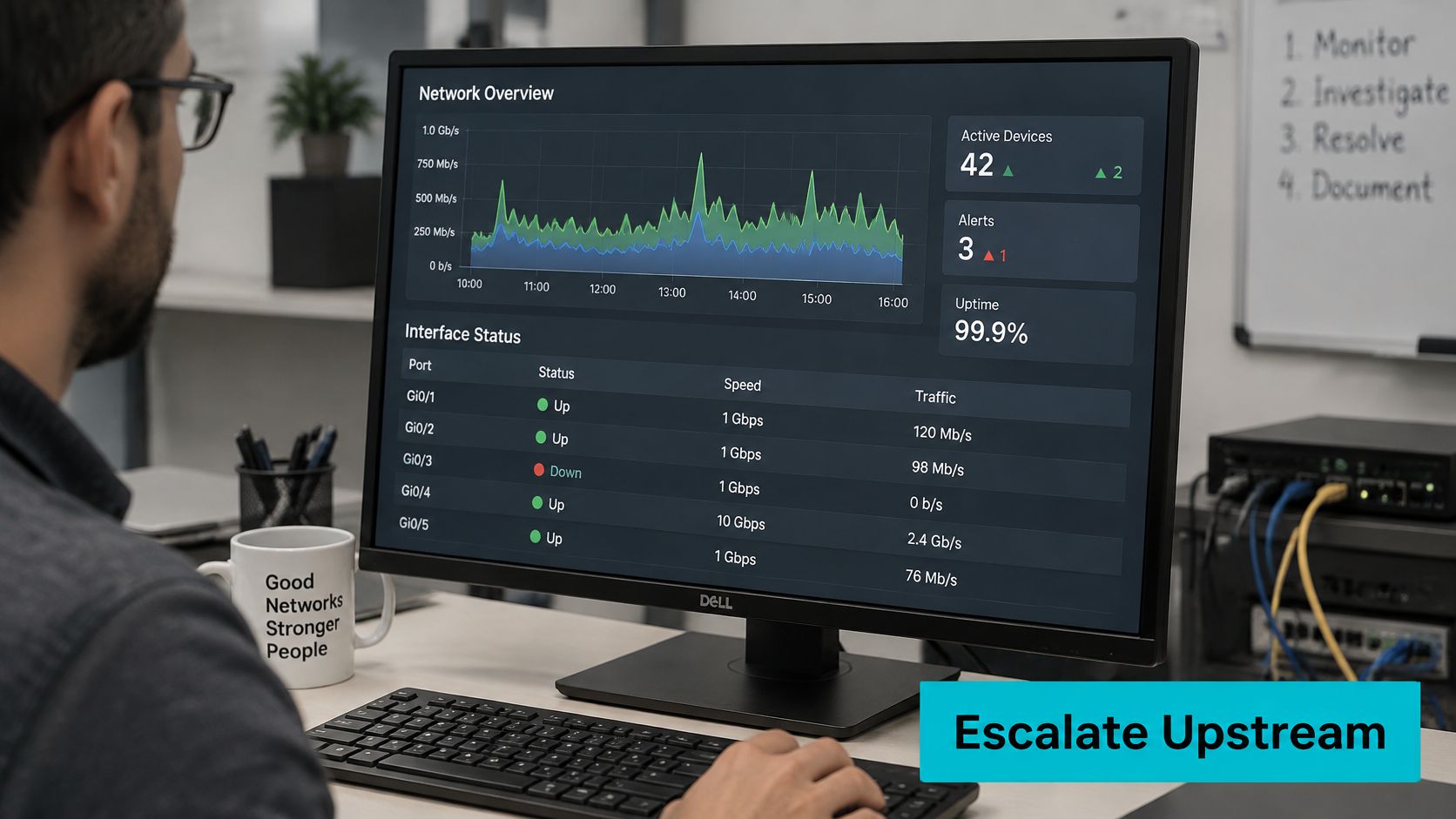
sudo ethtool -S eth0 | grep -i -E 'miss|drop|discard'
ip -s link show dev eth0
Counter names differ by driver, and some virtual NICs expose little useful hardware telemetry. Use the hypervisor and provider graphs when guest counters don't explain the outage.
Cloudflare's 2025 Q2 DDoS report recorded more than 6,500 hyper-volumetric attacks, with DNS floods representing almost one-third of network-layer attacks and SYN floods accounting for 27%. The operational point is attack classification: DNS, TCP handshake, and HTTP floods need different mitigation logic.
Choose the upstream action deliberately
| Option | Best fit | Operational cost |
|---|---|---|
| Transit scrubbing | Preserve service while removing network-layer attack traffic | Requires routing and mitigation coordination |
| Temporary destination null route | Contain an attacked destination and protect other services | Makes that destination unavailable |
| HTTP and TLS reverse proxy | Protect web applications through a filtered entry point | Origin must be hidden and restricted; doesn't cover unrelated protocols |
| BGP FlowSpec or provider equivalent | Distribute precise network-layer filtering | Requires supported routing arrangements and careful validation |
A null route is containment, not restoration. Likewise, placing a proxy in front of a website doesn't help if attackers can still send traffic directly to its exposed origin.
Use the network DDoS protection guidance to align the handoff with the actual traffic path. For dedicated high-PPS workloads, compare port visibility and NIC control through the bare-metal server options, rather than assuming more CPU solves receive-path exhaustion.
Send a ticket the network engineer can act on
Include these fields together:
- Target: Destination address or prefix and affected services.
- Traffic: Protocol, destination ports, observed packets per second, and bits per second.
- Timing: Start time with timezone and whether the attack is continuous or bursty.
- Impact: Whether legitimate users connect, including results from an independent network.
- Evidence: Graphs, interface discard deltas, and a short authorized packet sample.
- Requested action: Scrubbing, narrowly scoped filtering, or an explicitly approved null route.
BCP 38, documented in RFC 2827, and the related RFC 3704 guidance concern source validation at customer-facing network edges. A private-source drop on the destination host doesn't substitute for provider-side anti-spoofing.
Agree on source-validation policy with the network team, and test asymmetric paths before enforcement. Source validation is preventive network hygiene, not an emergency destination-side bandwidth upgrade.
Keep this operational review alongside the written handoff.
Verify restoration through falling discard rates and successful remote application checks. A growing server drop counter, by itself, proves only that the server is discarding traffic.
Run the Incident Playbook
A useful DDoS protection Linux runbook must work when SSH is unreliable and the primary engineer isn't available. Keep console credentials, saved rulesets, graph access, and escalation contacts outside the affected server.
Stabilize access and preserve evidence
Confirm the symptom from another path. Test from an independent network and inspect the bandwidth graph. Check the deployment timeline and service status before treating every timeout as an attack.
 systemctl --failed
 journalctl -p err -n 50 --no-pager
 ip -s link show dev eth0
Record the start time, target, suspected protocol, and whether SSH still responds.
 date -u
 ss -s
Our dedicated server customers receive real-time bandwidth graphs. Capture the graph with the incident timestamp so the network team can correlate it with other telemetry.
Snapshot state without enabling packet logging.
 sudo install -d -m 700 /root/ddos-incident
 date -u | sudo tee /root/ddos-incident/time.txt
 ss -s | sudo tee /root/ddos-incident/sockets.txt
 cat /proc/net/softnet_stat | sudo tee /root/ddos-incident/softnet.txt
 sudo nft list ruleset > /root/ddos-incident/ruleset.txt
 cat /proc/sys/net/netfilter/nf_conntrack_count | sudo tee /root/ddos-incident/conntrack-count.txt
Treat missing tracking telemetry as an environment detail to investigate, not permission to load additional modules.
If the link has headroom, apply only previously tested changes appropriate to the diagnosis. Use the saved SYN-cookie setting and approved meter configuration. Don't compile or attach a new XDP program while users are disconnected.
If the port is full, send the upstream ticket immediately. Include the target, protocol, ports, rate, timestamp, and legitimate-client result. Freeze unrelated host changes so the network team can evaluate mitigation without a moving configuration.
Protect management through an out-of-band console and an allowlisted management source. Use the provider panel's remote reboot capability only when recovery requires it; rebooting a healthy kernel won't remove traffic from the access circuit.
Restore service and remove emergency changes
Run scheduled legitimate-client checks. As a starting operational schedule, test every ten minutes and record reachability, TLS completion, and application latency. Increase check frequency when the service's recovery requirements demand it.
When the flood subsides, remove emergency drops through the approved rollback, then inspect the result.
 sudo nft -f /root/ddos-backup/nftables.nft
 sysctl -n net.ipv4.tcp_syncookies
 sudo nft list ruleset
Confirm cookies use the normal defensive setting, not permanent activation, and reconcile the persistent firewall file before any reboot.
Write the timeline. Record PPS, interface rate, client success, configuration changes, upstream actions, and notification times. Preserve evidence according to your retention policy, then assign follow-up work through the incident response process.
A backup transfer or malware scan can produce the same initial symptoms. Take a short, bounded packet sample to identify the flow without creating another disk problem:
sudo timeout 10 tcpdump -ni eth0 -c 200 -s 96 -w /root/ddos-incident/sample.pcapPrevent a repeat of the same failure. Close unused listeners, retain the tested sysctl drop-in, restrict recursive DNS service, and commit the last-known-good ruleset to the configuration repository. As initial local alert policies, consider conntrack above 80% or uplink utilization above 70% for five minutes, then tune those thresholds against legitimate peaks.
Restore the service first. Keep emergency policy only if someone owns its ongoing justification and rollback.
Coordinate any later source-validation changes with the network team. RFC 3704 addresses multihomed environments where routing asymmetry makes careless validation especially risky.
Keep Host Rules or Escalate
Keep mitigation on the host when measured PPS and bandwidth leave headroom and the fault is a SYN backlog or identifiable abusive sources; escalate with the target, protocol, ports, rates, and timestamp when rising discards, connection-state pressure, or receive-path overload prevent legitimate sessions.
Agree on the mitigation design before the next event. Dedicated port visibility helps diagnosis, but it doesn't make a host firewall a substitute for upstream capacity. Protection also isn't an unconditional availability guarantee: external DDoS and hacking attacks are excluded from ARPHost's guarantees.
ARPHost, LLC offers multi-layered DDoS protection, firewalls, security monitoring, and managed Linux administration. Visit ARPHost, LLC to discuss your port capacity, management-access requirements, and upstream escalation process before an attack forces those decisions.

Leave a Reply
You must be logged in to post a comment.