

BGP communities are optional transitive route tags that let you tell a BGP neighbor how to handle a route. To tag a prefix on FRR 8.x on Debian 12, append the community and refresh the session:
vtysh -c "configure terminal" -c "route-map COMMUNITY-OUT permit 10" -c " set community 64500:100:1 additive" -c "exit"
vtysh -c "clear bgp ipv4 unicast 203.0.113.10 soft out"
That tag is metadata, not a destination. The prefix never changes. The receiving router only acts if it has a matching policy rule for that value.

Table of Contents
- What BGP Communities Actually Do
- Community Formats And Policy Languages
- Standard Communities
- Extended Communities
- Large Communities
- Choosing a Format
- Standardized Control Signals
- Remote Blackhole Expectations
- Provider Action Languages
- Operational Policy Boundaries
- Steering Inbound Traffic
- Handling Congestion and Maintenance
- Responding to DDoS Traffic
- Signaling Customer Export Policy
- Separating Internal Route Classes
- How To Set And Verify BGP Communities
- Lock Down Community Handling At The Edge
What BGP Communities Actually Do
Think of a community as the handling label on a shipping box. The prefix is what is inside the box. The community is the sticker on the outside that says fragile, rush, or do not forward.
Each network decides for itself what that sticker means. BGP still picks paths the normal way. Communities just give you a consistent way to nudge that decision.
| What The Tag Is | What It Can Trigger | What It Cannot Change |
|---|---|---|
| Metadata tied to a BGP route | Local preference, path length, propagation, or discard | The advertised prefix or destination |
That is why you see them so much on transit sessions. A provider will publish a list like send us X and we will prepend once, send us Y and we will only send it to peers. The same number can do something totally different at another provider, because it is just an agreement between you and them.
BGP selects paths, while communities encode operator intent into repeatable policy.
Community Formats And Policy Languages
The idea is simple. The encoding has grown over time:
- Standard communities pack an ASN and a value into 32-bit fields. Old, simple, still everywhere.
- Extended communities add typed fields built for routing and MPLS use cases.
- Large communities use three 32-bit fields, which finally solves the old ASN size problem.
Format only changes how the tag is written on the wire. Nothing happens unless the receiving router has a rule that says what to do with it.
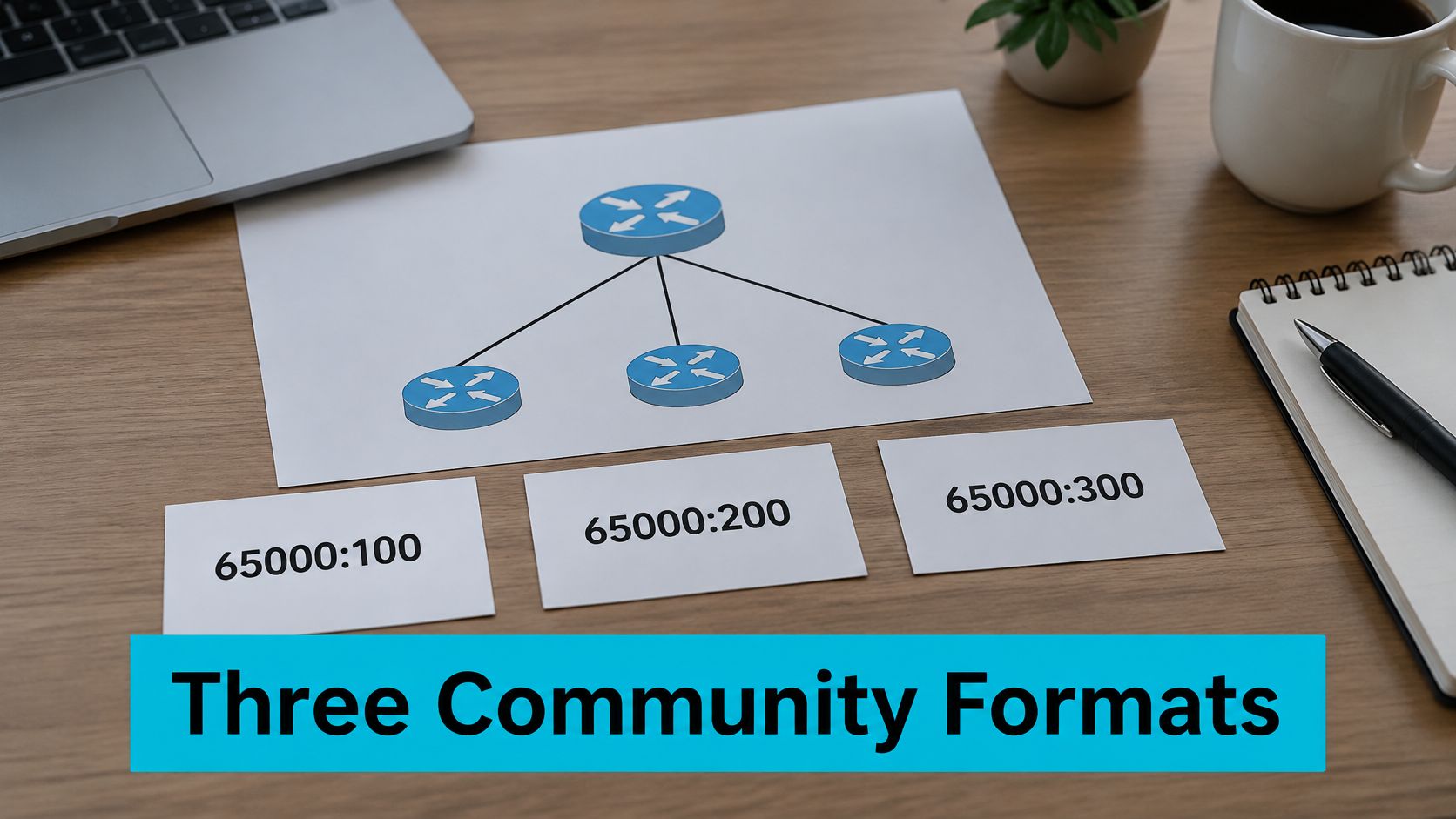
Think of BGP communities as sticky notes stuck to a route. The prefix tells routers where to go, the community tells them how to handle it.
What separates them is the size of the note itself. Standard communities are 32 bits, extended communities are 64 bits, and large communities are 96 bits.
Standard Communities
A standard community splits those 32 bits in half: ASN:value. So 64500:100 means value 100 as defined by AS64500.
That worked fine when AS numbers topped out at 65,535. Once four-byte ASNs arrived, that 16-bit ASN half became too cramped for many networks, though old and private values still work.
The format comes from RFC 1997.
Extended Communities
An extended community gives you 64 bits, starting with a type field followed by type-specific data. Depending on the subtype, that administrator field might be an ASN or an IPv4 address.
You will see these constantly in MPLS and VPN setups. Route targets decide which VPN routes get imported or exported, and route origins mark where a route first entered the VPN.
Encoding rules are in RFC 4360.
Large Communities
A large community uses three full 32-bit fields: ASN:field1:field2. That leaves room for a complete four-byte ASN plus two values you define.
For instance, 64500:100:200 might mean action 100 toward target 200 under AS64500 policy. On their own those numbers mean nothing.
Large communities were standardized in RFC 8092.
| Format | Field Layout | Width | ASN Capacity | Typical Use | Support Caveats |
|---|---|---|---|---|---|
| Standard | 16-bit ASN, 16-bit value | 32 bits | Two-byte ASN | Basic tagging and filtering | Cannot represent a four-byte ASN |
| Extended | Type plus type-specific data | 64 bits | Depends on subtype | Route targets, route origins, VPN policy | Subtype interpretation must match |
| Large | 32-bit ASN, two 32-bit fields | 96 bits | Full four-byte ASN | New action and target policies | Requires compatible local and peer support |
Choosing a Format
Building a new policy around a four-byte ASN? Large communities are the cleanest fit. With three fields, you are far less likely to collide with someone else's value.
Still, check support on both sides first. FRR 8.x handles large communities and advertises the matching neighbor capability, but policy syntax can shift between releases. On some platforms, communities are not sent unless send-community is enabled. Document that vocabulary next to your bare metal routing hosts.
Choose the format both ends understand. A community only does anything if the receiving router has a matching policy rule.
Standard communities have fixed meanings. Provider-specific action communities do not, because each provider publishes its own mapping between a tag and an outcome. Always check the provider's current policy page before you send anything.
Standardized Control Signals
The standards-based values handle export restrictions, graceful shutdown, and blackholing. They are defined in RFC 1997 and the updates that followed. See RFC 8326 for graceful shutdown.
| Community | Standard Value | Required Behavior |
|---|---|---|
| NO_EXPORT | 65535:65101 | Do not advertise outside the confederation |
| NO_EXPORT_SUBCONFED | 65535:65201 | Allow confederation peers, but not external peers |
| NO_ADVERTISE | 65535:65202 | Do not advertise to any peer |
| GRACEFUL_SHUTDOWN | 65535:0 | Deprioritize the route as a peer withdraws |
| BLACKHOLE | 65535:666 | Discard traffic when the provider supports RTBH |
NO_EXPORT stops the route at the confederation boundary. NO_EXPORT_SUBCONFED is looser, it lets the route move inside a confederation, just not out to external peers.
NO_ADVERTISE goes further than both. Once a speaker receives it, that route is not advertised to anyone.
The graceful shutdown community is a polite heads-up. It tells neighbors to prefer another path while a peer is being pulled. The blackhole community asks for remote-triggered discard, but it only works when the upstream has matching RTBH policy.
Remote Blackhole Expectations
RTBH is usually tied to an exact prefix, a /24 or more specific, not an aggregate. Many providers also limit which space they will blackhole, especially infrastructure prefixes.
A blackhole tag requests an action. It does not guarantee that the upstream will honor it.
Before you tag anything, confirm the length is accepted, the address space is eligible, and the receiving provider documents that exact community value. Keep a separate path up for control traffic.
Provider Action Languages
Provider action communities are private agreements, not universal standards. One tag might lower local preference. Another might ask for a prepend toward one named peer. Another might suppress the announcement toward a selected neighbor group.
This next example is illustrative, not copied from any carrier:
| Example Tag Pattern | Intended Action | Direction |
|---|---|---|
64500:100:1 | Lower local preference toward peer 1 | Inbound |
64500:100:2 | Request one prepend toward peer 2 | Outbound |
64500:200:3 | Suppress advertisement toward neighbor group 3 | Outbound |
64500:300:0 | Mark route for an operational policy action | Internal |
A multi-transit network will often use the same internal service tag everywhere, then translate it into each provider's syntax. That translation layer keeps carrier-specific numbers from leaking into customer policy. For background on footprint planning, see ARPHost colocation services and managed infrastructure.
Operational Policy Boundaries
In production, tagging customer prefixes by service type and mitigation state saves time during an incident. A shift engineer can apply one policy across edge routers instead of rewriting per-prefix rules under pressure.
The real artifact is a written community map: direction, expected effect, removal procedure.
In production we run this split across redundant edge routers and keep provider mappings in a reviewed dictionary. What this looks like in production on multi-tenant edges: one undocumented tag reused across customers will propagate everywhere that route-map is applied, so we gate all provider tags through an edge translation route-map.

We learned this during a traffic spike. We could see which transit path was congested, but fixing it meant logging into several routers and hand-editing filters mid-incident.
BGP communities turn that scramble into a pre-planned move. You attach a documented tag, and the receiving network runs the policy it already has for it.
Steering Inbound Traffic
Say you have two transit providers feeding the same region. When one starts congesting, you send its documented community to lower local preference for that customer prefix.
Their edge then treats the route as less preferred, and you did not need a one-off filter. The catch is that the provider has to recognize that value, so carrier-specific tags need translation through your edge policy.
If you need tighter control, that same request can point at a specific upstream peer. Now the tag is steering one path instead of shifting preference everywhere.
Handling Congestion and Maintenance
When one transit path fills up, an asymmetric prepend makes the route look longer only through that provider. Everyone else still gets the clean announcement.
Same idea before a router reload. Deprioritize the affected prefixes ahead of time. The graceful shutdown community sends the broad signal, while a provider-specific community lets you pick off selected routes.
Our rule: attach the maintenance signal, verify the advertisement, then do the disruptive work. Pull the tag right after, or that prefix will sit deprioritized for no reason.
Responding to DDoS Traffic
Under attack, a blackhole tag asks participating upstreams to drop traffic for the hit prefix at their edge. That keeps the flood from consuming your remaining bandwidth.
Sequence we use:
# 1. Confirm target prefix and impacted service
# 2. Attach provider documented blackhole community outbound
# 3. Verify provider routes prefix to discard
# 4. Keep control traffic on separate path
# 5. Remove request when incident ends
A community asks for an action, it does not force one. Only the upstream can confirm its discard policy picked up the signal.
Signaling Customer Export Policy
Customers often want different export behavior by region or by upstream peer. Give them a small internal vocabulary, then translate it to each provider's syntax at the edge.
Internal tags might separate a regional export request from a peer-specific one. The customer works with one documented contract, while the edge keeps each carrier's values fenced off.
That separation matters. It stops provider-specific values from leaking into customer communities.
Separating Internal Route Classes
Internal tagging is how we split routes into three readable buckets: customer, peer, and transit. Later policy matches those classes instead of digging through hostnames or old incident notes in route maps.
At scale, hand-editing filters gets risky fast.
| Scenario | Community Type | Signaling Direction | Verification |
|---|---|---|---|
| Lower preference through one provider | Provider-specific standard or large | Customer to provider | Inspect provider route preference |
| Reduce preference through one peer | Provider-specific large | Customer to provider | Confirm peer-specific policy state |
| Deprioritize during maintenance | Provider-specific or graceful shutdown | Customer to provider | Compare advertisement and upstream path |
| Discard attack traffic upstream | Blackhole | Customer to provider | Confirm upstream discard route |
| Restrict regional or peer export | Internal tag translated to provider value | Customer to internal edge | Review export policy result |
| Separate route classes | Internal large community | Internal route processing | Inspect received and exported communities |
One tag firing a predefined policy beats rewriting filters under pressure, every time. For related edge design, see ARPHost traffic management solutions.
How To Set And Verify BGP Communities
Prerequisites
- eBGP session is Established, ASN and neighbor IP confirmed.
- Provider community dictionary in writing, with direction and expected action.
- Approved change window and rollback plan.
- FRR 8.1 on Debian 12 or Junos 21.4R3, syntax checked for your release.
Verify session state first:
sudo vtysh -c "show bgp summary"
Expected output:
Neighbor        V  AS    MsgRcvd MsgSent  TblVer  InQ OutQ  Up/Down State/PfxRcd
203.0.113.10    4  64501  15210   14882      42    0    0 04:12:33        812044
Step 1: Add an Outbound Tag on FRR
Create a route-map that appends the community, then apply it outbound:
configure terminal
route-map COMMUNITY-OUT permit 10
 set community 64500:100:1 additive
exit
router bgp 64500
 neighbor 203.0.113.10 route-map COMMUNITY-OUT out
 neighbor 203.0.113.10 send-community standard
 neighbor 203.0.113.10 send-community extended
 neighbor 203.0.113.10 send-community large
end
FRR 8.x handles standard, extended, and large communities. Older builds handle send-community options differently, so check the running config first.
Push the new attribute without bouncing the session:
sudo vtysh -c "clear bgp ipv4 unicast 203.0.113.10 soft out"
Step 2: Build the Same Policy in Junos
Define the community member, then apply it in an export policy:
set policy-options community PROVIDER_ACTION members 64500:100:1
set policy-options policy-statement EXPORT-COMMUNITY term TAG-CUSTOMER from protocol bgp
set policy-options policy-statement EXPORT-COMMUNITY term TAG-CUSTOMER then community add PROVIDER_ACTION
set policy-options policy-statement EXPORT-COMMUNITY term ACCEPT-ALL then accept
set protocols bgp group TRANSIT type external
set protocols bgp group TRANSIT export EXPORT-COMMUNITY
commit
Junos sends standard communities on eBGP by default. For extended and large communities you usually need explicit handling, so check what the neighbor negotiated and what your release does.
Step 3: Use an Inbound Tag to Set Preference
Act on a tag the provider sends you by lowering local-preference before it hits the main table:
set policy-options community PROVIDER_PREFERENCE members 64500:200:1
set policy-options policy-statement IMPORT-PREFERENCE term MATCH-PROVIDER from protocol bgp community PROVIDER_PREFERENCE
set policy-options policy-statement IMPORT-PREFERENCE term MATCH-PROVIDER then local-preference 80
set policy-options policy-statement IMPORT-PREFERENCE term ACCEPT-ALL then accept
set protocols bgp group TRANSIT import IMPORT-PREFERENCE
commit
FRR equivalent:
configure terminal
route-map COMMUNITY-IN permit 10
 match community 64500:200:1
 set local-preference 80
exit
Direction matters: outbound tags what you send to the provider, inbound reacts to what the provider sends to you.
Step 4: Verify What You Advertised
Confirm it locally and in the outbound update:
sudo vtysh -c "show bgp ipv4 unicast 198.51.100.0/24"
sudo vtysh -c "show bgp neighbors 203.0.113.10 advertised-routes"
Expected FRR output:
198.51.100.0/24
  Local Preference: 100
  Community: 64500:100:1
On Junos:
show route 198.51.100.0/24 detail | match community
show bgp neighbor 203.0.113.10 advertised-routes detail | match community
That only proves what your router sent. Confirm what the provider kept via its portal, looking glass, or a support ticket.
Step 5: Roll Back Without Dropping BGP
Detach the policy and soft-refresh outbound:
sudo vtysh -c "configure terminal" -c "no neighbor 203.0.113.10 route-map COMMUNITY-OUT out" -c "end"
sudo vtysh -c "clear bgp ipv4 unicast 203.0.113.10 soft out"
Common Failure Modes
- Missing
additive: the new tag replaces existing tags instead of appending. - Missing
send-community: FRR does not send that attribute type to the neighbor. - Wrong policy direction: export hits outbound, import hits received routes.
- Unsupported large community: one side lacks the capability or matching policy.
For consistent rollout across multiple edge routers, review ARPHost managed network infrastructure.
Lock Down Community Handling At The Edge
Start tight at the boundary. Strip inbound communities from customers unless explicitly agreed, allow only documented provider tags outbound, and close every policy chain with an explicit permit.
Never let a customer attach No_Export, No_Advertise, or any other well-known value that could stop propagation. Use your own internal vocabulary, then translate approved values at the edge.

Diagnose The Missing Tag
Symptom: the community shows up on your route, yet the upstream acts like it never got it.
Check the advertised prefix first, then what went out on that session. You want the configured value in the table and a matching advertised-route entry, with Local Preference 100 and table version around 42.
If the tag is local but missing from the advertised route, check policy placement and capability negotiation. Review the running config and outbound route-map:
sudo vtysh -c "show running-config | include send-community"
sudo vtysh -c "show bgp neighbors 203.0.113.10"
A community only counts if it survives policy and leaves in the outbound update.
Fix The Common Causes
- Send-community is off. On FRR enable each type you use: standard, extended, and large toward that peer.
- A non-additive set wiped other tags. Use additive so
64500:100:1is appended. - The upstream dropped an undocumented value. Send only what they document.
- Policy is on the wrong direction. Tags you send belong in export or outbound route-maps, not inbound.
- Large communities unsupported on one side. Check negotiated capabilities, then fall back to a format both sides support.
Prevent Recurrence
Audit policy chains quarterly. Document every value you accept, and review changes with the ticket that authorized them.
- Document direction, value, and expected action.
- Review route-map order and final explicit permit.
- Audit outbound attributes against the provider dictionary.
- Test changes on a spare session first.
In multi-tenant setups, one stray tag can bleed across every route sharing that policy branch. A clear dictionary keeps customer input away from provider controls.
Escalate to the upstream NOC when outbound logs prove the community left your router and the neighbor had the right capability. Send update timestamp, prefix, community value, and affected session.
Whether a BGP community policy holds in production comes down to habits, not syntax. Publish your dictionary where customers can find it. Treat tags like an API: if meaning changes, version it.
Community policies need ownership, review, and rollback instructions.
If you work with four-byte ASNs, use large communities on new designs. They keep the full ASN intact and give you two operator-defined fields. Always test policy in a lab or on a spare session first. Log every export-policy change with the ticket that authorized it.
On multi-tenant edges, tag customer prefixes with service and mitigation markers. That way the night shift can push one reviewed decision across edge routers when pressure is high.
Do Communities Cross an Upstream's Upstream?
Yes, unless something stops them. Standard communities are transitive by default, but NO_EXPORT and NO_ADVERTISE limit how far they travel. Upstreams may filter them too.
What Happens With Conflicting Tags?
Your local policy makes the call. It might apply both actions, pick one based on policy order, or handle them separately. There is no universal winner, so write down your precedence.
Can Communities Attract Traffic Without Provider Cooperation?
No. They only work where matching policy exists. An upstream has to recognize your value before it shifts how traffic reaches you.
How Do Blackholes and Prefix Filters Interact?
A blackhole tag asks for remote discard, but it does not override prefix-length rules. Most providers only accept eligible prefixes at specific lengths. Confirm coverage, length, and RTBH policy before tagging.
Operators running their own edge routers can evaluate ARPHost colocation for power and cross-connects and pair it with network redundancy and traffic management solutions. For design review before a maintenance window, contact managed network infrastructure.

Leave a Reply
You must be logged in to post a comment.