

Putting a website behind a CDN proxy doesn't protect your network. It protects the hostnames that proxy fronts. Your origin IP, DNS, mail, VPN, and any non-HTTP service can still be hit directly. That's the gap most roundups for the best DDoS protection services skip.
The direct answer is simple. The best service depends on whether you need to protect a website, an IP prefix, or a whole network path. This list sorts seven providers by that boundary, mixing self-serve plans you can buy today with quote-based services that require sales, BGP, or both.
I've watched this fail in production. A site sat behind a proxy, dashboard green, cache hit rate healthy. The origin IP had leaked in old DNS history. Attack traffic bypassed the proxy, filled the uplink, and the site died while the edge reported nothing wrong. The proxy worked. The boundary was wrong.
That failure mode isn't rare. It matches the data point that direct-path attacks represented 64.4% of observed attacks in the first half of 2026. Many attacks disrupt services before a link saturates, so headline capacity alone tells you little. Judge each option below on what it protects, how traffic reaches it, and what stays exposed.
Table of Contents
- 1. Cloudflare Management
- 2. Cloudflare
- 3. AWS Shield
- 4. Akamai Prolexic
- 5. Imperva DDoS Protection
- 6. Radware Cloud DDoS Protection
- 7. Fastly DDoS Protection
- How the seven DDoS protection options differ by service model, coverage, published SLA, and pricing visibility
- Pick the Protection Model Before You Pick the Vendor
1. Cloudflare Management

ARPHost's Cloudflare Management is an administration layer, not a DDoS mitigation network. Cloudflare handles traffic filtering; ARPHost manages Cloudflare settings alongside your hosting and infrastructure. That can help teams that do not have staff to maintain DNS, caching, and security rules. It does not add mitigation capacity or expand which traffic Cloudflare can protect.
The distinction matters when comparing the best DDoS protection services. Management can reduce configuration errors, such as leaving a DNS record unproxied, exposing an origin address through a mail record, or setting a rate limit that blocks a payment callback. Those are operational risks. They are separate from an attack that overwhelms an exposed IP or network link.
Who this fits and who it doesn't
This service may suit a business that already hosts with ARPHost, uses Cloudflare, and needs help administering it. Having one provider coordinate edge settings with the servers behind them can simplify changes during an incident. The trade-off is that you still depend on Cloudflare's protection boundary, and the management service's scope needs clarification before you buy.
It does not fit a buyer seeking protection for a prefix, a colocation cabinet, or non-HTTP services that Cloudflare's proxy does not cover. Administration cannot turn a website proxy into network mitigation. If direct attacks on an exposed IP range are your concern, arrange network protection first and treat administration as a separate need.
- Reduces in-house workload: ARPHost can take on Cloudflare administration, which may spare a small team from maintaining another control plane.
- Coordinates with hosting: One provider can align origin changes and edge rules. The trade-off is that this coordination depends on the specific tasks included.
- Scope is unspecified: The available page does not list included tasks, account requirements, response times, or guarantees.
- Confirm before buying: Ask in writing which DNS, caching, firewall, and incident tasks are covered, along with support hours, response times, and your team's responsibilities.
Practical rule: Buy management to address an operations gap. It does not close a coverage gap.
In multi-tenant hosting, DNS drift can expose an origin even when the main hostname remains proxied. A staging subdomain might point directly to the server, or a mail change might reveal an address shared with the website. Ask ARPHost to confirm in writing whether its service includes a DNS audit against origin addresses, origin-lockdown guidance, and rule tuning. If those tasks are excluded, the service is narrower than a full operational review.
2. Cloudflare

Cloudflare is the default starting point for a public website or application, especially for small and medium businesses. Website plans bundle DDoS protection across Layers 3, 4, and 7 with CDN, DNS, SSL, and a web application firewall. The free entry plan and published website pricing make it the easiest option on this list to test without a sales call.
The scale behind it is real. In 2023, automated defenses recorded more than 5.2 million HTTP DDoS attacks involving over 26 trillion requests. That same reporting shows why layered coverage matters, because HTTP attacks that mimic legitimate requests are a different problem from traffic that saturates links and routers.
The boundary you have to respect
Proxy protection only works if attackers can't reach the origin directly. Lock the origin firewall to the proxy, rotate any leaked IP, and audit every subdomain. If you run another CDN or proxy in front, expect rule tuning so the two layers don't fight over headers, caching, or rate limits.
Protecting a network prefix is a different product. Magic Transit covers on-premises, cloud-hosted, and hybrid networks, but it's enterprise-only and quote-based. Don't assume a website plan automatically extends to your whole range. It doesn't.
- Fast to deploy: DNS, CDN, and DDoS in one edge setup simplifies a website launch.
- Visible operations: The dashboard and analytics show traffic and security events without extra tooling.
- Origin discipline required: Direct origin access defeats the model, no matter which plan you buy.
For a deeper look at locking down the website side, see this guide to protecting a website from DDoS attacks. Cloudflare is the right buy when your attack surface is limited to web traffic. It's the wrong buy, on a website plan, when the thing you fear losing is the IP itself.
3. AWS Shield
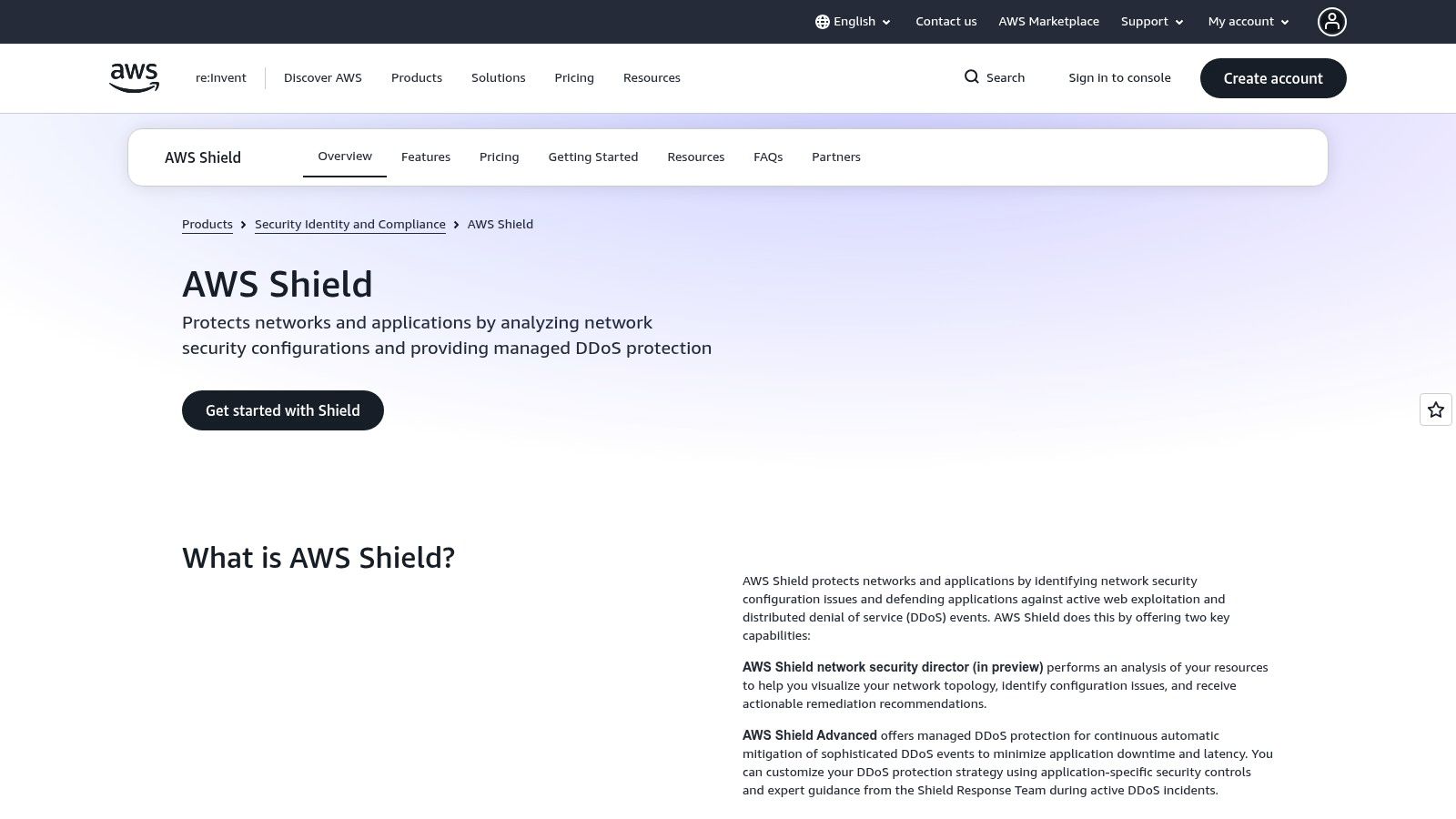
AWS Shield makes sense under one condition. Your workload already runs on supported AWS services such as CloudFront, Elastic Load Balancing, EC2, Route 53, or Global Accelerator. Inside that boundary it's convenient. Outside it, it's not a general mitigation service for arbitrary IPs at another host.
Shield Standard is included automatically and covers common network and transport layer attacks with little setup and no separate Shield fee. Shield Advanced adds broader Layer 3, 4, and 7 protection for supported resources, better attack visibility, and cost protection for certain DDoS-related scaling charges. That cost protection is a genuine differentiator, because an attack that triggers autoscaling can hurt you on the invoice after it fails to hurt you on uptime.
Read the commitment before you enable it
Advanced isn't a casual toggle. It carries a monthly organization-level subscription plus applicable usage charges and requires a one-year subscription commitment. Access to the AWS Shield Response Team also requires AWS Business Support+ or Enterprise Support. Teams often discover that support dependency during an incident, which is the worst time to learn it.
Attack volume inside large clouds keeps climbing. Microsoft reported that it mitigated 1.25 million DDoS attacks during the second half of 2024. I cite a rival cloud's number deliberately. The lesson is platform-wide. Default infrastructure protection handles the provider's problem. Your workload still needs its own deliberate coverage.
- Best for AWS-native stacks: Integration with AWS security and traffic services removes routing work.
- Weak for hybrid estates: A Tampa colocation cabinet or a VPS elsewhere gains nothing from Shield.
- Support plan dependency: Budget for the support tier if you expect human help during an attack.
Buy Shield Advanced when the protected resources are the business and they're already in AWS. Don't let its presence in one cloud account create a false sense of coverage for everything else you run.
4. Akamai Prolexic
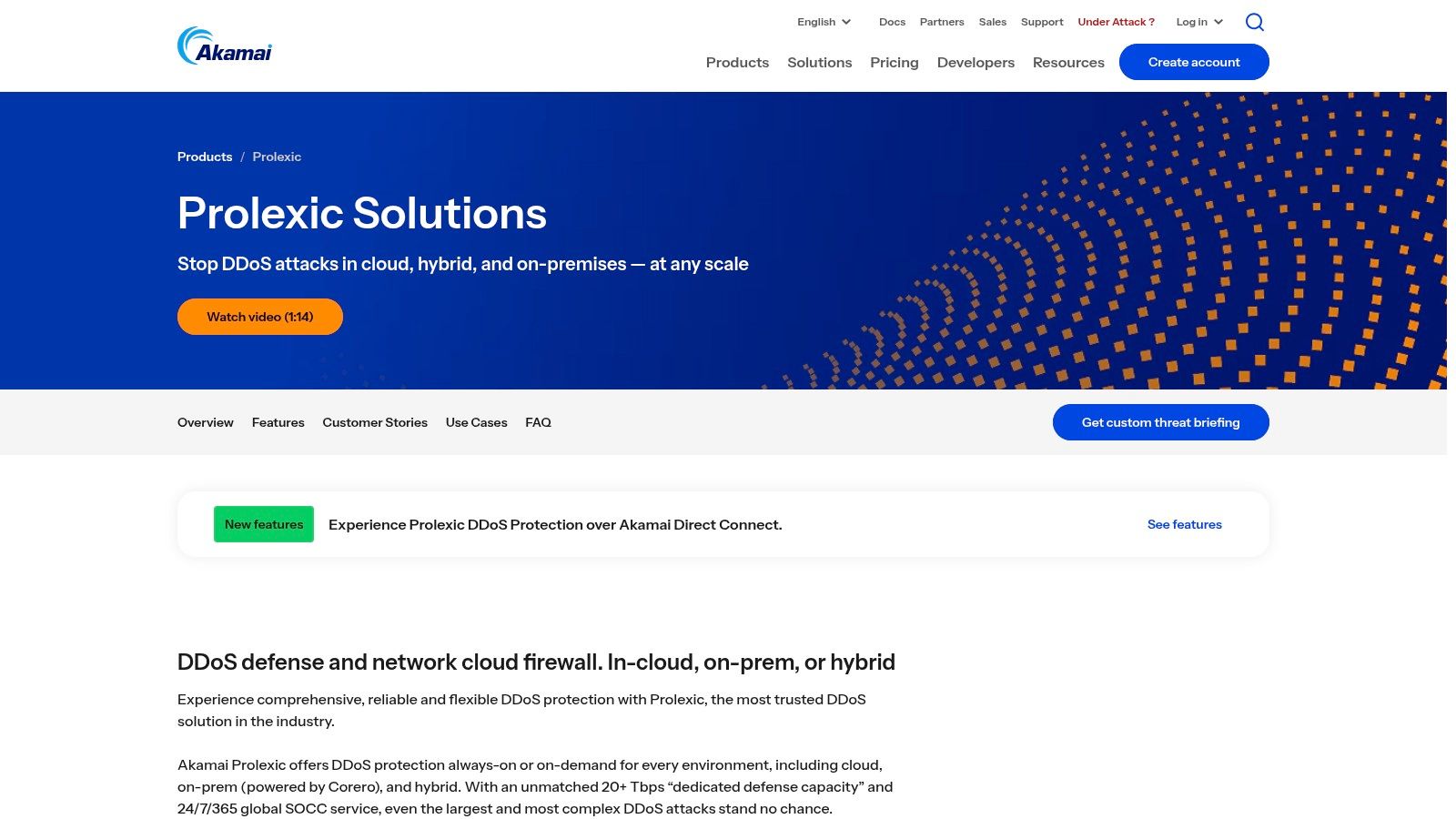
Akamai Prolexic protects network address space rather than only a website behind a proxy. It supports cloud, on-premises, and hybrid deployments, with always-on or on-demand mitigation and cloud scrubbing, on-premises defenses, or both. That reach suits infrastructure buyers, but it brings routing and deployment work that a website proxy avoids.
Prolexic Network Cloud Firewall applies network-wide ACLs and firewall rules to traffic bound for your address space. IP Protect can cover some smaller or fragmented address space when a conventional prefix-based setup does not fit. Akamai also provides 24/7 security operations support and incident-readiness work. During an attack, that support can help coordinate your team, transit providers, and scrubbing center.
Prefix-level protection addresses traffic that never becomes an HTTP request. A website proxy cannot protect services that do not pass through it.
The cost is complexity, not just money
Standard routed deployments require BGP and suitable address space. There is no self-service signup or public product-page pricing, so expect a sales process. Bring your prefix list, ASN details, and failover expectations to the first discussion.
For one small website, this setup is excessive. It fits enterprises and network operators whose infrastructure and customers depend on protected address space. Network-layer filtering also addresses distributed attacks that spread traffic across multiple addresses, rather than targeting a single hostname. For a practical overview of DDoS protection at the network layer, compare the service's routing model with your own requirements.
Choose Prolexic when you need protection for network infrastructure, not just web traffic. The trade-off is enterprise-level deployment and sales friction in return for coverage across cloud, on-premises, or hybrid networks. If your assets are limited to a small website, that added complexity and capacity may not fit.
5. Imperva DDoS Protection
Imperva covers websites, applications, APIs, networks, DNS, and individual IPs. Website traffic passes through a secure proxy. Network and IP protection can extend to services that cannot sit behind a website proxy, so the model offers broader coverage than a web-only service. The trade-off is that each asset type may have different deployment requirements and protection terms.
For a mixed estate, that can mean proxying a storefront, protecting its DNS, and covering individual IPs used by services that cannot use a web proxy. Imperva advertises a three-second mitigation SLA for Layer 3 and 4 attacks. Treat that as a contract detail to verify: ask how it applies to your assets and routing model, and what measurement points, exclusions, and remedies are included.
Where buyers get tripped up
A quote can cover a website thoroughly while providing narrower protection for network assets. Ask Imperva to list every protected asset by name, address, and service tier. The main business services do not have clearly published list pricing, so buyers cannot readily compare a quote with a public rate.
- Broad asset coverage: Web, API, DNS, network, and single-IP options under one vendor can simplify escalation. The trade-off is that coverage and deployment may differ by asset.
- Emergency onboarding: Imperva offers assistance to organizations already under attack, which can help when procurement time is limited.
- SLA needs verification: Confirm how mitigation time is measured, which conditions are excluded, and what remedies the contract provides.
Application-layer protection also needs a practical test. Ask the vendor to simulate HTTP and API traffic against login and checkout flows, then review how the policies handle legitimate users as well as attack requests. A homepage response alone does not show whether a policy will protect the routes your customers depend on. Testing those paths helps expose the trade-off between blocking abusive traffic and disrupting real transactions.
Imperva fits organizations that want one vendor for web applications and non-web infrastructure, provided they confirm the scope asset by asset. It is a poor fit for buyers who need transparent, self-service pricing immediately.
6. Radware Cloud DDoS Protection
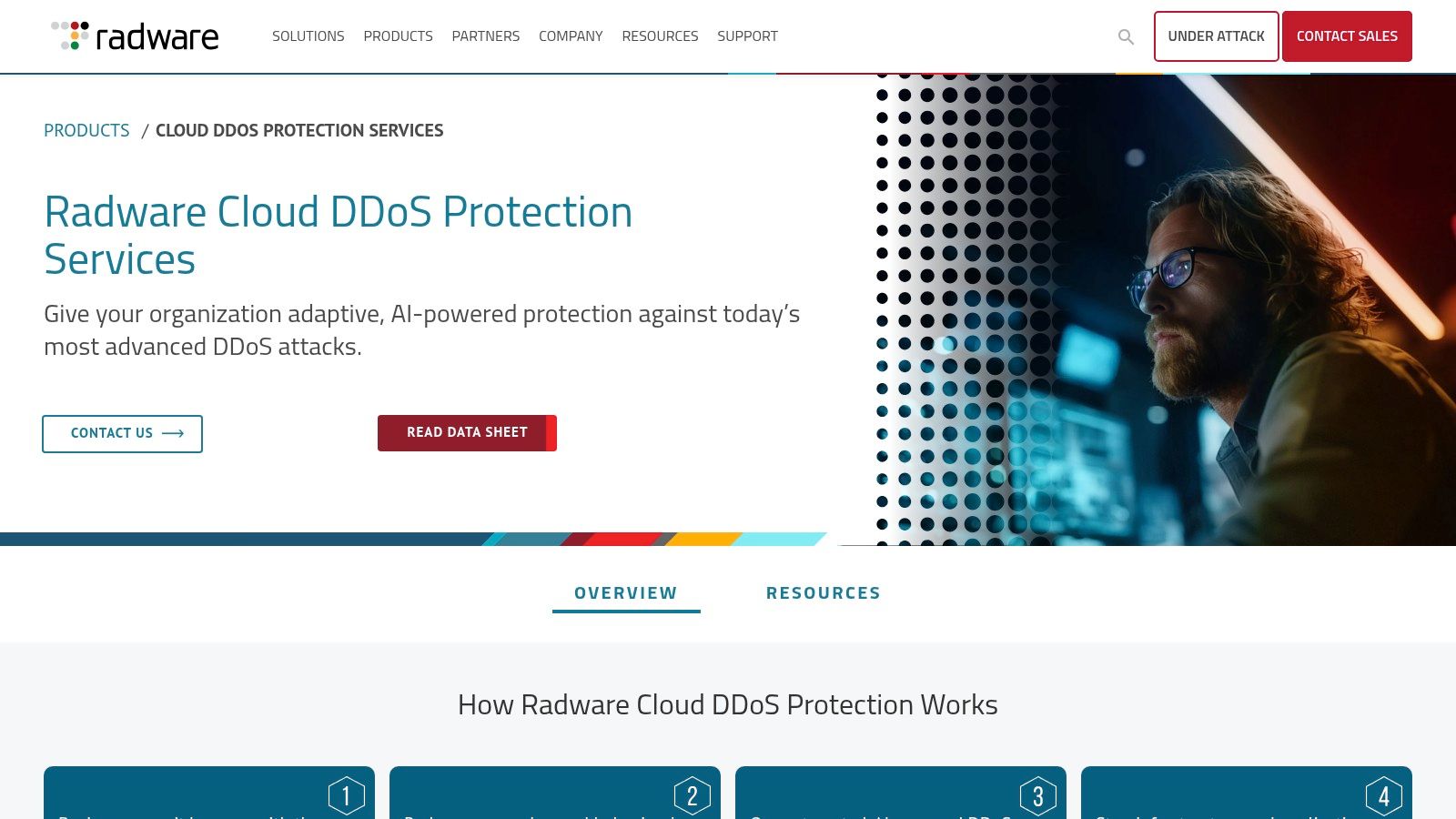
Radware suits operators whose infrastructure needs more than a website proxy. Its cloud DDoS protection can be deployed as always-on, on-demand, or hybrid mitigation across on-premises, private-cloud, public-cloud, and hybrid environments. Behavioral detection creates defense signatures automatically. Hybrid deployments combine cloud scrubbing with local mitigation, giving teams routing choices while adding configuration and operational work.
On-demand protection involves a diversion decision, and that delay can cost useful response time. NETSCOUT reported that 49.79% of attacks lasted 5 to 15 minutes and 19.88% lasted under five minutes during July to December 2025. A response taking longer than five minutes misses attacks that end sooner and uses up much of the window for many others. Detection, diversion, and provider escalation need to happen in minutes, not after a lengthy escalation chain.
Hybrid is powerful and unforgiving
Local filtering can handle low-latency traffic, while cloud scrubbing absorbs attacks that threaten the link. The trade-off is operational complexity: teams must rehearse who announces diversion, how return traffic flows, and how to prevent asymmetric routing. Radware's Emergency Response Team and centralized reporting support incident response, but your staff still need a runbook.
- Flexible routing models: Choose always-on, on-demand, or hybrid based on latency and diversion tolerance.
- Managed response available: A practical option for infrastructure teams with limited overnight staffing.
- Quote-based pricing: Confirm capacity, SLA, and protected assets in the proposal.
Radware is a network mitigation service, not just a CDN proxy. That distinction matters if you need protection for infrastructure beyond HTTP, including exposed IP addresses, DNS, or other services. Confirm that each asset and protocol is in scope. Radware fits multi-cloud and hybrid operators prepared to manage routing; teams unable to explain their BGP failover should choose always-on mitigation or a simpler deployment.
7. Fastly DDoS Protection
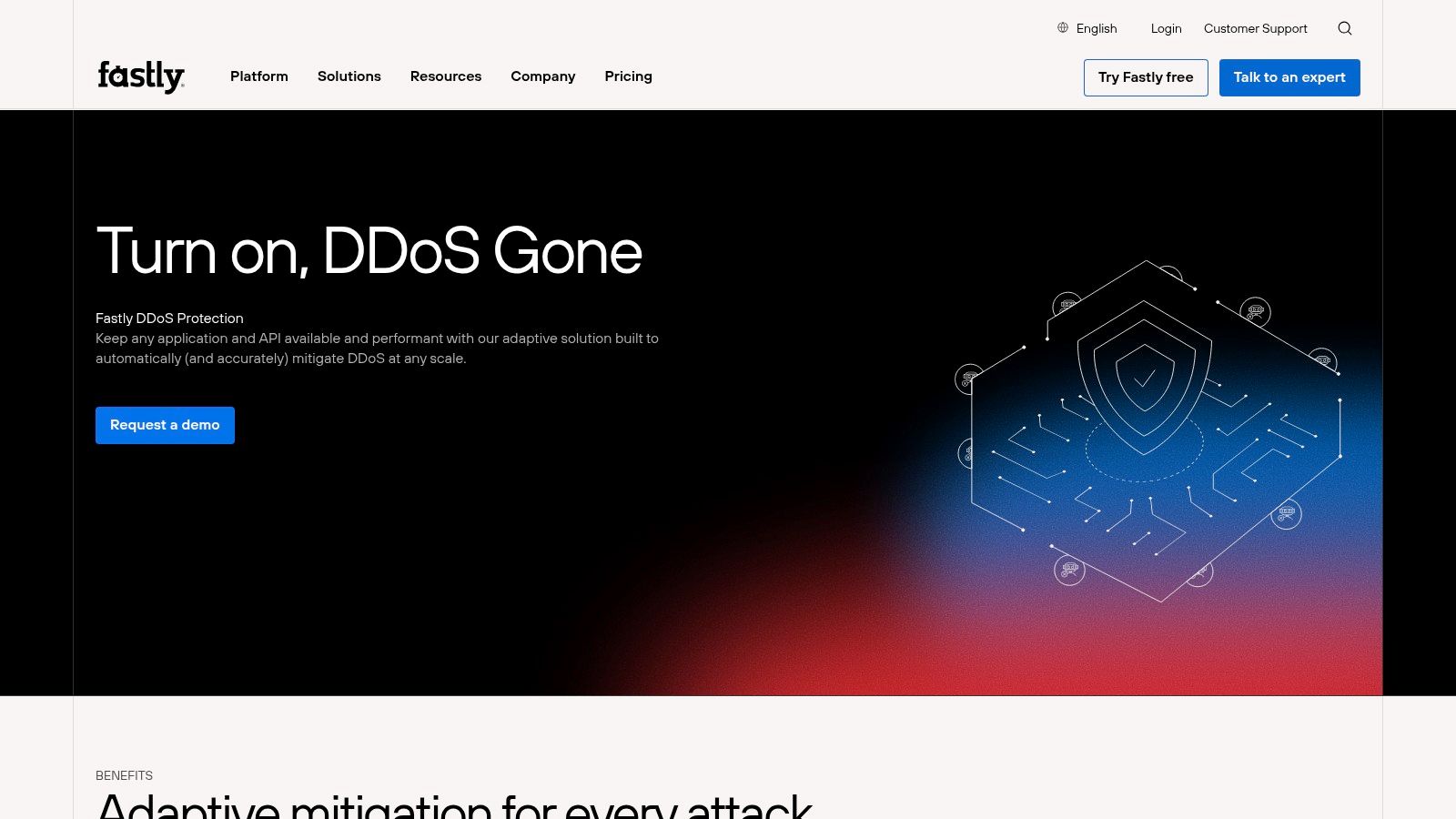
Fastly is a focused option for application and API traffic, not a substitute for protection across an entire network. It suits teams that need to defend HTTP services and inspect mitigation decisions. The trade-off is narrower coverage: infrastructure, DNS, and non-HTTP services need their own protection.
How traffic reaches Fastly
Fastly's protection applies when the relevant application traffic is routed through its service, typically by directing the website or API hostname to Fastly as a proxy. Requests then pass through Fastly before reaching the origin. This puts the protected HTTP path in front of the server, where Fastly can filter traffic before forwarding requests.
That boundary matters during an incident. If an attacker can reach the origin IP directly, they can bypass the proxy and send traffic straight to the server or its uplink. Restrict origin access to Fastly's network where possible, and use a separate network-level mitigation service if direct IP attacks or non-HTTP services are in scope. A website proxy does not protect your mail, VPN, game or voice traffic by default.
Check the fit before buying
Fastly's security-package pricing is contact-sales, rather than a standalone published rate. Confirm which applications and protocols are covered, how rules are tuned, and what happens when legitimate API clients are blocked. Rule visibility can help technical teams investigate false positives, but it does not remove the need to test exceptions carefully.
Cloudflare's 2025 Q1 report says 89% of Layer 3/4 attacks and 75% of HTTP attacks ended within 10 minutes. Those figures describe attack duration across different layers. They show why mitigation must be ready during short attacks, but they do not establish Fastly's response speed or prove that any single service is sufficient.
- API-focused fit: Consider Fastly when HTTP applications and APIs are the main concern.
- Origin protection: Prevent direct access to the origin, or proxy filtering can be bypassed.
- Coverage trade-off: Pair it with network and protocol protection if your IPs or non-HTTP services are exposed.
Fastly can fill the application-layer role in a layered design. It is a poor fit as the only defense for infrastructure buyers who need protection for network prefixes, DNS, or other protocols.
How the seven DDoS protection options differ by service model, coverage, published SLA, and pricing visibility
| Item | Service Model | Layers Covered | Published SLA | Pricing Visibility |
|---|---|---|---|---|
| Cloudflare Management | Managed Cloudflare administration; scope to confirm | Not specified | Not stated | Not stated |
| Cloudflare | Self-service website protection; enterprise Magic Transit for networks | Layers 3, 4, and 7; network-prefix protection via Magic Transit | Not stated | Free entry plan; website plan pricing published; Magic Transit quote-based |
| AWS Shield | AWS-integrated protection; Standard included, Advanced subscription | Standard covers network and transport layers; Advanced covers Layers 3, 4, and 7 | Not stated | Standard has no separate fee; Advanced has subscription and usage charges |
| Akamai Prolexic | Enterprise, always-on or on-demand; cloud, on-premises, or hybrid | Network and infrastructure protection; specific layers not stated | Not stated | Public pricing not listed; contact sales |
| Imperva DDoS Protection | Always-on or on-demand options for web and network assets | Website, application, API, network, DNS, and IP protection; Layers 3 and 4 SLA noted | Three-second mitigation SLA for Layers 3 and 4; confirm applicability | Public list pricing not clearly provided |
| Radware Cloud DDoS Protection | Managed always-on, on-demand, or hybrid mitigation | Infrastructure protection; specific layers not stated | Verify in proposal | Quote-based |
| Fastly DDoS Protection | Managed application and API mitigation | Application and API traffic; primarily Layer 7 | Not stated | Contact sales; pricing based on legitimate traffic |
Pick the Protection Model Before You Pick the Vendor
Choose the protection boundary before comparing vendors. A website proxy covers a different surface than prefix protection or a service that filters traffic across the network path. Put a proxy in front of a site and the mail server, VPN concentrator, DNS, and non-HTTP services may remain exposed. The trade-off is straightforward: broader coverage usually means more infrastructure to configure and a different buying process.
Ask each vendor, in writing, whether mitigation still works when an attacker sends traffic directly to your origin IP. If the answer depends on keeping that address secret, you are buying website protection, not network protection. That can fit a site with no exposed services behind the proxy. It does not fit an infrastructure buyer who needs protection for IPs, DNS, or services the proxy does not carry.
Verify coverage like an engineer, not a buyer
Build a coverage map before signing. List every public IPv4 and IPv6 address, hostname, and non-web service, then mark the control that protects each one. Give IPv6 its own line. An enabled but unmonitored address can create a bypass, so test exposure instead of assuming the vendor covers it.
Preserve evidence during an incident. CISA recommends collecting timestamps, source IP addresses, packet captures, and network equipment logs before aggressively changing infrastructure. On a Linux origin, sample SYN traffic rather than trying to store a flood:
tcpdump -ni eth0 -c 1000 'tcp[tcpflags] & tcp-syn != 0'
Pair the sample with firewall counters and application logs. That shows whether traffic reached the service. For local controls, CISA's quick guide recommends limiting SYNs per second per source and destination IP, with ICMP and UDP thresholds on the firewall. Test thresholds against normal peaks first. Set them too low and you can block NAT gateways or busy API clients along with attack traffic. NIST describes a cycle of configuration, performance analysis, monitoring, and verification for anti-spoofing controls. Record what gets dropped, compare it with application health, and repeat after each change.
Put testable terms in the contract for whichever of the best DDoS protection services you choose: time to detect, time to mitigate, maximum capacity, false-positive handling, and a named escalation procedure. The market projection estimates spending grows from approximately USD 4.73 billion in 2025 to USD 10.28 billion by 2031. As more organizations consider protection, vendors have a reason to sell broad promises. Require specifics that match your traffic and coverage map.
If your mitigation lets through more traffic than your origin can handle, address the capacity gap. Dedicated bare metal servers may suit workloads that need physical capacity, with the trade-off of managing the underlying hardware. If the gap is staffing, and nobody can own thresholds, runbooks, and 2 a.m. escalation, consider managed services rather than treating a dashboard as a network team.
ARPHost, LLC runs bare metal, VPS, colocation, and Proxmox private clouds in Tampa, with managed support for servers behind DDoS protection. Its Cloudflare Management service is an administration layer, not a mitigation network. Confirm that the mitigation provider protects every address and service on your map, and size, patch, and monitor the origin for the traffic that reaches it.

Leave a Reply
You must be logged in to post a comment.