

A bare metal server is a single-tenant physical machine where the operating system runs directly on the hardware, with no hypervisor between the OS and the CPU, RAM, storage, and network interface. The term describes direct ownership of the machine's resources, rather than a virtual slice carved from a shared host.
You usually notice the distinction during an incident. A virtual machine may have enough assigned vCPUs and memory, yet storage latency or CPU scheduling still varies under host contention. On bare metal, you can inspect the actual processor, memory modules, controllers, firmware, and network devices, then tune the operating system around that hardware.
The practical question isn't whether bare metal is always faster. It isn't. The question is whether exclusive resources, hardware-level control, and predictable behavior matter more than rapid provisioning, elastic scaling, and simple lifecycle management.
Table of Contents
- What a Bare Metal Server Actually Means
- How the Hardware-to-OS Stack Works on Bare Metal
- Bare Metal Compared to Shared Hosting, VPS, and Cloud Instances
- Performance, Security, and Management Trade-offs
- Workloads That Genuinely Fit Bare Metal
- Choosing and Sizing a Bare Metal Server
- From Sign-Up to First Live Workload
- When Bare Metal Is the Right Answer and Next Steps
What a Bare Metal Server Actually Means
A bare metal server is a single-tenant physical machine where the OS talks directly to the CPU, RAM, storage, and NIC, without a hypervisor sitting between them. IBM's explanation of bare metal servers describes the same core model, direct use of a dedicated machine rather than a virtualized environment.
That definition makes more sense beside shared hosting and VPS hosting. In shared hosting, many websites use the same physical system and service stack. A VPS gives you an isolated operating-system environment, but a hypervisor still divides one physical host into multiple virtual machines. On bare metal, one customer receives the whole server, including its installed processors, memory slots, storage devices, PCIe resources, and network interfaces.
What single tenant changes
Single tenancy gives you a fixed physical resource boundary. You get full root or Administrator access, and you can choose the kernel, bootloader, storage layout, drivers, and firmware tools that fit the workload. You aren't limited to the virtual hardware profile exposed by a hosting platform.
That control matters for workloads that depend on NUMA placement, huge pages, direct device access, or carefully tuned interrupt handling. It also matters when an engineer needs to diagnose a fault below the guest operating system, such as a failing NVMe device, a bad memory module, or a firmware mismatch.
The term has also survived beyond traditional dedicated web servers. Kubernetes nodes, edge appliances, private cloud hosts, and high-performance compute systems can all run directly on physical hardware. In each case, "bare metal" describes the deployment model, not a specific application.
Practical rule: If you need to inspect or tune the physical platform itself, you aren't evaluating an ordinary VM anymore.
The history follows the same idea. Early computing workloads ran on dedicated machines before virtualization and cloud hosting became common. Modern provisioning systems later made physical-server deployment repeatable, but the underlying distinction remained: the workload runs on the machine, not inside a guest managed by a hypervisor.
How the Hardware-to-OS Stack Works on Bare Metal
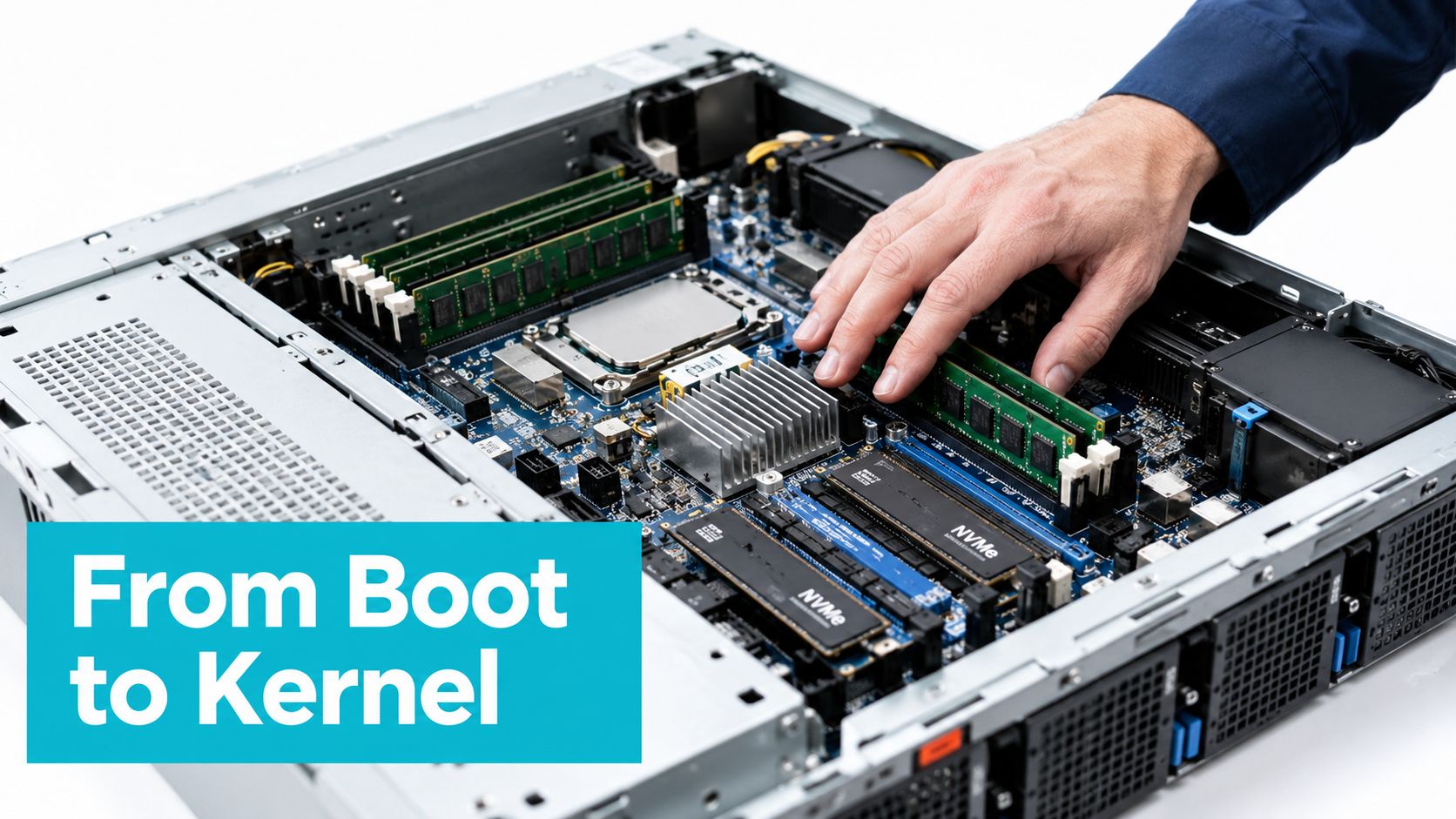
A bare metal boot path starts before Linux or Windows loads. The server powers on, firmware performs POST, and BIOS or UEFI discovers the platform. A bootloader such as GRUB or systemd-boot loads the kernel, while iPXE can retrieve an installer or operating system over the network.
Linux then loads the kernel and initramfs into memory. The initramfs discovers enough hardware to mount the root filesystem, after which the kernel binds drivers to devices such as the NIC, NVMe controller, and BMC interface. Firmware interfaces including BIOS or UEFI and ACPI remain part of the operating environment, not hidden implementation details. Atlantic.Net's bare metal overview explains why direct drivers and firmware settings matter in this model.
A VM follows a different path. The guest sees virtual CPUs, virtual disks, and virtual network cards presented by a Type 1 hypervisor or host virtualization stack such as ESXi, Proxmox, or KVM. The guest kernel still manages its virtual devices, but another software layer schedules and translates those operations before they reach physical hardware.
Verify what Linux can see
On a Linux server, these commands reveal the platform exposed to the operating system:
lscpu
dmidecode -t memory | grep Size
lsblk -o NAME,SIZE,MODEL,TRAN
ethtool eth0
ip -s link show
Expected output will vary by hardware, but you should see physical CPU topology from lscpu, installed memory entries from dmidecode, device models and transport types from lsblk, negotiated link details from ethtool, and packet counters from ip -s link.
The exact interface may not be eth0. Modern distributions often use predictable names such as ens192, enp1s0, or eno1. If the interface name differs, substitute the name shown by ip link.
Firmware and out-of-band control
A server's BMC provides out-of-band management through technologies such as IPMI 2.0 or Redfish. That channel can expose sensor readings, remote console access, power controls, and firmware operations even when the operating system is unavailable. Engineers should keep BMC firmware, system firmware, storage firmware, and NIC firmware in the maintenance plan.
Direct hardware access also makes features such as huge pages, SR-IOV, and NUMA pinning more visible at the operating-system level. Those features still require careful validation. Bare metal gives you the controls, but it doesn't automatically produce a good configuration.
Bare Metal Compared to Shared Hosting, VPS, and Cloud Instances
The hosting model changes the boundary around your workload. Shared hosting prioritizes convenience and density. VPS hosting adds stronger separation and administrative control. Cloud instances add APIs, images, and automation. Bare metal gives you the entire physical host, but provisioning and capacity changes are less flexible.
The comparison below focuses on architecture rather than vendor-specific packaging.
| Dimension | Shared Hosting | VPS | Cloud Instance | Bare Metal |
|---|---|---|---|---|
| Resource isolation | Shared application and host resources | Virtual allocation on a shared physical host | Virtual allocation on provider infrastructure | Dedicated physical machine |
| Performance ceiling | Limited by hosting policy and shared platform | Limited by assigned virtual resources and host contention | Depends on instance type and underlying platform | Limited by the installed hardware |
| Performance variability | Often affected by other sites | Can be affected by host and storage contention | Depends on provider capacity and placement | Usually more predictable for the assigned machine |
| Operating system control | Limited | Root or Administrator access within the VM | Root or Administrator access within the instance | Full OS, driver, boot, and firmware control |
| Provisioning speed | Usually immediate | Usually fast | Usually API-driven and fast | Depends on physical availability and installation |
| Scaling model | Plan changes or migration | Resize or migrate | Elastic instance and service changes | Add, replace, or cluster physical servers |
| Typical fit | General websites and email | Applications with moderate control needs | Rapidly changing or distributed services | Performance-sensitive, dense, or hardware-specific workloads |
A VPS still makes sense when you need isolation from ordinary shared hosting without taking responsibility for a physical platform. A cloud instance is often the better choice when you need repeatable images, short-lived environments, or capacity in multiple regions.
Bare metal is the clearer choice when a workload consumes the machine continuously and benefits from stable CPU, memory, or storage behavior. The bare metal versus VM comparison can help frame that decision alongside virtualization trade-offs.
A dedicated server doesn't remove operational work. It moves more of that work into your hands.
The biggest misconception is that bare metal automatically wins every benchmark. Modern virtualization can be highly efficient, and a well-sized VM may be the right engineering choice. Bare metal earns its place when the application can't tolerate shared-resource uncertainty, requires physical device access, or needs more capacity than a practical virtual profile provides.
Performance, Security, and Management Trade-offs
The performance case comes from removing an intermediate virtualization layer and eliminating contention for the machine's physical resources. One independent study reported CPU benchmark results roughly 18% to 25% higher and disk I/O roughly 40% to 50% faster on bare metal than on comparable cloud VMs. Those results come from a specific benchmark environment, so they shouldn't be treated as a universal promise. The INRIA research paper provides the underlying study.
CPU scheduling, storage paths, interrupt handling, and memory placement all influence the outcome. A database with a stable working set may benefit from dedicated memory and NVMe devices. A latency-sensitive service may benefit from CPU pinning and NUMA-aware placement. A workload that spends most of its time waiting on an external API may see little improvement.
Security boundaries and responsibilities
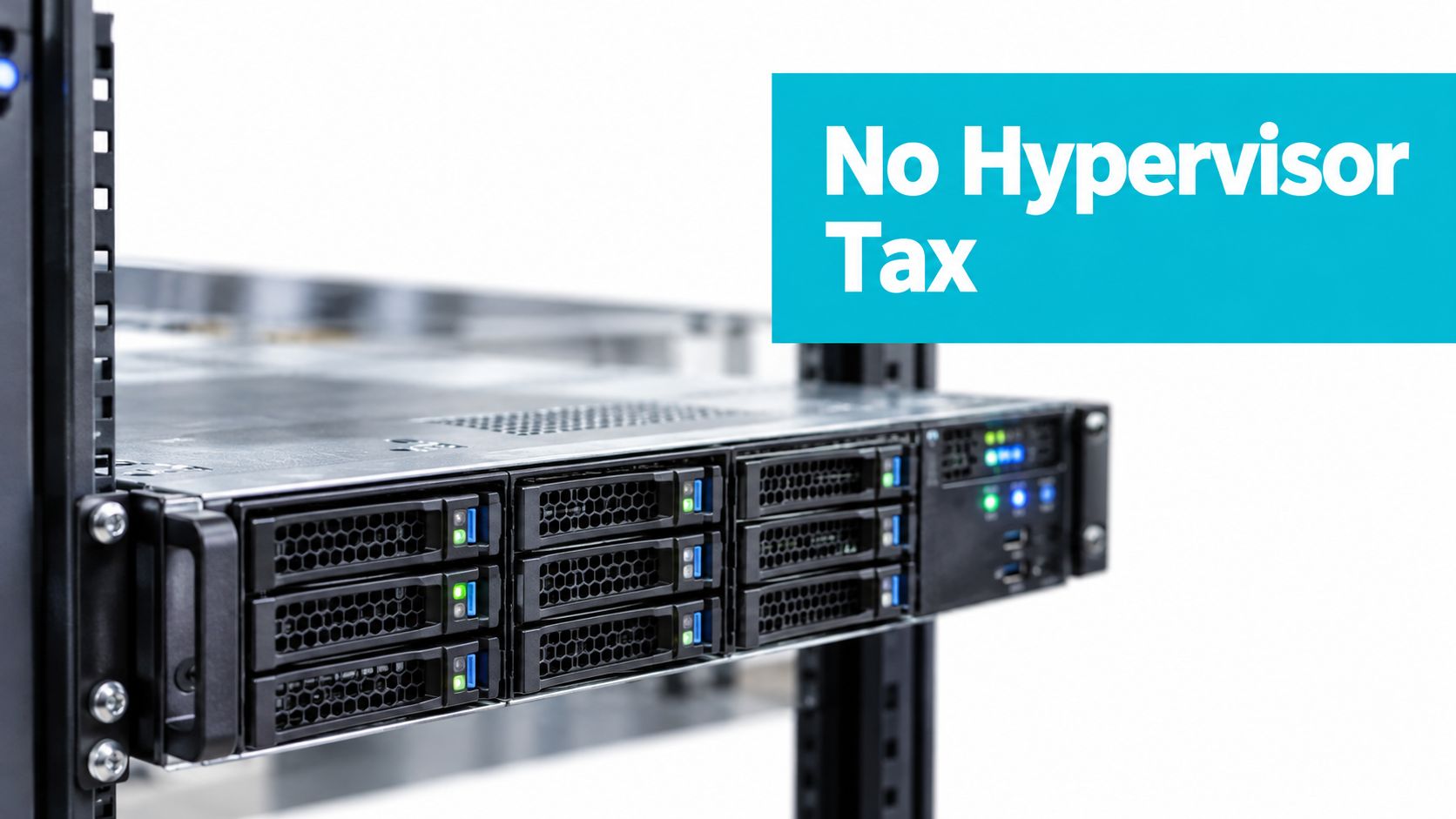
Single tenancy removes the ordinary noisy-neighbor problem created by unrelated customers sharing the same physical host. It also gives you a smaller infrastructure boundary to document. But it doesn't remove security work.
You still need to patch the kernel, harden services, restrict management access, monitor logs, and maintain firmware. Physical isolation also doesn't replace application security or network controls. The ARPHost security layers overview is relevant when mapping host security, firewalling, monitoring, and attack mitigation into a broader operating model.
The management bill is measured in attention
A physical server needs lifecycle work. That includes firmware updates, disk replacement, hardware diagnostics, OS upgrades, backup testing, and capacity planning. With a cloud instance, an API call can often replace a failed virtual resource. With bare metal, the provider or your operations team must handle the physical event.
Bare metal therefore trades operational convenience for control. A self-managed deployment can be efficient for a team with monitoring, on-call coverage, and documented recovery procedures. A managed deployment can make more sense when nobody owns firmware, hardware escalation, or overnight incident response.
Workloads That Genuinely Fit Bare Metal
A workload fits bare metal when it uses enough of a machine, for enough of its life, that shared infrastructure becomes the constraint. The strongest candidates usually have sustained compute demand, high memory requirements, storage sensitivity, or strict control requirements.
Databases and storage-heavy services
A PostgreSQL or MySQL system with a large active dataset can benefit from dedicated memory, direct NVMe access, and a storage layout chosen for its write pattern. The important question isn't whether the database name sounds enterprise-grade. Measure buffer-cache effectiveness, I/O wait, checkpoint behavior, and tail latency, then determine whether shared storage is limiting the service.
Bare metal also suits systems that need local disks for predictable access. RAID design, filesystem choice, backups, and replacement procedures still require engineering. Dedicated hardware won't protect you from a poor schema, missing indexes, or an untested restore.
AI inference and high-memory compute
AI and machine learning inference can require large, contiguous memory and direct access to accelerators. A physical host may provide a clearer path to GPUs, high-memory configurations, or specialized PCIe devices than a general-purpose VM profile.
The trade-off is concentration of risk. If one machine hosts the model and it fails, the service needs a recovery or failover design. Bare metal is a capacity decision, not a high-availability architecture by itself.
Virtualization and private cloud hosts
Bare metal is also the foundation for a Proxmox cluster or another private cloud. In that case, the physical server is intentionally used as a virtualization host. The distinction is important: bare metal doesn't mean you can't run VMs. It means the customer controls the physical host on which the hypervisor runs.
This model works well for teams that need several isolated guests but want control over the underlying hardware, storage, and cluster design. ARPHost's Proxmox private cloud service is one example of a private-cloud approach built around physical infrastructure.
Other strong candidates
Media transcoding, game servers, high-core-count compute, edge processing, and compliance-sensitive systems can also fit. Each requires a different validation plan:
- Compute-heavy services: Check sustained CPU utilization, thermal behavior, and parallelism.
- Game servers: Measure tick stability and network latency, not just average CPU use.
- Media pipelines: Test codec throughput, storage reads, and concurrent job behavior.
- Compliance workloads: Document access controls, physical assignment, logging, patching, and recovery boundaries.
Kubernetes can run on bare metal, but container placement alone isn't a reason to choose it. Teams must still decide how they want to handle kernel sharing, upgrades, fault domains, and workload isolation.
Choosing and Sizing a Bare Metal Server
Start with measurements, not a favorite processor family. Capture CPU utilization, memory pressure, disk latency, network throughput, concurrency, and failure-recovery requirements during representative periods. Then size the machine around the bottleneck that limits the service.
For CPU, newer Intel Xeon and AMD EPYC platforms can serve different profiles. Higher clock behavior may matter for a lightly threaded web application, while core count and cache can matter more for parallel database work, transcoding, or inference. Memory should use ECC where available, with enough capacity for the active working set, kernel page cache, and operational headroom.
For storage, NVMe generally fits latency-sensitive databases and high-throughput processing better than SATA SSDs. RAID-10 prioritizes performance and redundancy for active transactional data, while capacity-oriented archives may use a different protection layout. Confirm the controller, drive endurance, rebuild behavior, and backup design rather than treating RAID as a backup.
| Workload | CPU Priority | Storage Type | Memory Sizing | SLA Need |
|---|---|---|---|---|
| Web application | Strong per-core response | NVMe for application and database paths | Working set plus cache headroom | Fast hardware response and network monitoring |
| Transactional database | Balanced clock, cache, and cores | Enterprise NVMe with a tested redundant layout | Large database cache with growth room | Hardware replacement and recovery clarity |
| AI or ML inference | High core count and accelerator support | NVMe for models and staging data | Sized for the model and concurrent requests | Hardware access and rapid escalation |
| Virtualization host | Many cores with strong memory bandwidth | Mirrored or redundant NVMe storage | Guest allocations plus host overhead | Cluster-aware replacement and maintenance |
| Archive or media storage | Parallel processing capability | Capacity-oriented storage with redundancy | Sized for metadata and active jobs | Restoration and storage replacement terms |
Network capacity is easy to overlook. Confirm the port speed, included transfer policy, upstream design, DDoS handling, and whether the uplink is dedicated or shared. Also read the SLA closely. Uptime credits, replacement targets, support ownership, and escalation procedures matter more than a headline specification.
Location becomes relevant when users or operators are concentrated in a region, when remote hands matter, or when disaster-recovery planning requires a separate facility. A Tampa, Florida deployment may reduce latency for Southeastern US users and provide a local option for teams that need on-site assistance, but it shouldn't replace a measured latency test or a documented recovery plan.
From Sign-Up to First Live Workload
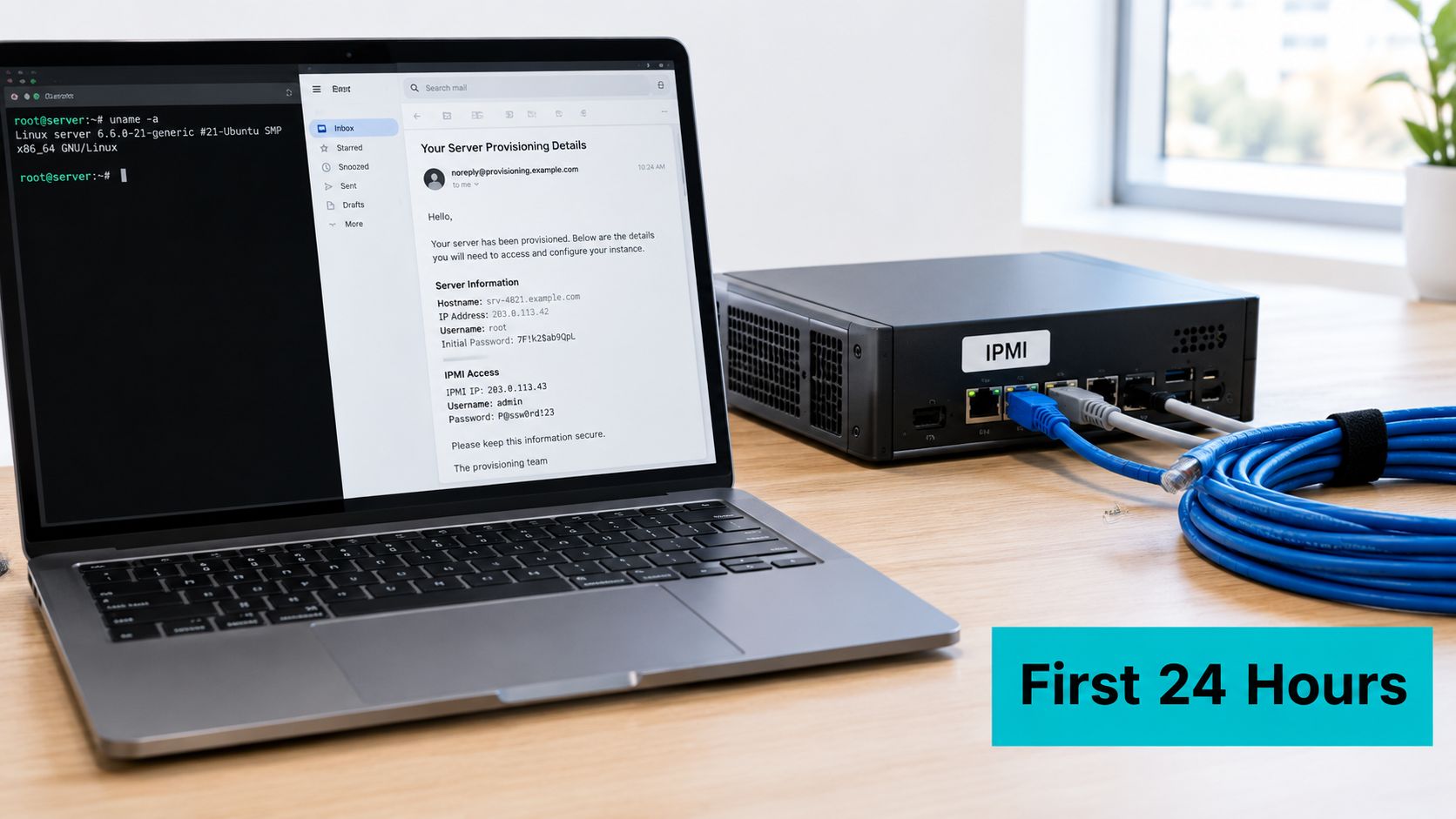
The first day should produce evidence, not just a successful login. Keep the provisioning details, management credentials, assigned network information, OS image choice, and rescue procedure in a controlled record. Before production traffic arrives, verify that the machine you received matches the requested CPU, memory, storage, and network characteristics.
A minimal Debian or Ubuntu installation is a practical starting point for many Linux workloads. Confirm the disk and NVMe layout before creating filesystems:
lsblk -o NAME,SIZE,MODEL,TRAN
sudo nvme list
sudo ethtool ens192
sudo ip link show ens192
For Linux troubleshooting, bringing an interface up is a common first check:
sudo ip link set ens192 up
That command works across Ubuntu, Debian, AlmaLinux, and Rocky Linux, but the state may last only until reboot or service reload unless the network configuration also enables the interface. The Linux network troubleshooting guide from IONOS documents this diagnostic pattern.
Harden before opening services
Use key-based SSH authentication, disable password authentication after confirming key access, and apply a firewall policy before exposing administrative services. Keep the management interface on a restricted path, and verify the provider's DDoS mitigation and routing settings before a public launch.
Run a throughput baseline with iperf3 against an authorized provider endpoint or looking glass:
iperf3 -c <authorized-test-endpoint> -P 4 -t 30
Don't treat one successful test as proof of capacity. Repeat it at suitable times, record latency and retransmits, and compare the result with the service terms.
After the initial setup, run a soak period and inspect kernel messages and drive health:
sudo journalctl -k --since "72 hours ago"
sudo smartctl -a /dev/nvme0
Use the actual device path shown by lsblk or nvme list. A rescue image, provider snapshot, or tested backup should provide a rollback path before you change production configuration.
The bare metal provisioning process should end with clear green-light signals: hardware matches the order, disks pass health checks, link negotiation is correct, firewall rules are active, backups restore, monitoring alerts reach the right person, and rollback steps work.
This video provides a visual introduction to the setup process:
In production, the quiet failures are often more useful than the dramatic ones. A mismatched interface name, a firmware warning, a drive reporting growing errors, or a firewall rule that wasn't persisted can become an outage later. Find those issues during the soak period, while the old service is still available.
When Bare Metal Is the Right Answer and Next Steps
Choose bare metal when predictable single-tenant performance, direct device access, dedicated storage, or physical control outweigh the convenience of elastic instances. It suits long-running databases, private cloud hosts, high-memory inference, media processing, and services where resource contention makes diagnosis difficult.
Choose a VPS or cloud instance when you need rapid capacity changes, multiple geographic regions, disposable environments, or simpler replacement. Virtualization also remains useful when many tenants need stronger kernel boundaries and independent lifecycle management.
The market reflects sustained demand for dedicated infrastructure. One market report estimates the bare metal server segment at about $8 billion in 2025 and projects growth up to $23.69 billion by 2034, with a reported 12.5% CAGR. These are market-report estimates, not a workload-sizing rule. The market report provides the stated projections.
Before requesting a configuration, inventory noisy-neighbor symptoms, peak CPU and I/O behavior, memory requirements, compliance boundaries, and recovery objectives. Then review ARPHost's bare metal servers for current Tampa configurations and available operating-system and management options.
ARPHost, LLC provides bare metal servers, VPS hosting, colocation, Proxmox private clouds, and managed infrastructure services for teams that need more control than shared hosting or a conventional VM. Visit ARPHost, LLC to discuss your workload measurements, provisioning needs, and operational support requirements.

Leave a Reply
You must be logged in to post a comment.